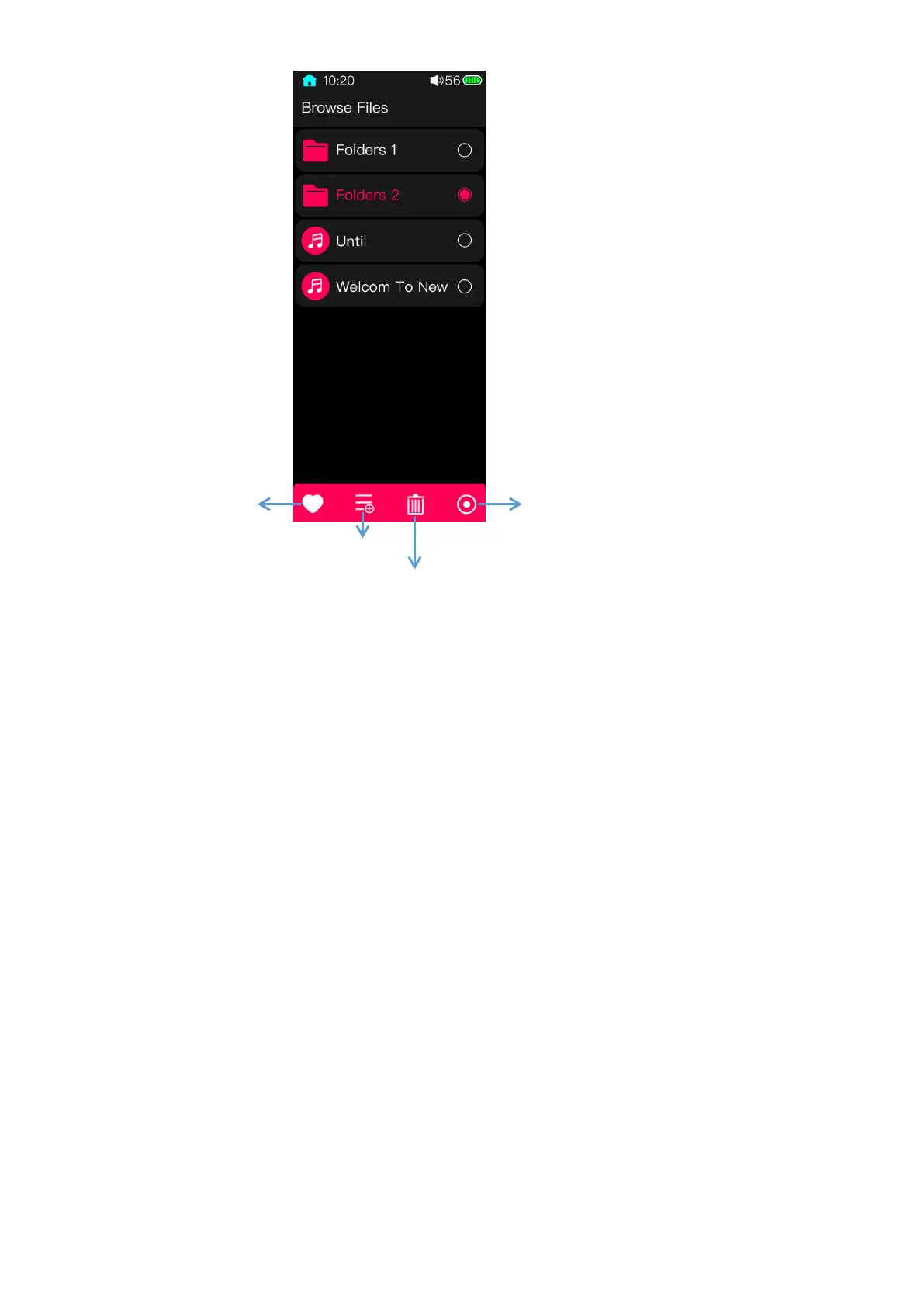
In the Browse files page, swipe from the right edge of the screen to the left can pop up
the Bulk management menu. Choose files and then click the relating operating key in the
bottom of the screen to execute the function.
(Notes: 1. Swipe from the left edge of the screen to the right to return to previous page step
by step; if files are deleted, they cannot be restore anymore; 2. Songs of CUE and ISO
format cannot be deleted.)



 To Next Page