Master Programming Level Programming
MS-9200UD PN 51906:A 12/10/02 117
3.6.10 Password Change
The factory set passwords, which have been programmed into the control panel, can be
changed by selecting the Password Change option. Pressing 1 while viewing
Programming Screen #4 will cause the following screen to be displayed:
Press 1 to change the Master Programming Level password or 2 to change the
Maintenance Level password. Note that the passwords will not
be displayed on
LCD-80F annunciators.
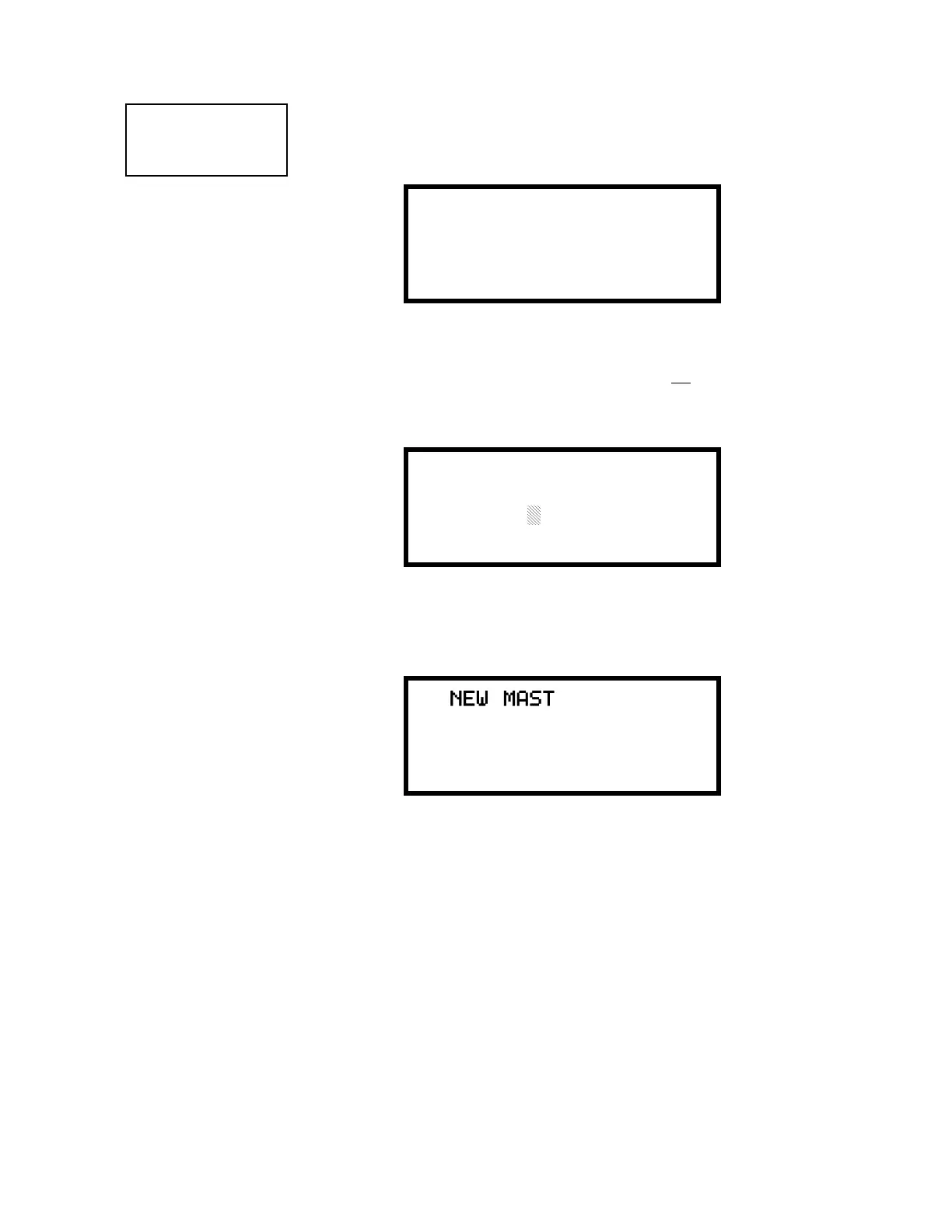
The following screen will appear when either change option is selected:
A flashing cursor will appear in the center of the display. Enter a new five digit
password (such as 10101 for the Master Level). After the fifth digit is entered, the
following screen will be displayed:
Pressing the Enter key will program the new password into the control panel and return
the display to the Password Change Screen.
PROGRAMMING
1=PASSWORD CHANGE
2=CLEAR PROGRAM
3=PROGRAM CHECK
Programming Screen #4
PASSWORD CHANGE
1=MASTER
2=MAINTENANCE
Password Change Screen
ENTER NEW FIVE DIGIT
PASSWORD
Enter Password Screen
NEW MASTER
PASSWORD IS 10101
PRESS ENTER IF OK
Password Change Screen














 To Next Page