3URJUDPPLQJ 0DVWHU3URJUDPPLQJ/HYHO
068'31$
'HVFULSWLRQ
7KH'HVFULSWLRQVHOHFWLRQDOORZVWKHSURJUDPPHUWRHQWHUDGGLWLRQDOLQIRUPDWLRQ
DERXWWKHFRQWUROPRGXOHFXUUHQWO\EHLQJSURJUDPPHG7KLVLQIRUPDWLRQZLOOEH
GLVSOD\HGDVSDUWRIWKHGHYLFHODEHORQWKHGLVSOD\3UHVVLQJZKLOHYLHZLQJ(GLW
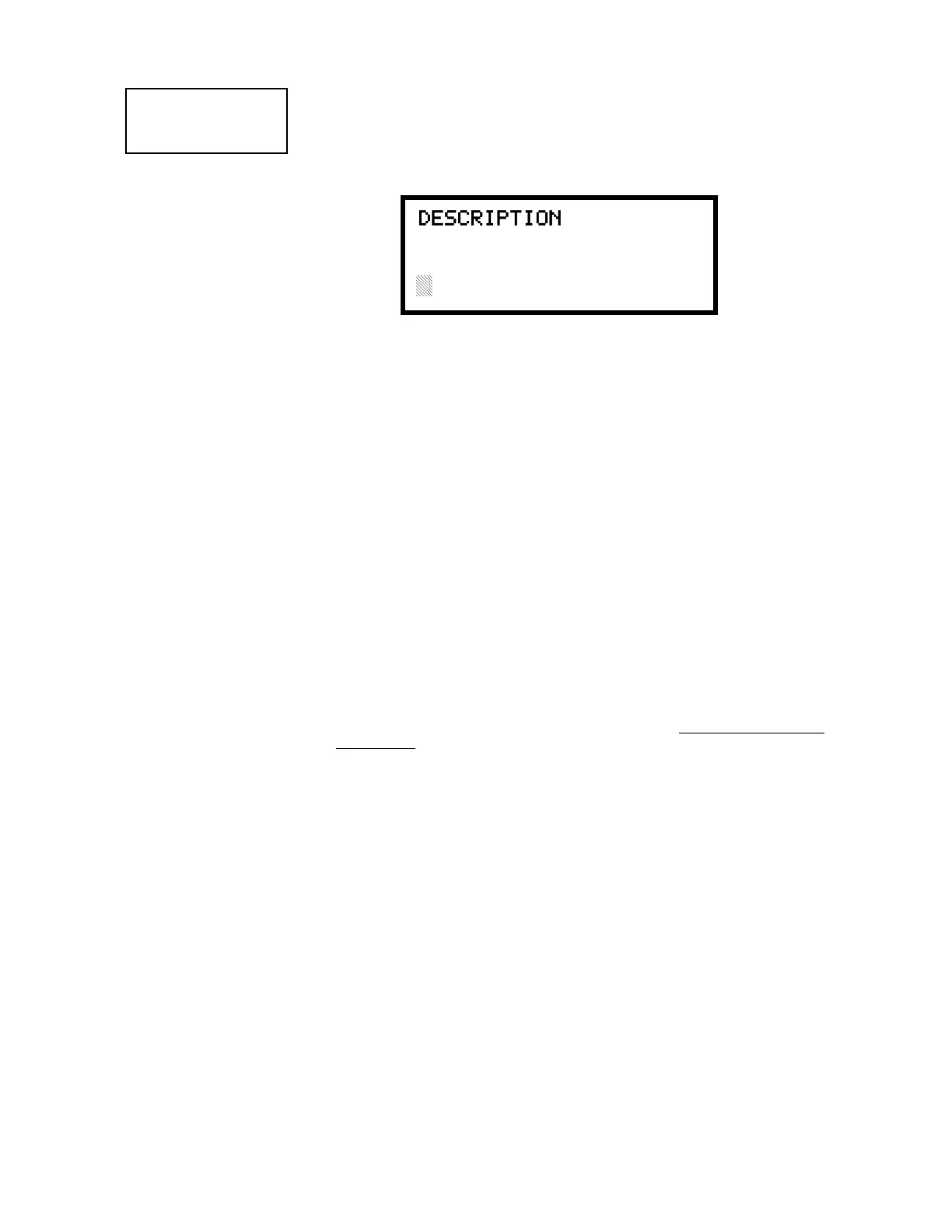
&RQWURO6FUHHQZLOOFDXVHWKHIROORZLQJVFUHHQWREHGLVSOD\HG
$IODVKLQJFXUVRUZLOODSSHDUDWWKHILUVWDVWHULVNWRWKHOHIW7KHSURJUDPPHUFDQ
HQWHUDGGLWLRQDOGHVFULSWLYHLQIRUPDWLRQDERXWWKHGHYLFHEHLQJSURJUDPPHG7KLV
LQIRUPDWLRQZLOODSSHDURQWKHGLVSOD\DORQJZLWKWKHVWDQGDUGGHYLFHODEHO
LQIRUPDWLRQ
$PD[LPXPRIFKDUDFWHUVLQFOXGLQJVSDFHVFDQEHHQWHUHG7RHQWHU
DOSKDQXPHULFFKDUDFWHUVIURPWKHNH\SDGUHSHDWHGO\SUHVVWKHDSSURSULDWHNH\XQWLO
WKHGHVLUHGFKDUDFWHULVGLVSOD\HGLQWKHILUVWSRVLWLRQ)RUH[DPSOHWRHQWHUWKH
OHWWHU
%
SUHVVWKH
$%&
NH\WKUHHWLPHVWRWRJJOHWKURXJKWKHFKDUDFWHUV
$
DQG
%3UHVVWKHULJKWDUURZNH\WRPRYHWKHFXUVRURQHSRVLWLRQWRWKHULJKWDQGUHSHDW
WKHSURFHVVWRHQWHUWKHQH[WFKDUDFWHU7RHQWHUDVSDFHSUHVVWKH4=NH\IRXU
WLPHVXQWLODEODQNDSSHDUVLQWKHGHVLUHGSRVLWLRQ:KHQDOOFKDUDFWHUVKDYHEHHQ
HQWHUHGSUHVVWKH(QWHUNH\WRVWRUHWKHLQIRUPDWLRQ7KHGLVSOD\ZLOOUHWXUQWRWKH
(GLW&RQWURO6FUHHQGLVSOD\LQJWKHQHZLQIRUPDWLRQDWWKHERWWRPRIWKHVFUHHQ
5HFDOO,QFUHPHQW)XQFWLRQ
,QDGGLWLRQWKHXVHUPD\XVHWKH5HFDOO,QFUHPHQWIXQFWLRQDWDQ\WLPHZKHQWKH
FXUVRULVRQWKHILUVWOHWWHURIWKH$GMHFWLYHRU1RXQILHOGDVIROORZV
• If the zero key is pressed, a 0 is placed in the first letter position
• If the zero key is then pressed a second time with no intervening key actions, the
entire Adjective field is replaced with the field entered for the previous device
programmed, and the cursor moves to the last character of the field (Recall
function). The Recalled Adjective or Noun field may now be changed letter-by-
letter
• If the zero key is pressed again with no other intervening key actions and the last
character in the field is a number 0-9, the number is incremented by one. If the
last character is a letter, it changes to a 0. If the last character goes from 9 to 0
and the characters to the left of the last character are also numbers, they are also
incremented (overflow)
• The above increment function may be repeated with each press of the zero key
$VDQH[DPSOHWKHXVHUFRXOGTXLFNO\HQWHUµ)/5BB5220¶DVIROORZV
1. The cursor is on the first letter of the Adjective field. Press the zero key twice to
display FLR_3
2. With the cursor on the first letter of the Noun field, press the zero key twice to
recall the display ROOM_304. The cursor automatically jumps from the first to
the last letter of the Noun field
3. With the cursor on the last letter of the Noun field, press the zero key again to
increment the room number to 305
4. Press the right arrow key to advance the zone field
5. Select a zone number from 00 to 99. Z00 (default zone) is the general alarm
zone. Z01 through Z99 may be selected to link software zones
EDIT CONTROL
1=ADJECTIVE/NOUN
2=DESCRIPTION
Edit Control Screen #4
DESCRIPTION 1M002
1=NOUN/ADJECTIVE
********************
Adjective/Noun Screen














 To Next Page