FIRST STOP SAFETY 16
MemoryPAT-Blu Issue 1.2
OPERATION
TESTING CLASS I EQUIPMENT
Class I Metal
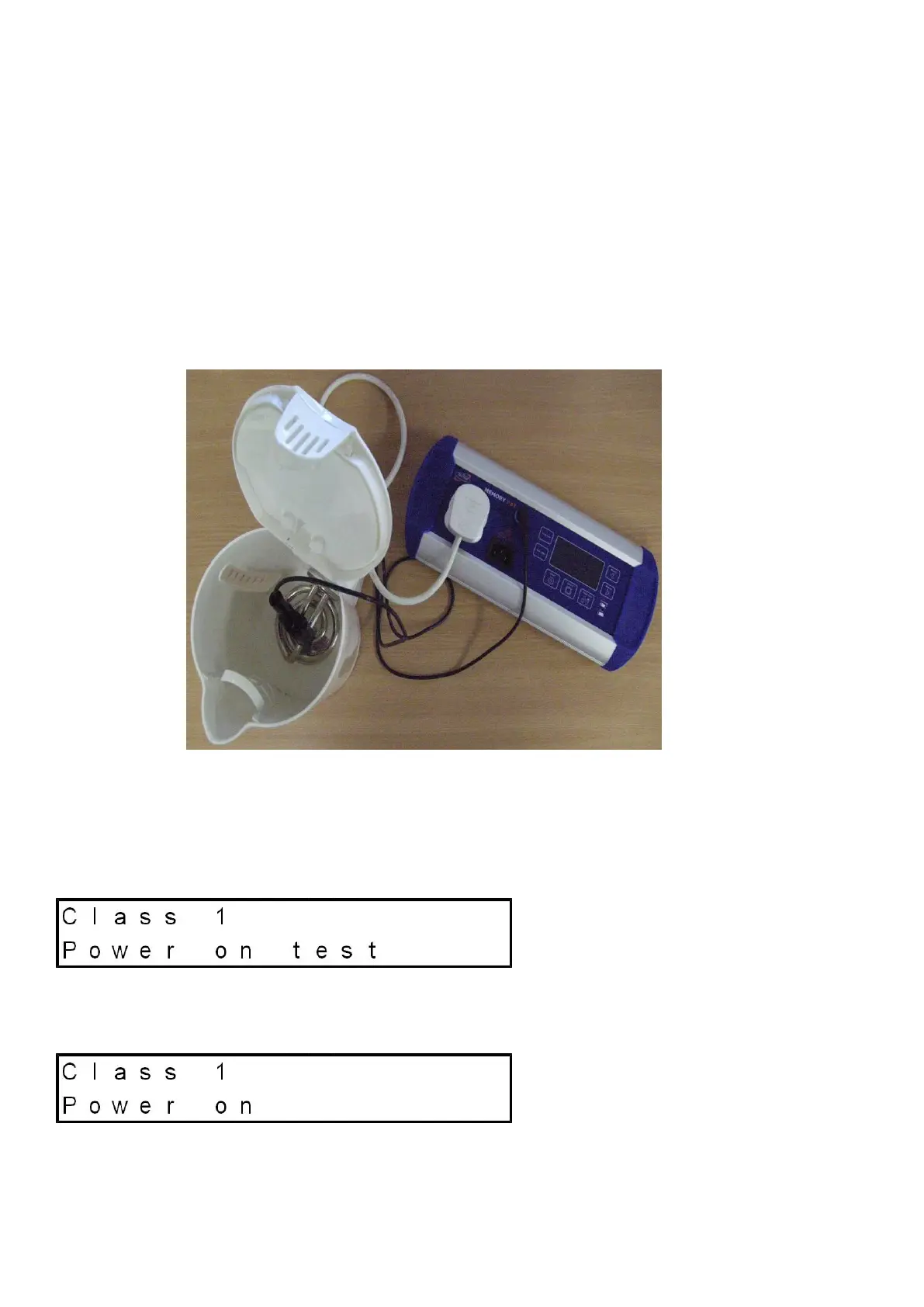
The equipment to be tested is plugged into the mains socket on the MemoryPAT-
Blu. The test clip is connected to any exposed metal on the equipment. For
example on a kettle this will be the element. On a PC it will be the metal case.
Press the Class I button. The MemoryPAT-Blu will first check that the power
switch on the item is in the ON position.
If it is then it will display the screen below and commence the testing.
If the user has forgotten to switch the appliance ON then the MemoryPAT-Blu
will display the following reminder message.


 To Next Page