11. Launching
IMPORTANT:
Request start-up of your units by contacting: sat@fisair.com o service@fisair.com
https://fisair.com/es/servicio/puestas-en-marcha/ (request in spanish)
https://fisair.com/service/start-ups/ (request in english)
After the pre-installation steps and all connections have been made according to the corresponding
electrical diagram: (See the electrical diagram number on the ratings plate inside the CCB2.0)
1. Check the mains voltage corresponds to the CCB2.0 supply voltage according to its
corresponding electrical diagram.
2. Switch the disconnector I1 status from position 0 to 1.
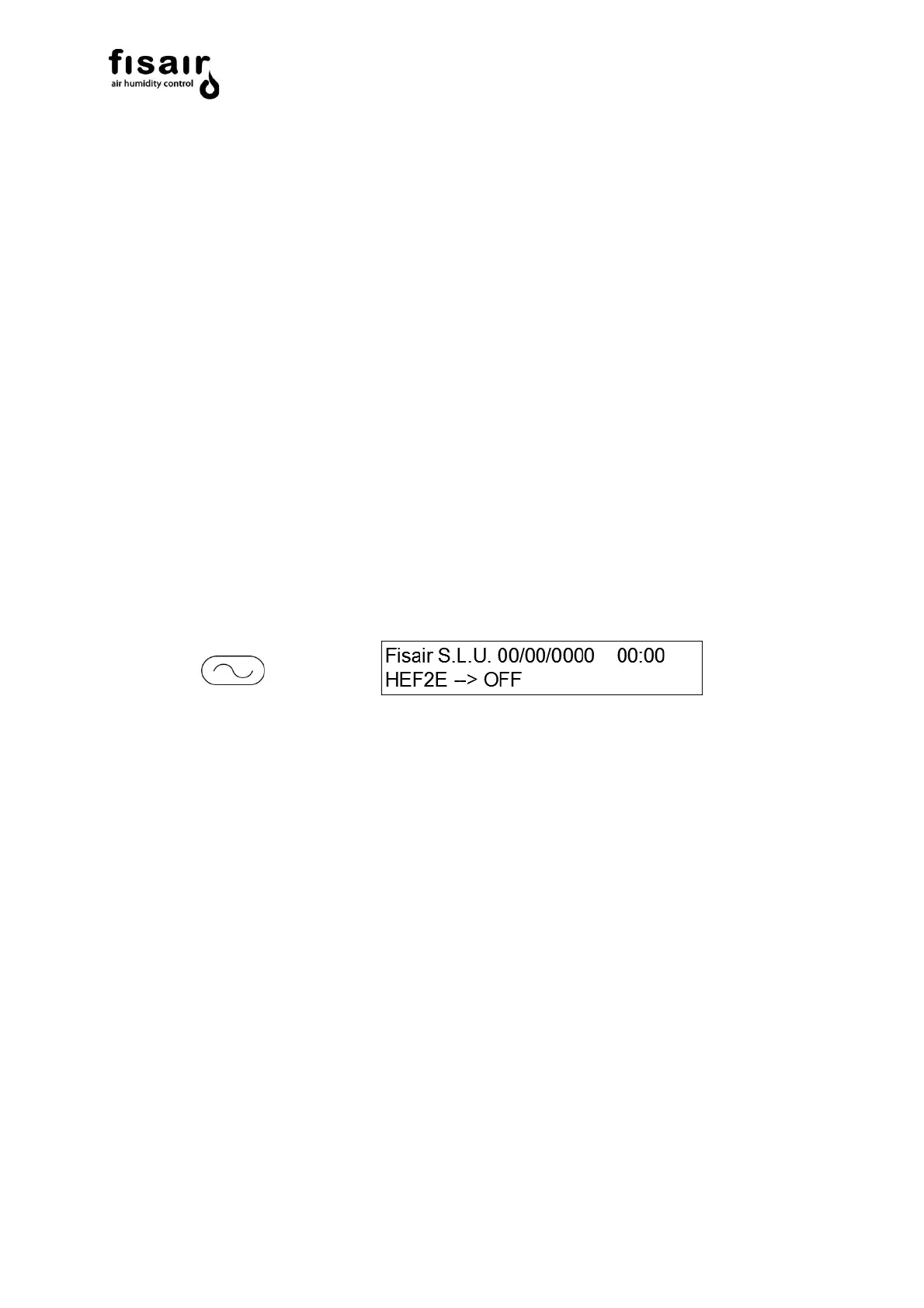
The LEDs over the control and display interface are swept and the “low voltage” remote
signalling contact is activated (Connection J25).
3. The initial adjustments (configuration and settings) to the working mode choice are made.
a) UV lamp (if applicable)
Turn the UV lamp on or off using the navigation buttons.
See section 6.3
b) Conductivity probe: (if applicable)
Adjusting the SET-POINT: The conductivity SET-POINT is adjusted as in section 7.1.
• Recommendation:
The set-point should be 20% higher than the first reading made, when filling the clean water
basin is filled for the first time.
The TIMER T01 must be coded to perform this reading (see section 7.2) at 1000 s, so the reading
can be done without starting the pump; as starting the pump would contaminate the water in the
basin. Once this reading is noted, re-set the TIMER T01 to the factory setting or according to
contractual requirements.


 To Next Page