8. Configuration
Configure the basic control panel according to your air handling needs as part of the process
incorporating the Fisair Evaporative Humidifier. Pay special attention to the water supply quality, the
application hygiene requirements and the required work cycles.
To do this, select the different configuration options using the control and display interface buttons.
The different configuration modes are shown on the Display screen (integrated in the command and
display interface).
To enter the configuration menu it is necessary to press the keys at the same time for a
few seconds. You can move from one screen to another using the vertical arrows. Use the right
arrow to advance to the next level within a screen, and the left arrow to go back a level.
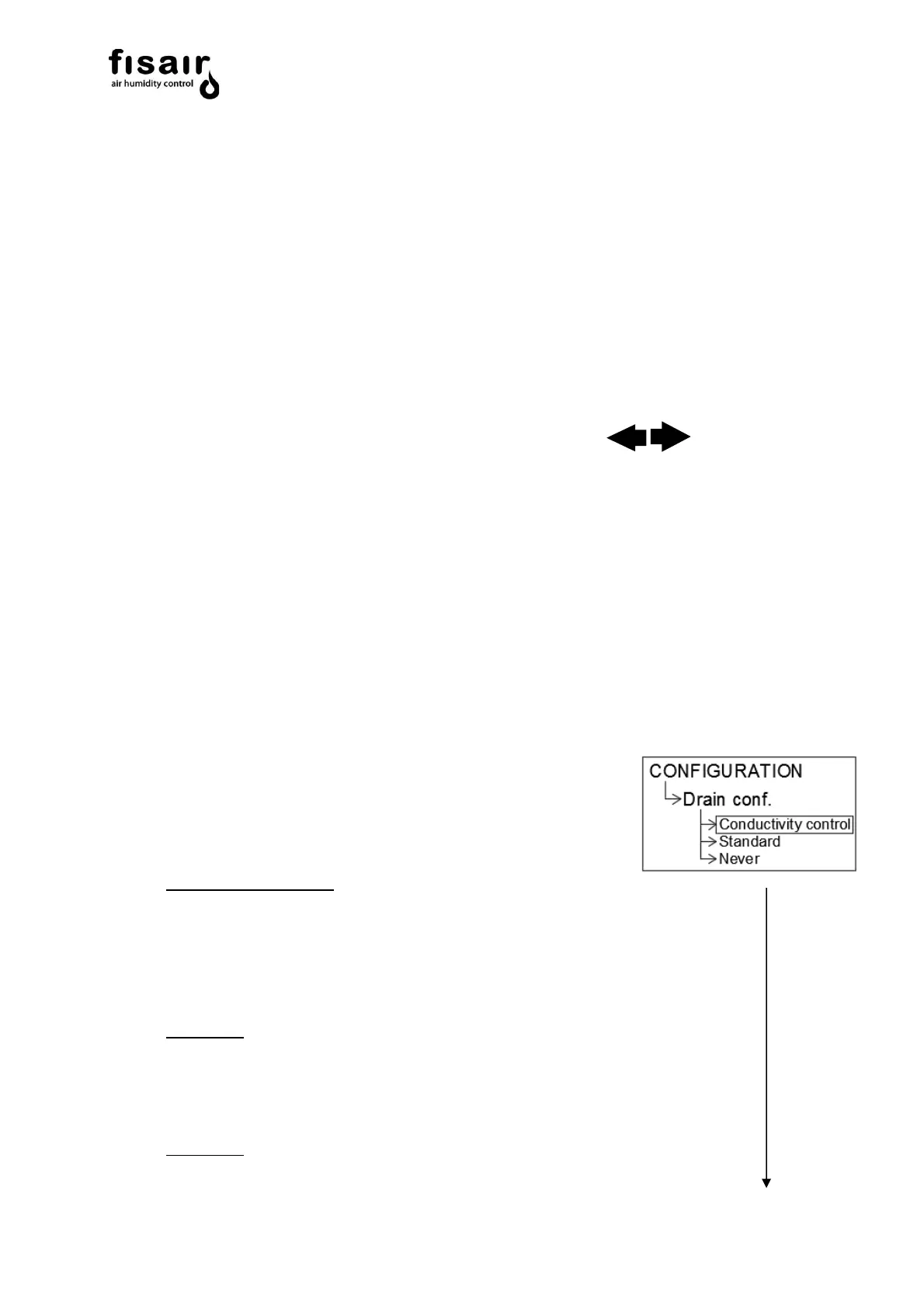
The two possible configurations are shown below:
8.1. Emptying
Emptying the basin is configured using the following control options:
8.1.1. Emptying by conductivity control:
Partial emptying by the conductivity sensor is controlled by the
following Timers*:
❖ Conductivity Set-Point (0-1999 µS/cm)
The desired water conductivity in the basin is established in the
SET-POINT Timer.
If the conductivity sensor exceeds this value, it is partially emptied.
❖ Timer T02 (Min. 1min / Max. 15min)
The time between partial emptyings is established by the conductivity
control according to the time value set in TO2.
❖ Timer T07 (Min. 5 s / Max. 360 s)
The partial emptying time is configured with the
conductivity control after the SET-POINT is exceeded.


 To Next Page