Audio
AM/FM TUNER
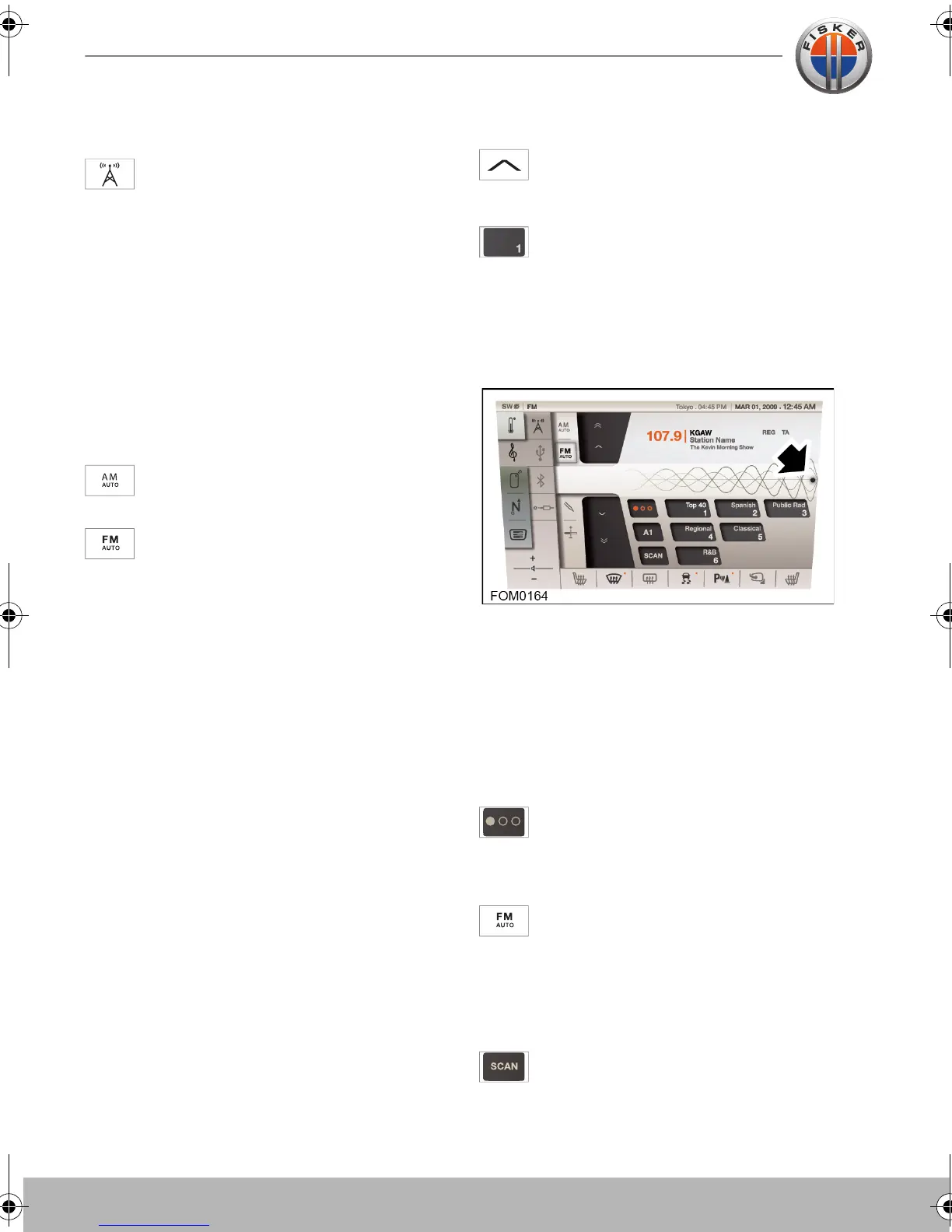
Touch the TUNER icon to access the
AM/FM tuner.
Auto storing stations
The tuner has two wavebands; AM
(Amplitude Modulation) and FM (Frequency
Modulation).
AM is a medium frequency waveband and
has a range from 535 kHz to 1720 kHz.
FM is a very high frequency waveband with
a range from 88 MHz to 108 MHz.
Select required frequency band, AM or FM.
Touch and hold the AM icon
or
touch and hold the FM icon to
automatically store the eighteen
radio stations with the strongest signals.
Manually storing stations
To manually store a radio station,
search for the station using the seek
(up or down) icons.
When the desired station is found,
touch and hold one of the preset
icons.
Your chosen station will be stored on that
preset overwriting any previously stored
station.
It is also possible to manually search for a
radio station by touching and dragging the
marker on the frequency scale to manually
set the radio frequency.
Choosing a preset station
To choose a preset station, simply touch the
respective preset icon.
A total of eighteen preset stations are
available in three banks of six. To
change between the banks of preset
stations, touch the bank icon.
Touch and hold on FM icon, this will
store the strongest stations into 18
presets button. There are a total of three
auto store banks A1, A2, and A3. By
pressing on that button you can go to the
next bank.
Touch the SCAN button to scan the
band twice.
Touch-screen user manual.book Page 8 Tuesday, September 20, 2011 3:03 PM



 To Next Page