Navigation
Points of interest (POI) search
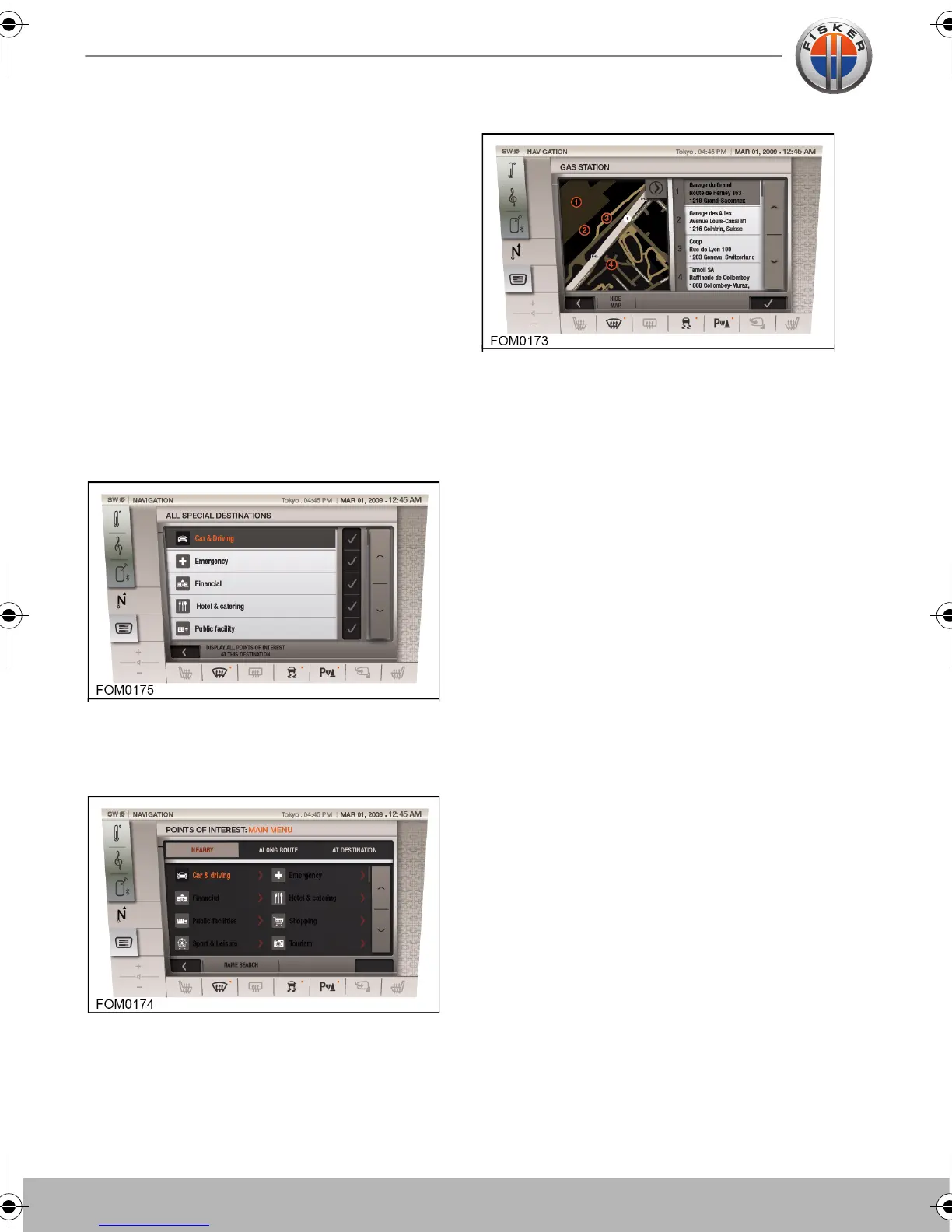
There are 9 special destination categories
available each containing a list of POIs. The
special destination catergories are:
• Car and driving
• Emergency
• Financial
• Hotel and catering
• Public facilities
• Shopping
• Sport and leisure
• Tourism
• Transport
Each catergory contains a list of POIs. Use
the tick icon to switch the catergories on
and off.
Once a route has been set, use the list of
special destinations to display the POIs
either nearby, along the route or at the
destination.
The POIs nearby will be displayed with a
marker on the map along with address
details. Select a POI and press the tick icon
to set the route as the destination. It also
possible to set the route as a favorite or as
the home address.
Touch-screen user manual.book Page 22 Tuesday, September 20, 2011 3:03 PM



 To Next Page