AUDIO SETTINGS
Adjusting the volume
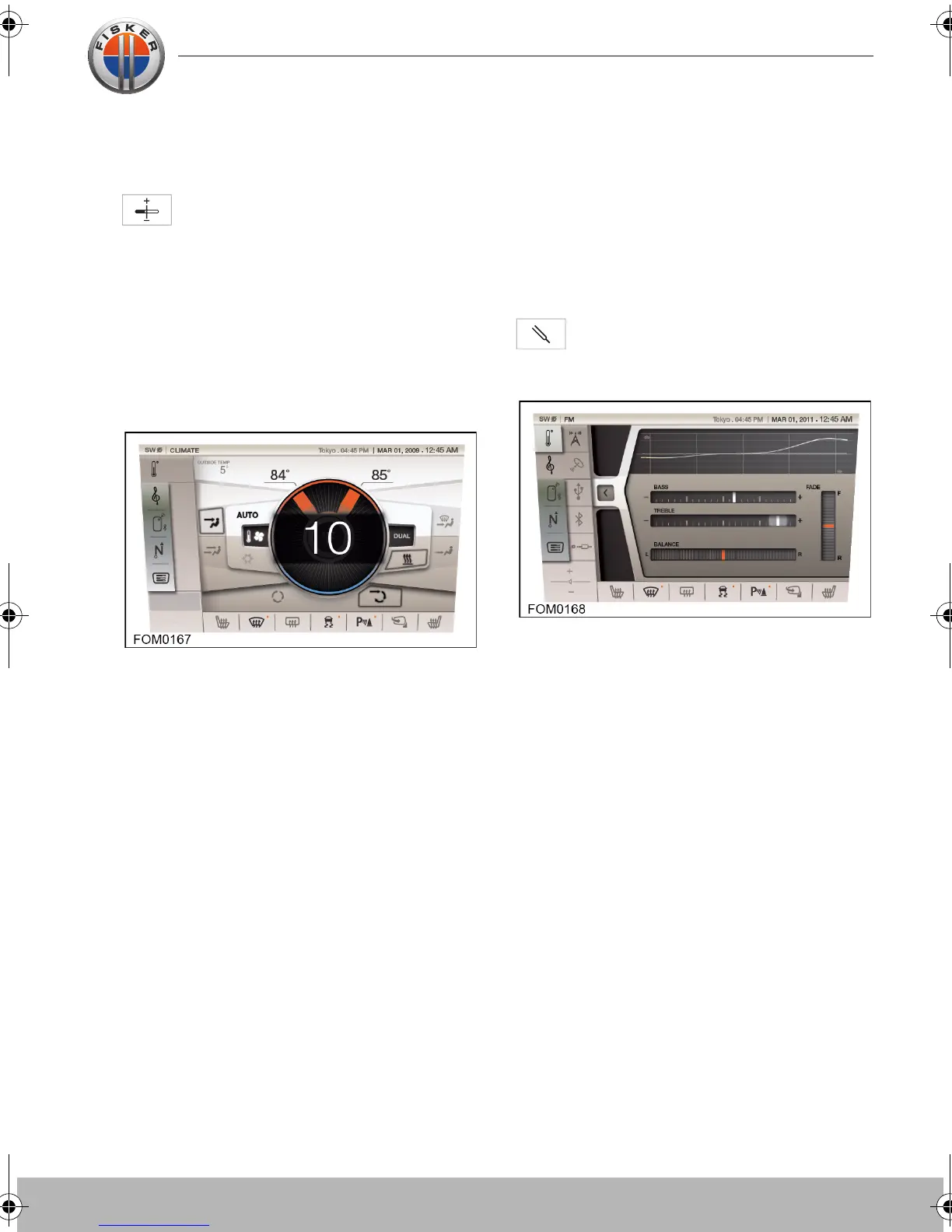
Touch the AUDIO SETTINGS button
on the touch-screen to access the
audio settings.
To adjust the volume of the audio system,
touch the + or - icons. Each touch will
adjust the volume by one increment
between 0 (mute) and 30 (MAX).
The current audio setting will be briefly
shown overlaid in the center of the screen.
Adjusting the sound settings
The following sound settings can be
adjusted:
• Bass
• Treble
• Fader
• Balance
Touch the AUDIO SETTINGS button
on the touch-screen to access the
sound settings.
Slide the marker of the scale to adjust the
setting to the required level.
Touch-screen user manual.book Page 9 Tuesday, September 20, 2011 3:03 PM



 To Next Page