System
DIAGNOSTICS
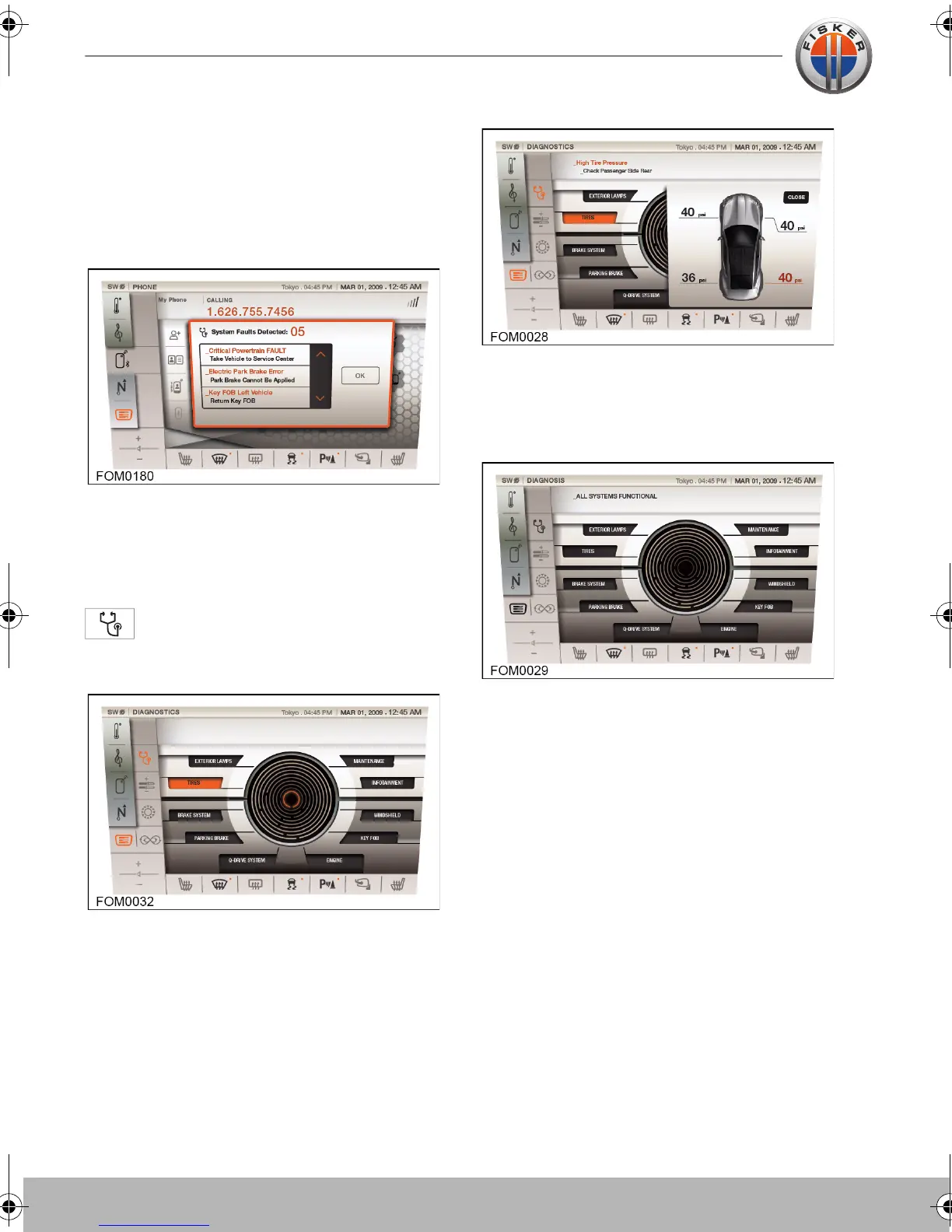
Fault detected
If a fault with the vehicle is detected during
driving, the following screen will be
displayed:
If more than one fault is detected, scroll
through the list of faults. Press OK to
dismiss the list.
Viewing faults
Touch the DIAGNOSTICS icon to
access information regarding vehicle
faults.
The appropriate vehicle system will
illuminate red. Touch the illuminated section
to display a description of the fault and a to
aid identifying the location of the fault.
Touch the CLOSE button to close the
window. If no faults are detected, or all
faults have been rectified, the touch-screen
will display the following screen.
Touch-screen user manual.book Page 24 Tuesday, September 20, 2011 3:03 PM



 To Next Page