Audio
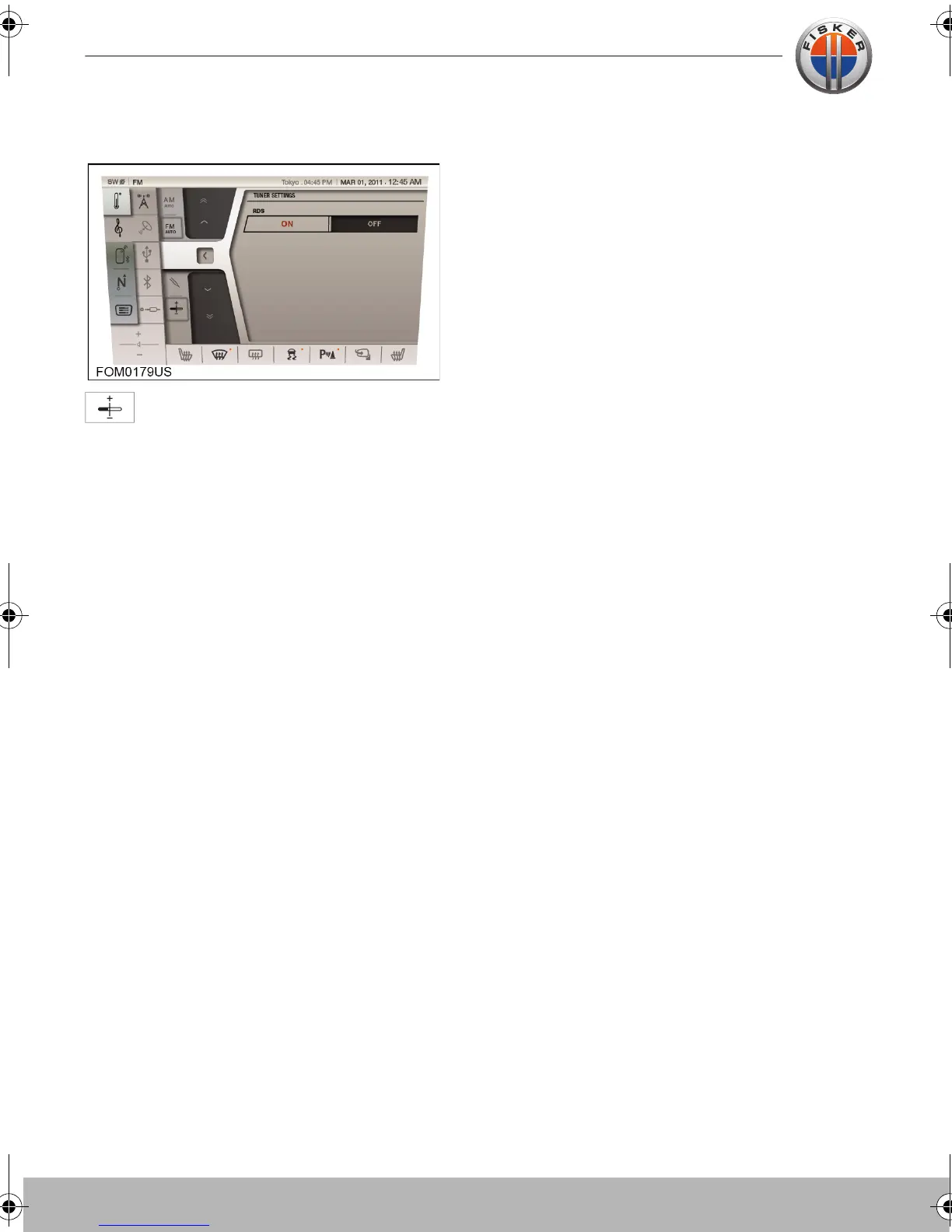
TUNER SETTINGS
Touch the TUNER SETTINGS button
on the touch-screen to access the
tuner settings.
Set the RDS option to ON or OFF as
required.
Radio Data System (RDS) is a system which
allows digital data to be sent to radio
receivers at the same time as the FM audio
signal.
On the FM waveband, RDS enables the
tuner to receive the radio station name,
programme name and programme
information. RDS also allows the audio
system to automatically re-tune to stations
that are linked to the same network if that
network allows this.
Touch-screen user manual.book Page 10 Tuesday, September 20, 2011 3:03 PM



 To Next Page