RECEIVING A CALL
To answer a call, touch the CALL
icon on the touch-screen.
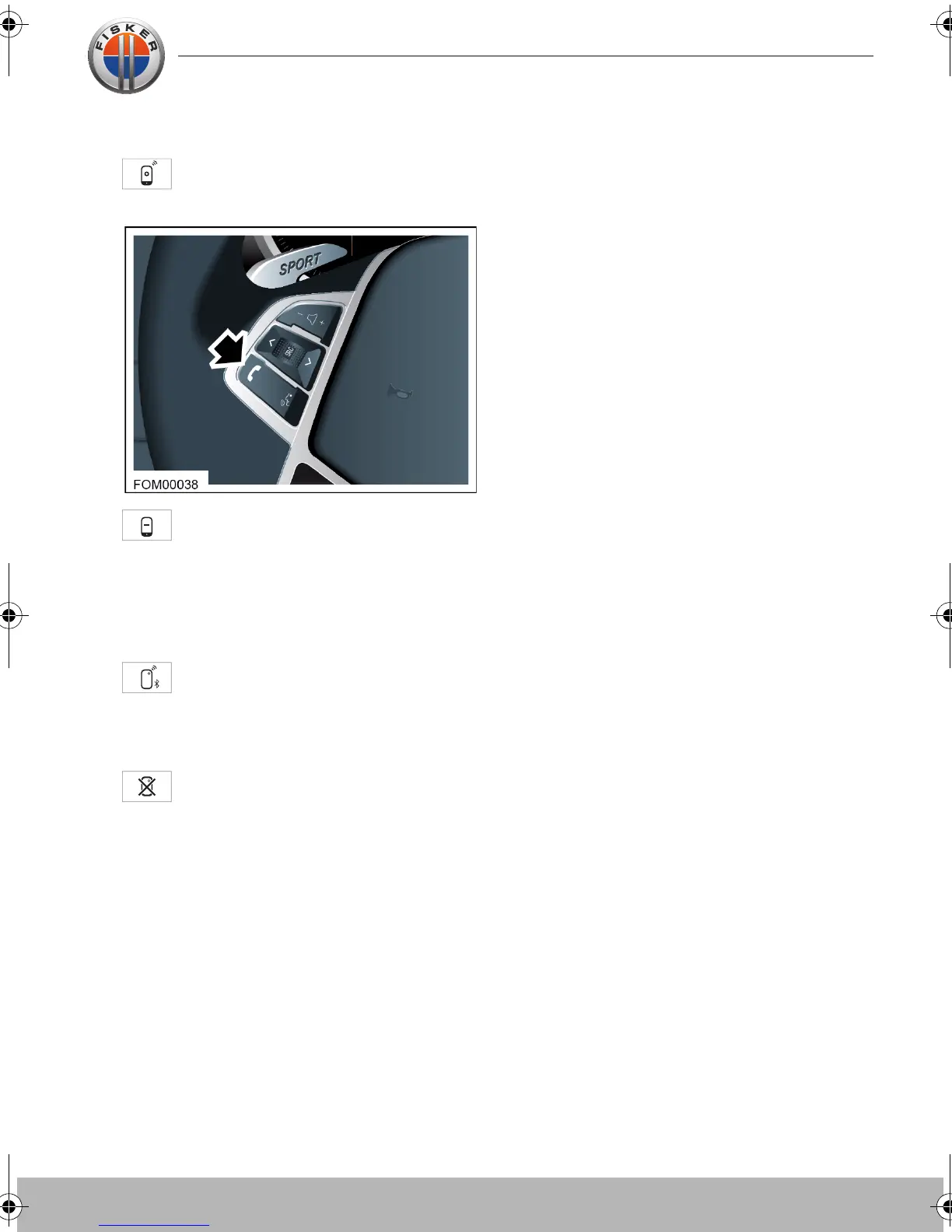
To hang up the call, touch the call
end icon on the touch-screen or
touch the phone switch on the steering
wheel.
UNPAIRING A PHONE
Press CONNECT button to see the
list of devices paired to the
touch-screen.
Select your phone from the list.
Press UNPAIR button. Your phone
name will disappear from the list.
Touch-screen user manual.book Page 19 Tuesday, September 20, 2011 3:03 PM



 To Next Page