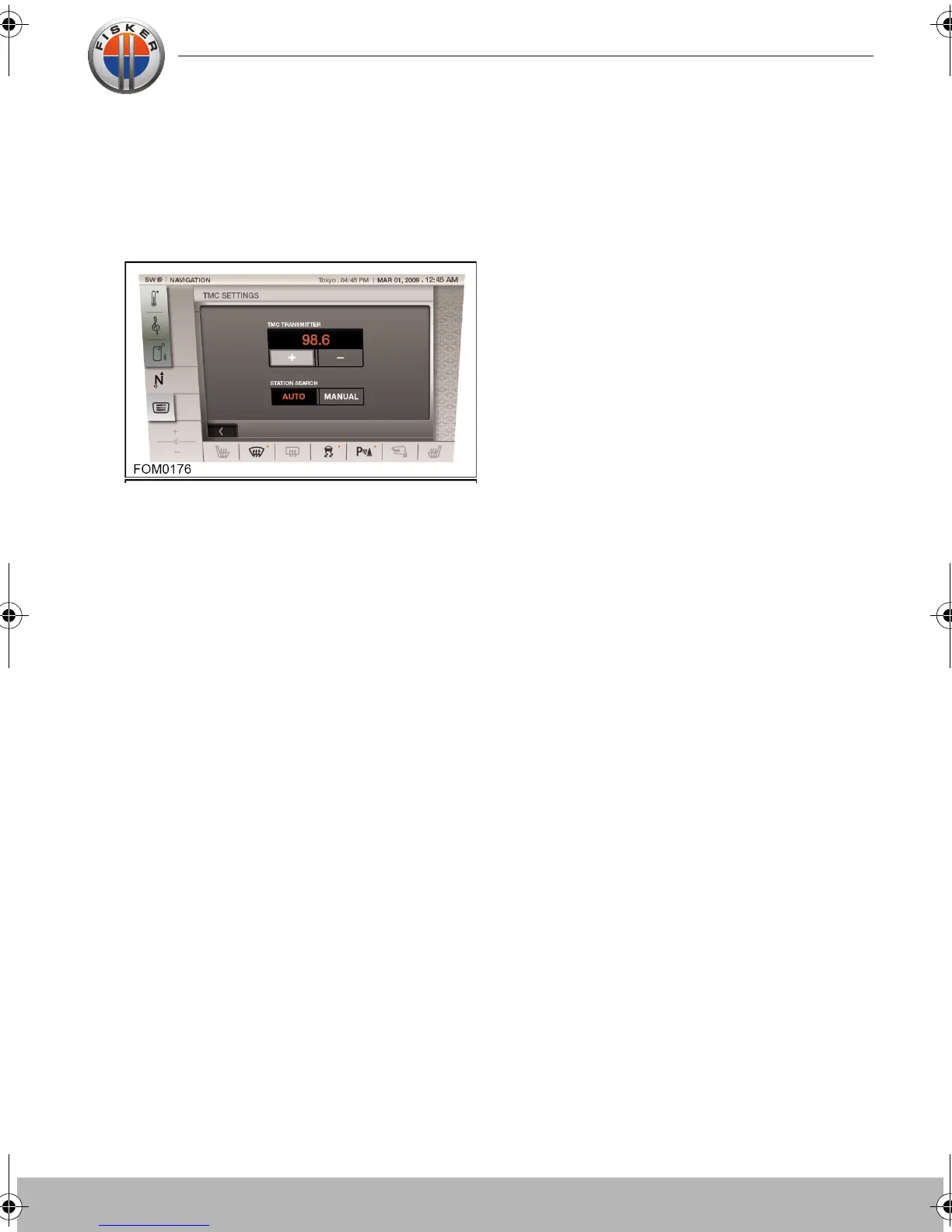
Traffic Message Channel
Traffic Message Channel (TMC) is a feature
that announces traffic delays in the nearby
area and along your route. It uses radio
programmes to seek these delays.
Select the seek method (manual or
automatic) and touch the +/- seek icons to
begin a search of all radio stations being
received in your locality. The tuner will scan
the FM frequency once and this may take a
few minutes. When a station is found which
is offering TMC information, the RDS name
is shown on the list and the search for more
stations will continue.
When a TMC signal is received, the TMC
icon will appear. If a TMC signal is not being
received, the icon will not be displayed. The
system will inform the driver of any
stationary traffic, a traffic delays, road traffic
accidents, closed roads, road works,
danger, road conditions, weather or other
delays.
You will be informed of a traffic event as
follows:
• A TMC icon shown on the map at the
location of the event.
• Text can be displayed showing the details
of each occurrence which can be selected
either by touching the screen icon or from
the traffic information list.
• Dynamic navigation, which calculates an
alternative route when the system receives
the traffic event warning.
• Traffic event list shows all events sorted
by road name/ distance on your selected
route in a straight line or along your actual
route.
System
Touch-screen user manual.book Page 23 Tuesday, September 20, 2011 3:03 PM



 To Next Page