Phone
REDIALLING A NUMBER
To redial the last dialled number:
Select the PHONE menu.
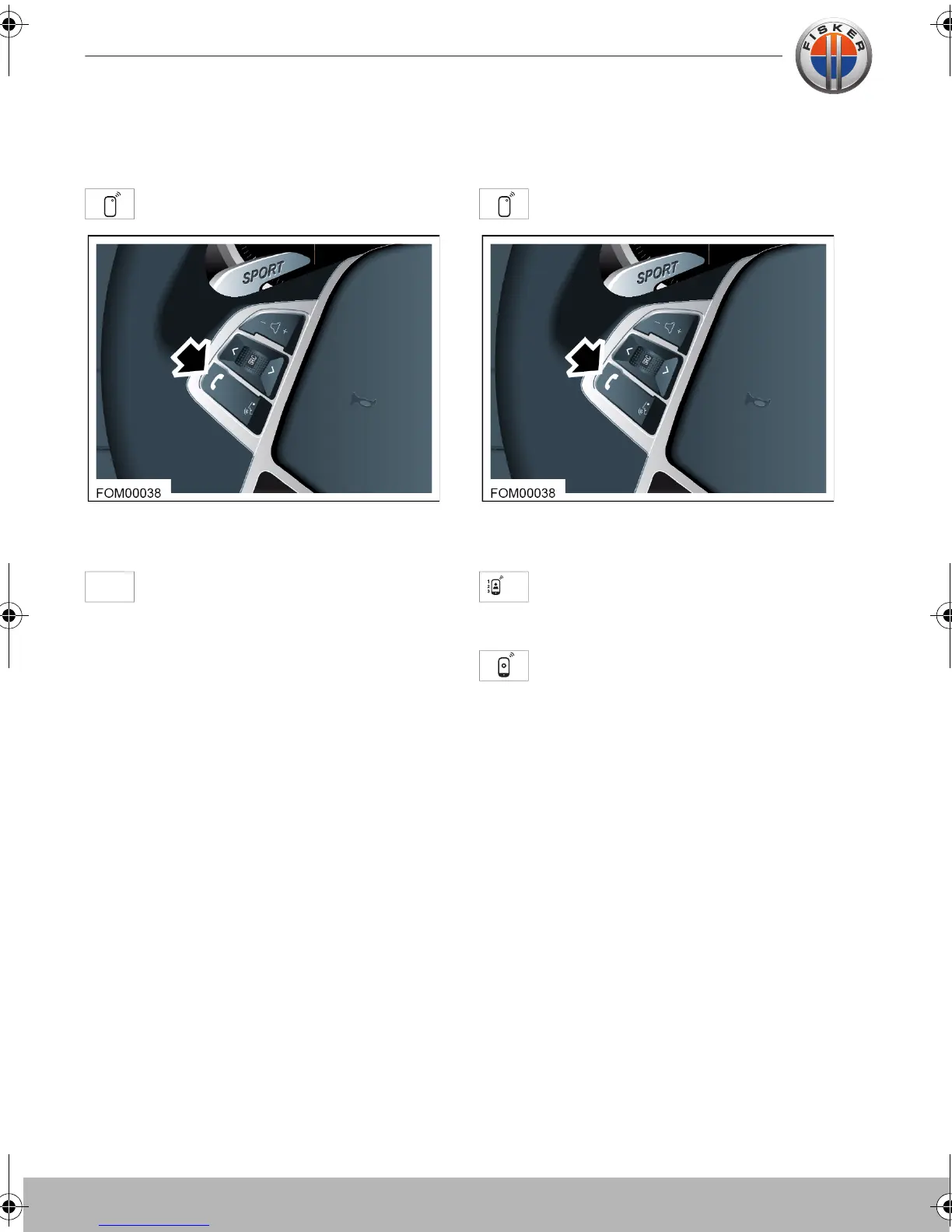
The PHONE menu can also be accessed
from the switch on the steering wheel.
Touch the REDIAL button and the
number will be automatically dialled.
CALL HISTORY
To view the call history:
Select the PHONE menu.
The PHONE menu can also be accessed
from the switch on the steering wheel.
Touch the CALL HISTORY icon to
display a list of received calls, dialled
calls and missed calls.
Select a contact from any of the list
and touch the CALL icon, your
number will now be called.
Touch-screen user manual.book Page 18 Tuesday, September 20, 2011 3:03 PM



 To Next Page