INSTRUCTION MANUAL FIT REMOTE DISPLAY PINION
7 SETTINGS MENU
The settings menu is the last screen, which can be accessed by pressing the rocker switch to the left. It can only be
accessed when the e-bike is stationary.
7.1 REMOTE DISPLAY
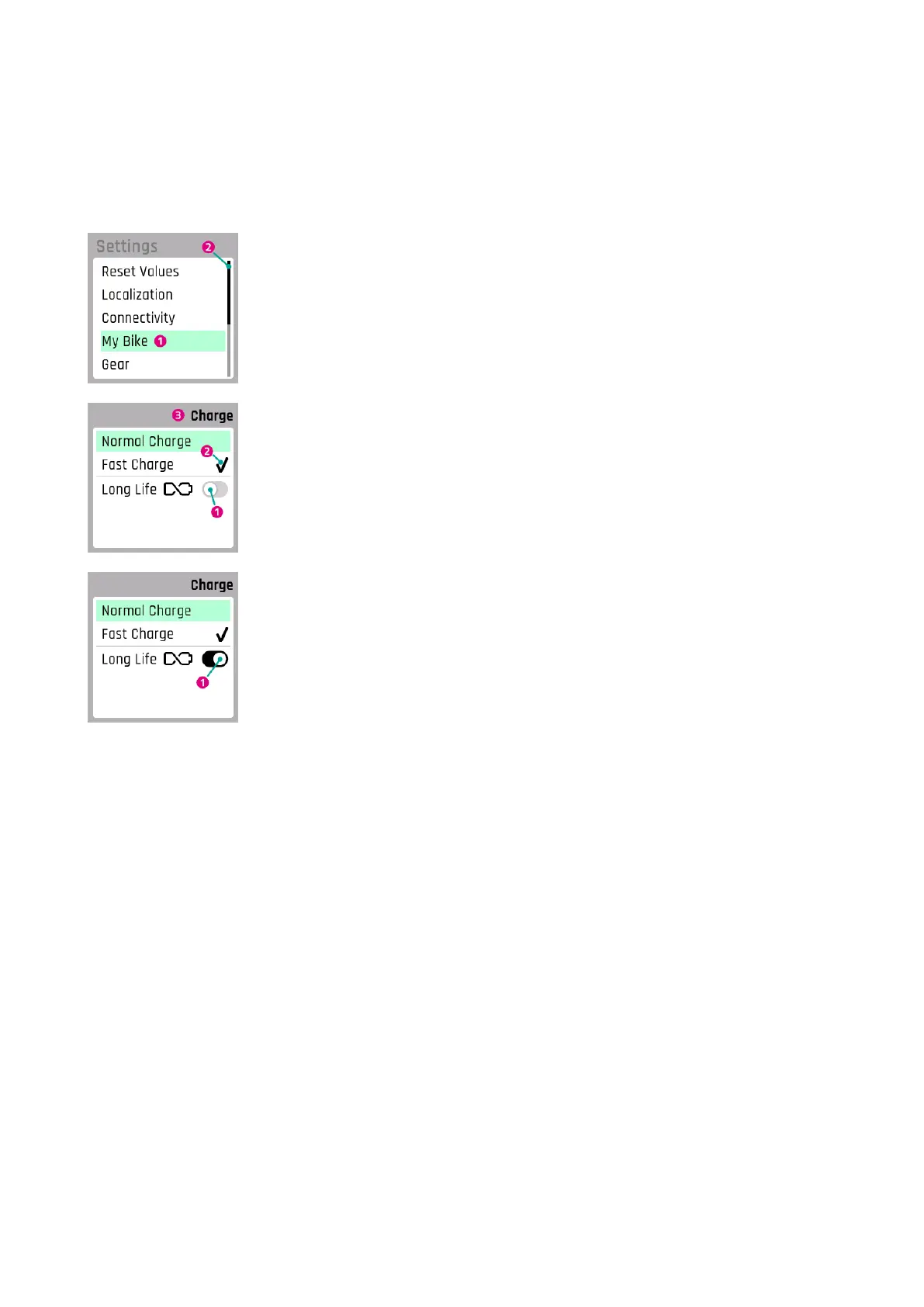
1. Currently selected sub-menu
2. Scroll bar
1. Option disabled (left slide switch and grayed out)
2. Currently selected setting
3. Current sub-menu
1. Option enabled (slide switch on the right and black)
FIT_Manual_Remote_Display_Pinion_V3_en | Version 03 | 24.10.2023 25



 To Next Page