Dreamer NX User Guide | www.flashforge.com
Chapter 4. Hardware Assembly
The Dreamer NX comes pre-assembled and is almost ready-to-print (ARP). All
you need to do is to mount the extruder set, and install the filament. It will only
take 5 to 10 minutes to start up the Dreamer NX and prepare for your first 3D
print!
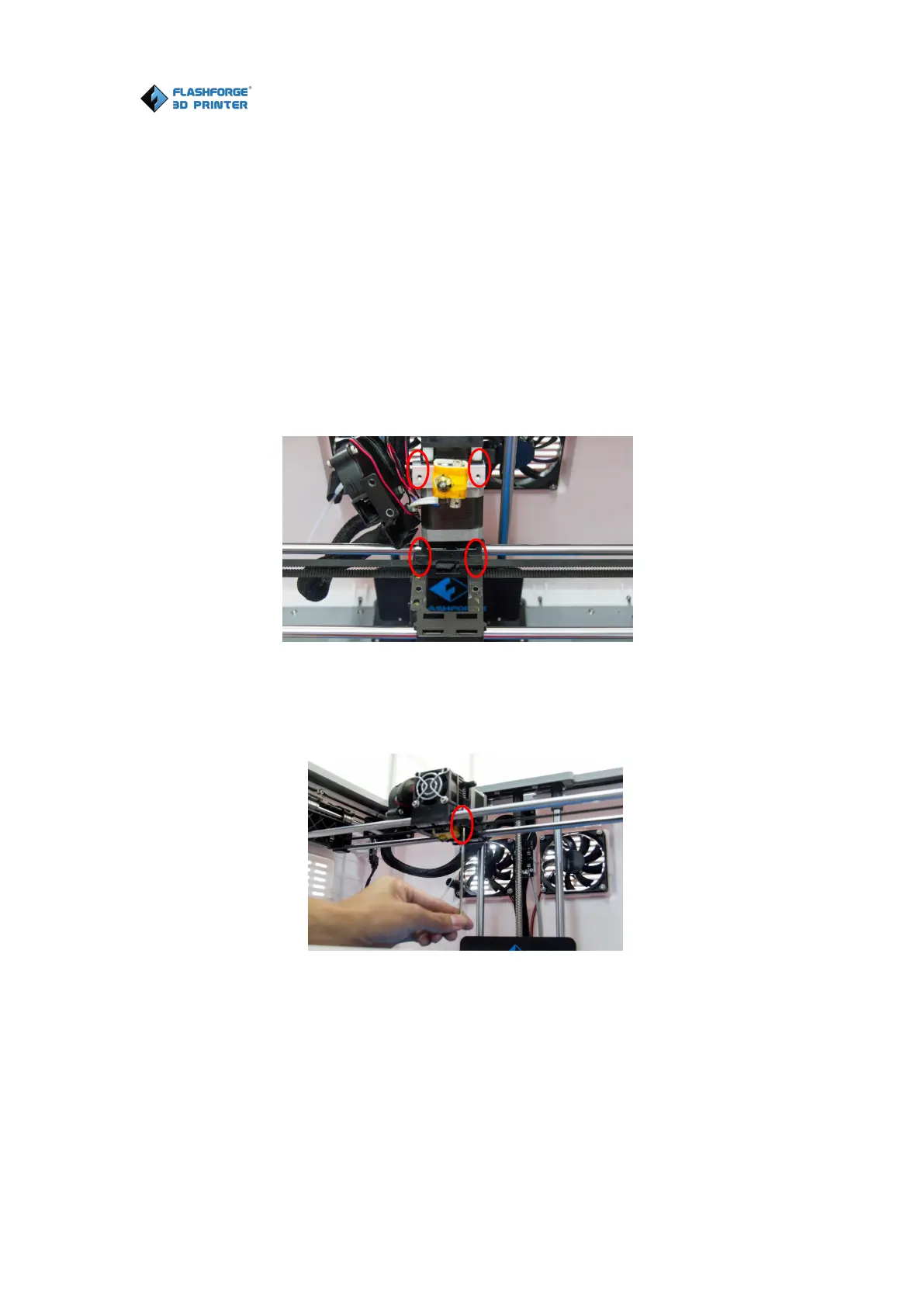
4.1 Mounting the Extruder Set
4-1
(4-1) Lay the extruder module on the top of the extruder support with the
extruder fan facing the front.
(4-2) Fix the extruder module onto the extruder support with two turbofan bolts,
using the M2.5 Allen Wrench.















 To Next Page