Dreamer NX User Guide | www.flashforge.com
4.3 Plugging in Power Cable & USB Cable
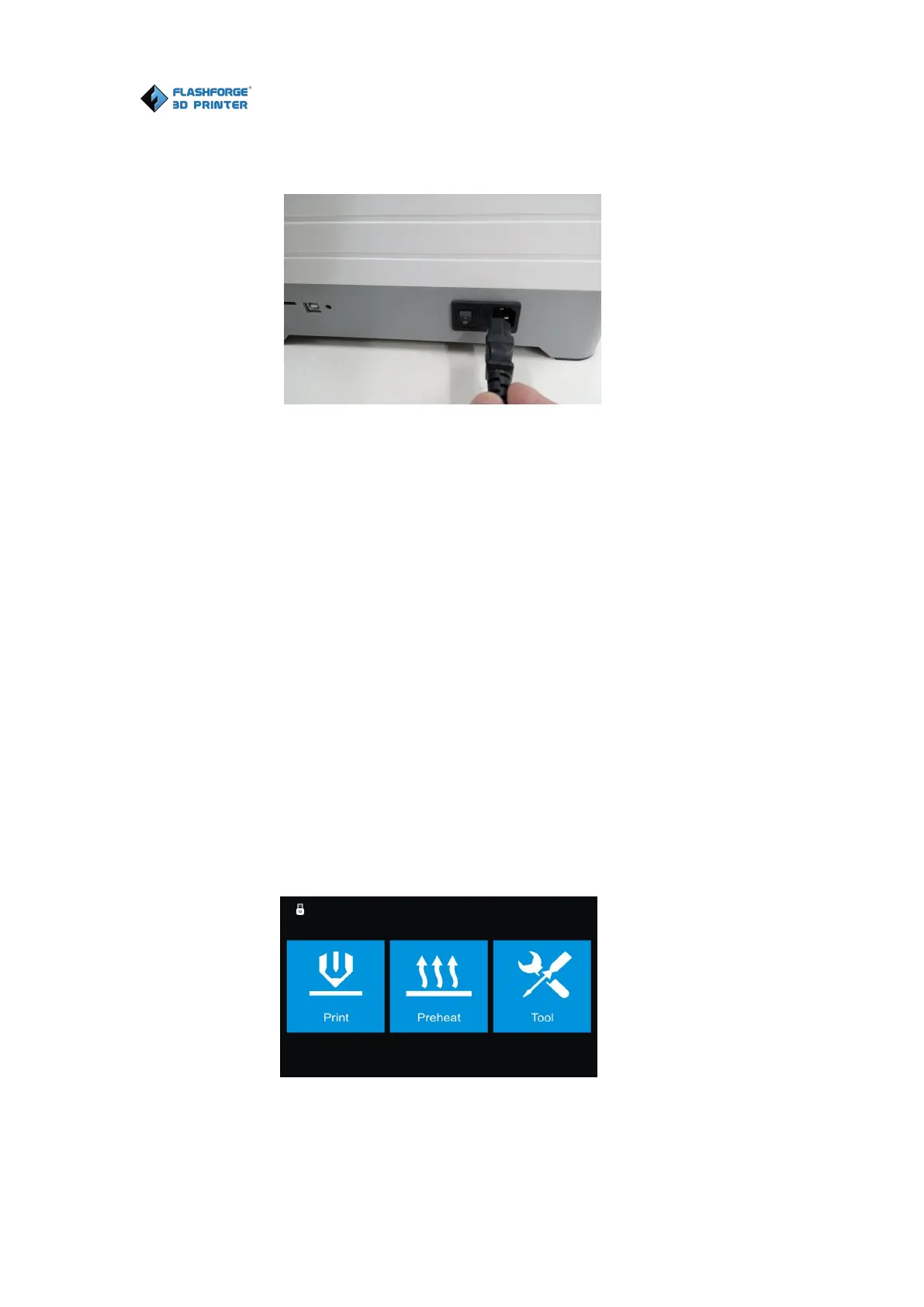
(4-7) Locate the power cable, and plug it into the Dreamer NX.
Optional: Locate the USB cable and plug one end into the Dreamer NX and
the other into your computer. The Dreamer NX supports USB cable
connectivity.
4.4 Loading and Unloading Filament
Filament must be passed through the extruder and into the heating tube in
order to be melted. In this user guide, we will demonstrate loading and
unloading filament with the left extruder.
Loading filament:
Open the lid of the Dreamer NX
4-8
(4-8) Tap [Tool] in the homepage.















 To Next Page