Loading Filament
6
FF Creator Pro
Print from SD
Preheat
Utilities
Filament Loading
Preheat Settings
General Settings
Monitor Mode
Unload right
Load right
Unload left
Load left
Heating:
(1)
(2)
(3)
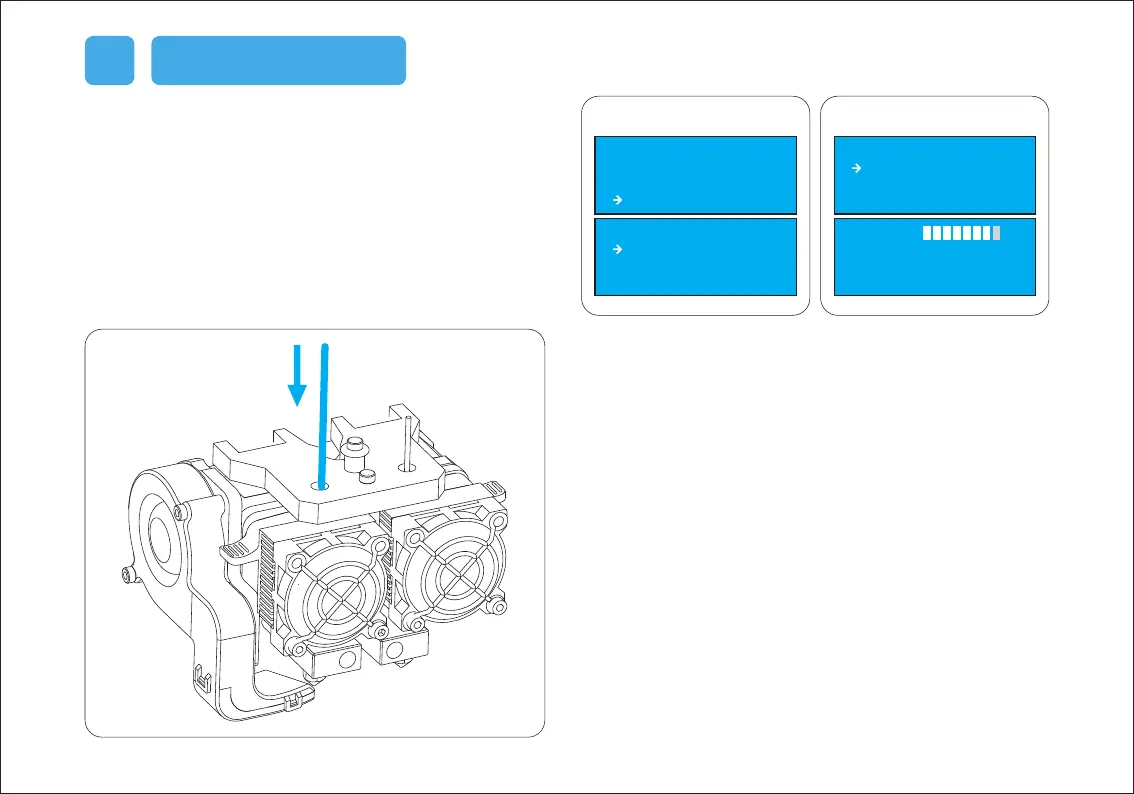
(1) Select [Utilities] and press [OK]. Then select [Filament Loading] and
press [OK] to enter the filament loading/unloading page.
(2) Select [Load Right] or [Load Left] according to your requirement,
and the press [OK].
(3) The extruder will be heated up automatically. Once heated,
insert the filament coming from the filament guide tube into the
filament intake. Then the filament will be drawn through the
extruder.
(4) Do not stop extruding until the filament exits the extruder steadily.
(5) Press [OK] to complete filament loading and return to the main page.















 To Next Page