21
The XPLOR 600 Pro has a myriad of features that can be used for your total control
though the Custom Function settings.
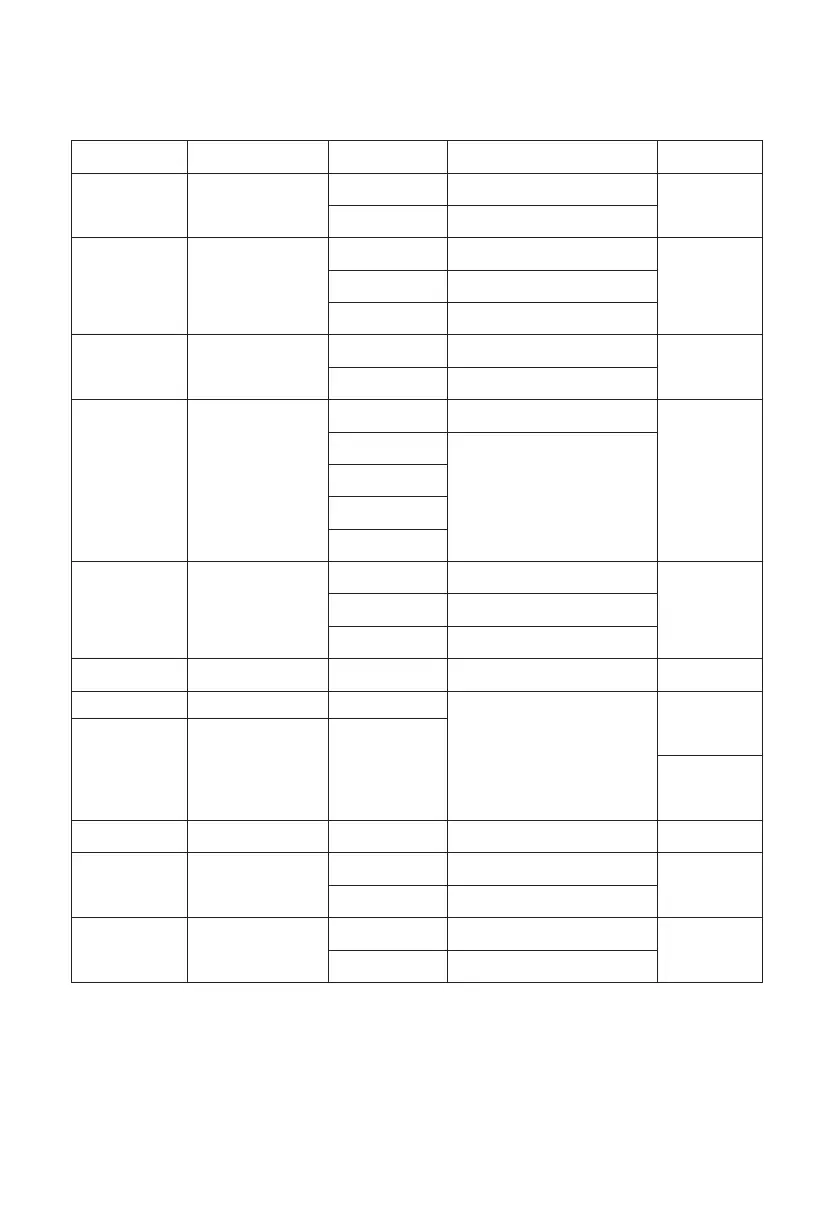
Stable color
temperature
S1/S2 mode selection
Modeling lamp
Auto power off
Backlighting time
Total number of ashes
Triggering times
LCD contrast
Wireless ID
Parameter resetting
ON
OFF
OFF
S1
S2
CONT
INTER
OFF
30min
60min
90min
120min
15sec
OFF
ON
1-4
OFF , 0.01~30S
M mode
NO
NO
NO
M/Multi mode
M mode
M mode
Custom Function
Signs
Functions
Setting Signs Settings & Descriptions
Restrictions
ON
OFF
OFF
S1 mode
S2 mode
Continuous lighting
Off after nishing the ash recycle
OFF
Auto power o without
any operation
Off in 15 sec.
Always off
Always lighting
Can be triggered as second curtain
7 levels
OFF
Choose from 01 to 99
Reset
COLOR
SLAVE
MODEL
STANDBY
LIGHT
UNITS
ALT
LCD
ID
RESET
M
Non high-speed
mode
2 ~4
-3 ~ +3
OFF
01-99
NO
YES
Wireless mode
NO
Delay ashDELAY
Use UNITS in combination with
ALT: UNITS sets the total number
of ashes; ALT sets the triggering
times before ash’s ring
Setting Custom Functions / C.Fn
1. Press < MENU > Button to enter C.Fn menu. The “Ver x.x” in the top-right corner refers to the
software version.
2. Select the Custom Function Signs.
• Turn the Select Dial to select the Custom Function Signs.
3. Change the Setting.
• Press <SET> button and the setting signs are highlighted.
• Turn the Select Dial to set the desired number. Press <SET> button will confirm the settings.
4. Exit C.Fn Menu.
• Press <MENU> Button to exit.


 To Next Page