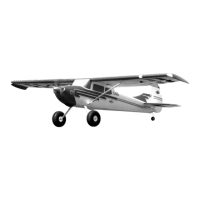
AIRCRAFT TROUBLESHOOTING GUIDE
21
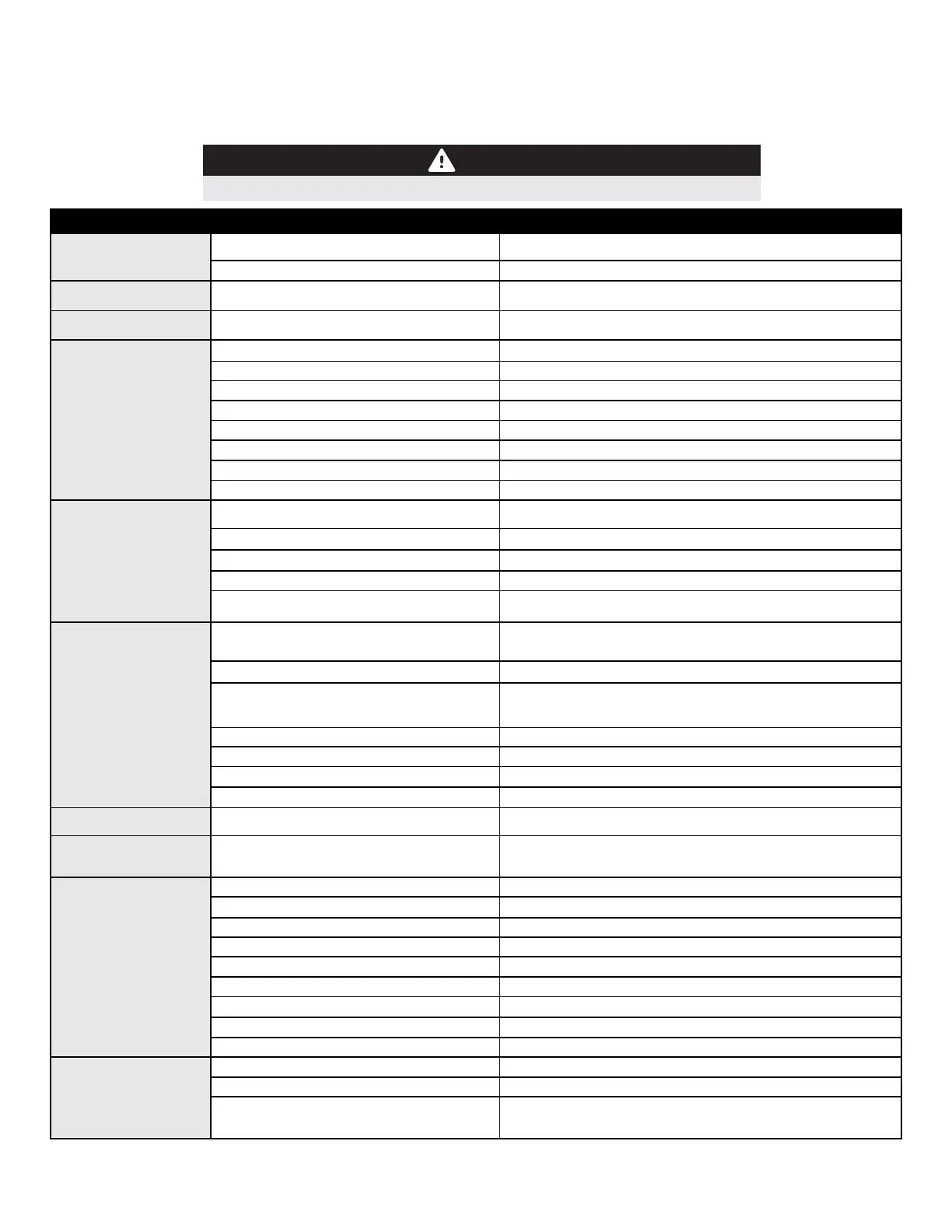
Should you encounter any abnormal situaons with your Cessna 170, refer to the matrix below to determine probable cause and a recommended
soluon for the acon.
If the required soluon does not recfy the problem, please contact product support for further assistance.
Unless specically required, ALWAYS troubleshoot the airplane with the propeller removed.
DISCREPANCY
PROBABLE CAUSE
RECOMMENDED SOLUTION
Motor nonresponsive (ESC
inializaon tones audible)
Throle not at idle and/or throle trim too high
Throle channel is reversed
Motor nonresponsive (No ESC
inializaon tones audible)
Motor disconnected from ESC
Motor turns in the wrong
direcon
The three motor wires are connected
incorrectly to the ESC
Lower throle sck and trim completely. If problem persists, ensure that the
sub-trim and travel adjust are properly set in the radio's programming.
Reverse throle channel in radio programming
Ensure plugs are fully seated. Check baery and/or plugs for damage and
replace any damaged components found. DO NOT ATTEMPT TO REPAIR
Swap any TWO motor wires.
Reduced ight me or aircra
under powered
Flight baery not fully charged
Propeller installed backwards
Flight baery damaged
Ambient temperature is too cold
Baery capacity too small for intended use.
ESC reaching preset LVC (low-voltage cuto)
Baery is too weak or damaged
Baery's discharge rang may be too small
Damaged spinner and/or propeller, collet, or
motor
Propeller is not balanced
Prop nut is loose
Spinner is not fully in place or ghtened
Propeller nut or propeller adapter threads not
cut straight
Excessive propeller noise
and/or vibraon
Control surfaces
nonresponsive
Ensure baery is fully charged prior to installing in aircra.
Install propeller so that the convex side faces forward (tractor conguraon)
Remove baery from service completely and replace with a dierent baery
Ensure baery packs are adequately warm (70F/21C) before ight
Replace baery with one of proper capacity and discharge capacity (C rang)
Recharge ight baery or reduce ight me
Check baery's physical condion, check baery voltages aer charge
Replace baery with one with higher 'C' rang
Replace damaged components - DO NOT ATTEMPT REPAIR
Balance or replace the propeller
Tighten prop nut with appropriate-sized wrench
Loosen the spinner bolt, adjust as required, reghten spinner bolt
Examine airframe for damage, repair as required, inspect control linkage
system (servo, pushrod, control horn) for damaged components and
replace as required
Examine wires and connecons, replace as necessary
Consult radio manual for proper binding and model selecon instrucons
Use volt meter to check baery; recharge or replace as necessary
Check that the EC5 plugs are fully seated
Replace ESC - DO NOT ATTEMPT REPAIR
Replace Servo - DO NOT ATTEMPT REPAIR
Reference transmier and receiver secons of this manual. If no soluon
found, contact customer support at support@exinnovaons.com
Refer to control surface direcon chart and transmier setup; adjust
appropriate sengs as required. Check Cessna and Aura wiki web pages for
addional informaon. Contact support
Airframe or control linkage system damaged
Wire damaged or connector loose
Transmier bound incorrectly, incorrect acve
model memory, incorrect Aura data input
conguraon, incorrect Aura transmier sengs
Baery voltage too low
Baery disconnected from ESC
BEC (baery eliminator ciruit) damaged
Damaged Servo
Incorrect Aura 8 or Transmier seng - DO NOT
FLY!
Failed control direcon test
Exceeding maximum airspeed for conguraon
Gains too high for aircra/ight conguraon
Propeller/spinner not balanced
Motor vibraon
Loose Aura 8 mounng
Control linkage slop
Improper transmier setup
Damaged propeller or spinner
Improperly Set Master Gain
Trims are not properly zeroed
Sub-trim is not properly zeroed
Transmier is not properly calibrated (Ail, Ele,
Rud are not zero/center with scks centered;
reference transmier monitor
Controls Reversed
Aura 8 or transmier sengs incorrect
Control surface oscillaon
Reduce airspeed
Refer to Aura 8 manual to decrease desired control surface gain
Balance or replace propeller and/or spinner
Inspect motor mounng bolts and re-ghten as necessary
Re-align and secure the Aura 8 to the aircra
Examine control system and repair or replace work components
Refer to Aura 8 manual to correctly congure transmier
Replace damaged component - DO NOT ATTEMPT REPAIR
Ensure Master Gain channel is set for proper gain value
Readjust control linkage and re-center trims in radio
Remove sub-trim; adjust the servo arm or clevis to achieve proper geometry
Calibrate transmier (reference your manufacturer's instrucons, or send to
manufacturer to have calibrated)
Trim changes between
ight modes
Replace propeller nut or propeller sha - DO NOT ATTEMPT REPAIR


 To Next Page
 Loading...