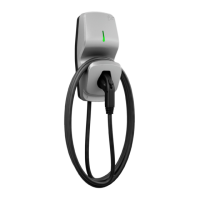
CoRe+
TM
Cable management system and pedestal installation guide
11
BEFORE GETTING STARTED
! When unpackaging the Cable management system, make sure to remove
the security screw used to hold the counterweight during transport.
¡
Installing on new back-to-back dual charging stations.
First, install the pedestal and the two charging stations. Refer to CoRe+ MC
Installation Guide for piedestal and CoRe+ MC Installation Guide respectively.
Then, install the Cable management system as indicated below. If the pedestal
is pre-drilled, use the ¼-20 screws provided in the package. Otherwise, use the
drilling template and self-drilling screws also included with the kit. Refer to the
illustration on the former to know where to place the template on the pedestal,
and mark the holes to drill.
¡
Installing on existing back-to-back dual charging stations.
Drill holes that will be used to secure the Cable management system attachment hardware. Use
the drilling template and the self-drilling screws provided with the kit.
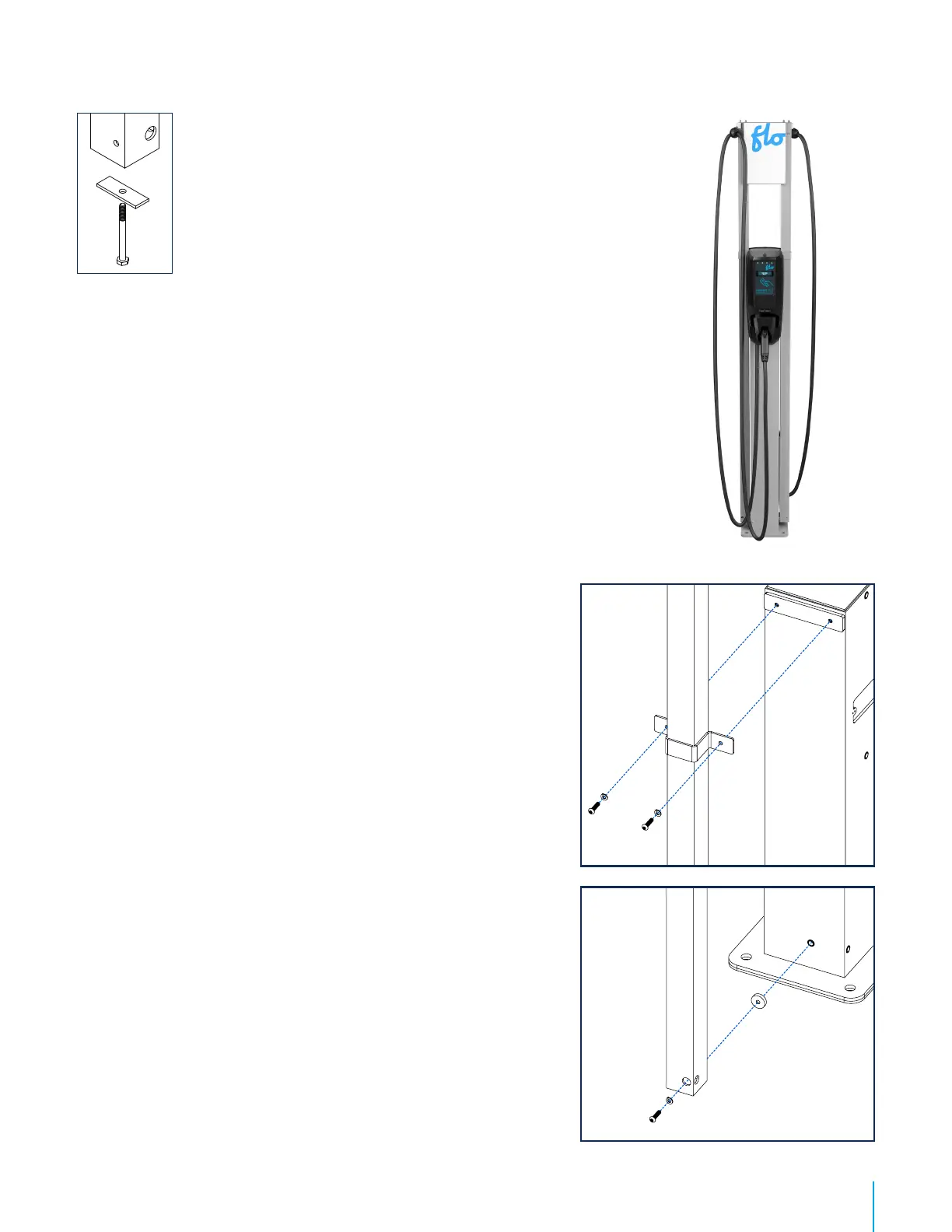
1. Install the rectangular spacing shim, place the column
and than install the upper mount bracket on top.
Screw parts loosely with ¼-20 or self-drilling screws,
depending on the type of pedestal you have, so the
Cable management system column is maintained in
place and moves freely to install the lower mounting
hardware.
Recommendation : To position the column, when
standing in front of the charging station, make sure to
place the output of the Cable management on the exterior
side.
2. Screw the column of the Cable management system
by placing the round spacing shim (circled in red in
the image included) between the pedestal and the
column, and tighten the screws to solidly secure the
column.
3. Secure the top bracket.
4. Install the empty column on the opposite side of the
charging station by following the above steps 1 to 3.
5. Proceed with the positioning of the cable clamp. Refer
to page 15.
6. Install the poster panel. Refer to page 16.
Caution : This pedestal is certied like an electrical enclosure,
and any alteration must comply with local regulation.
Cable management
system installation


 To Next Page