REGULATION INSTRUCTIONS
17
Press the
“ ”
INFO button to display the boiler data.
Once pressed, the parameter number will appear on the left side of the display and the associated
parameter value will appear on the center of the display. Use “
”
and “ ”
buttons of the heating
temperature setting to scroll the list of available data.
Press the
“ ”
INFO button to exit the display mode.
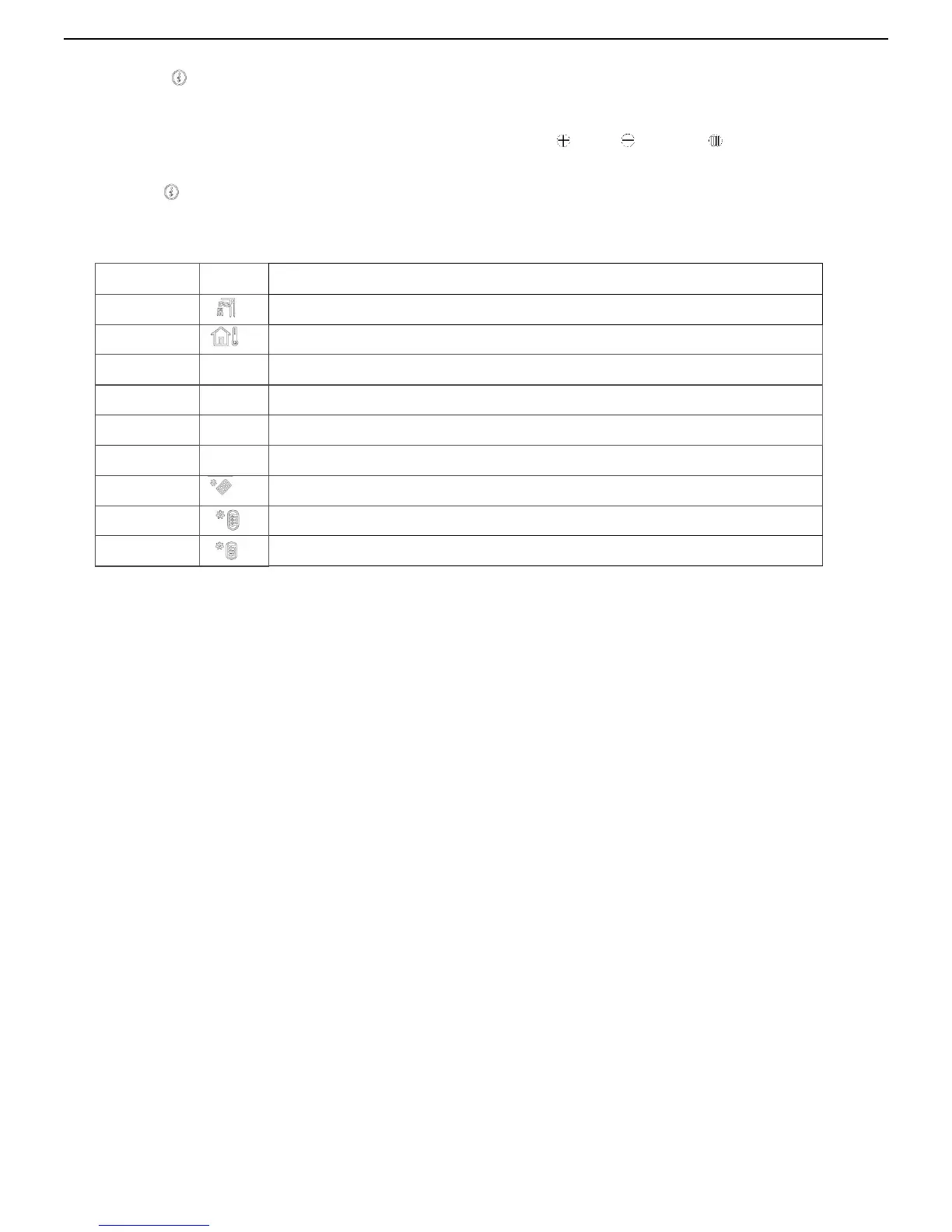
The list of available display data is the following:
Parameter
Icon
Description
Outdoor sensor temperature
Kd
Thermoregulation value
Fan speed
Low temperature circuit sensor (only with Zone PCB connected)
Heating return sensor temperature
Solar panel sensor temperature (only with Solar PCB connected)
Solar storage cylinder temperature (
low level
)
(only with Solar PCB
Solar storage cylinder temperature (
high level
) (only with Solar PCB
3. INSTALLATION (authorized personnel)



 To Next Page