REGULATION INSTRUCTIONS
42
Accessing the parameters menu
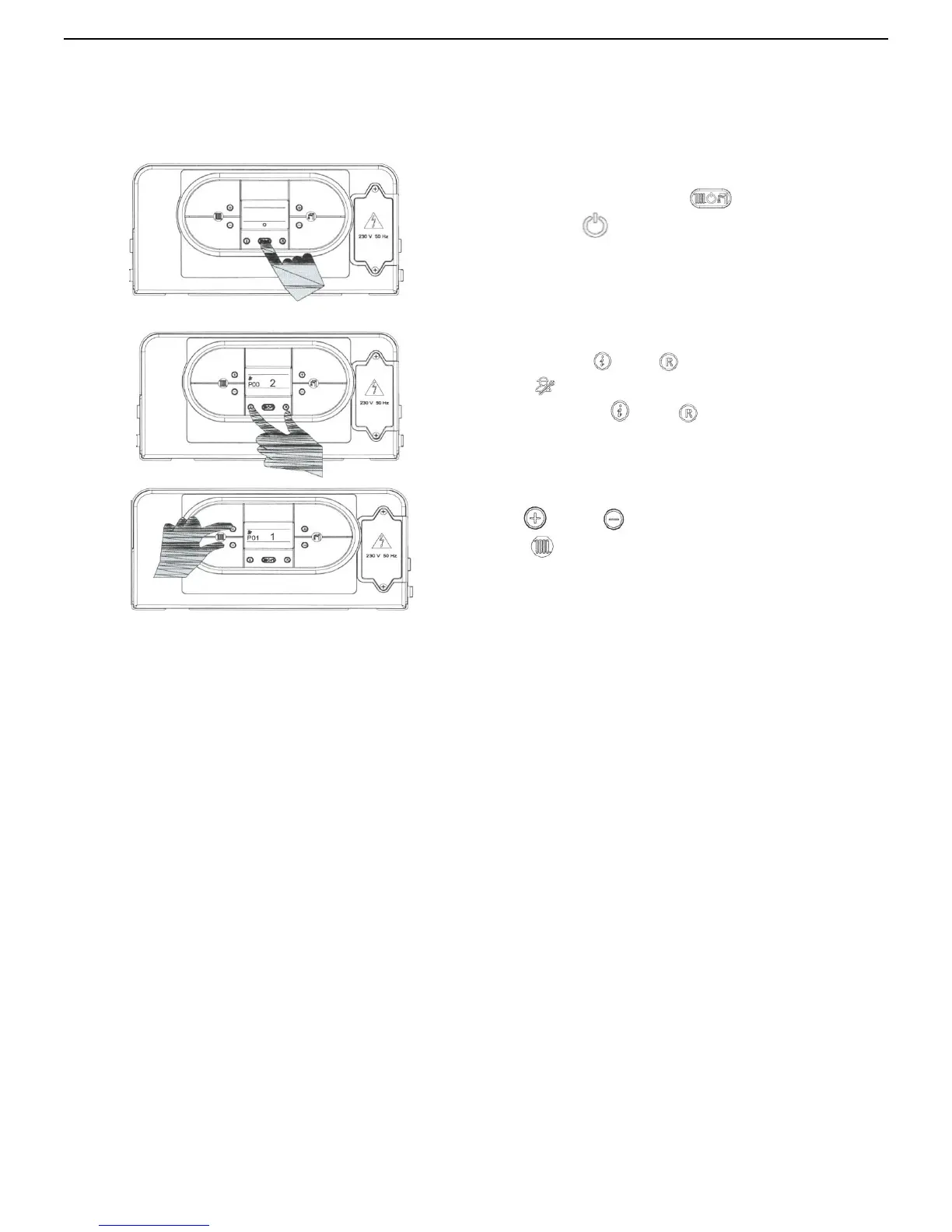
To modify the preset values of the parameters reported in the previous table, open the parameter settings menu as
follows:
1.
P
lace mode selection button “ ” in OFF position,
visualized by
symbol;
2. Keep pressed ' ' and ' ” buttons simultaneously and
wait for
symbol and 'P00', to appear on the display.
3. Release buttons '
‘ and ‘ ”:,
4. Use ' ' and “ ” buttons of heating temperature
setting
to select the parameter to modify;
Adjust the value of the parameter using the procedure described in the following pages.



 To Next Page