First Printing
3
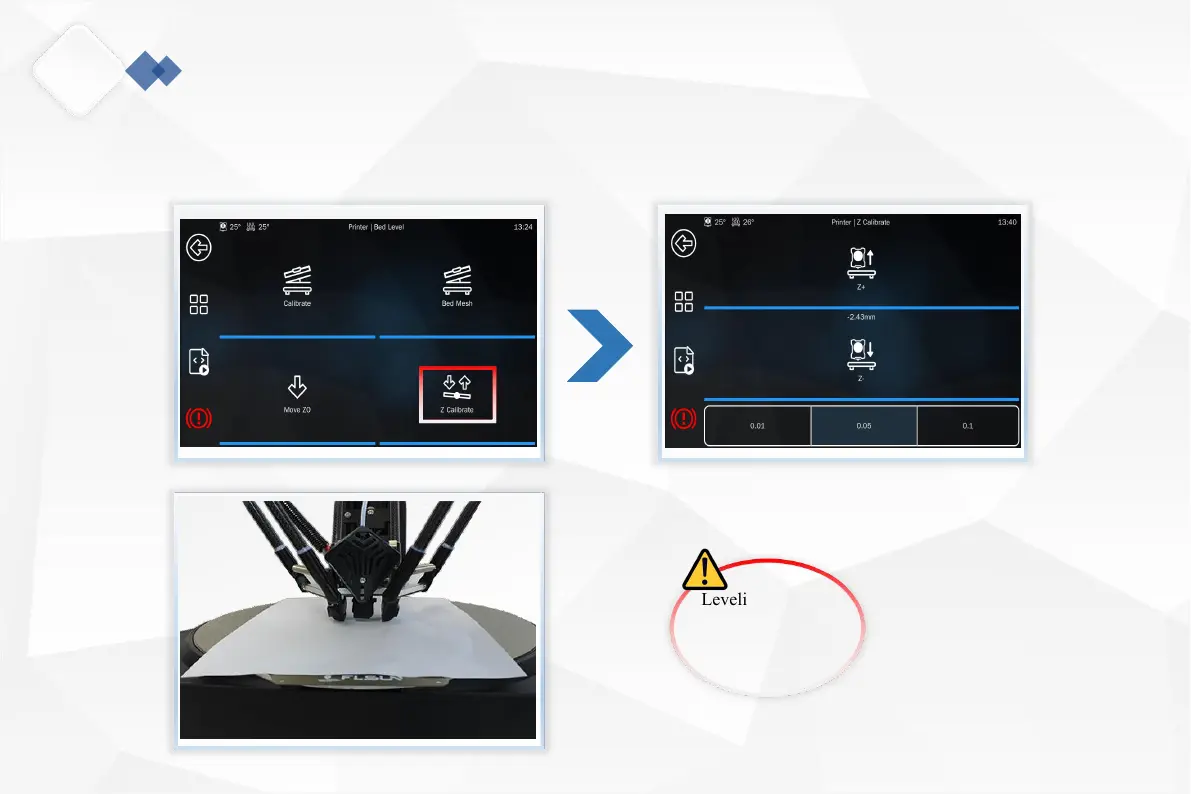
4.Take a piece of A4 paper and place it under the nozzle, click "Z calibration".Use "Z+" or "Z-" to adjust the nozzle height. There
is slight friction when pushing and pulling the A4 paper slowly. At this time, the distance between the nozzle and the hot bed is
the most suitable. Click the back button to return to the home page and click "Home".
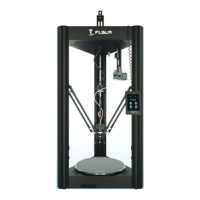
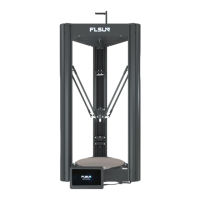
Flsun V400 , Amazing Speed!
Leveling data is
automatically saved
and the effector does
not go home.
15


 To Next Page