4.1 Add V400 configuration file
Slicing software
4
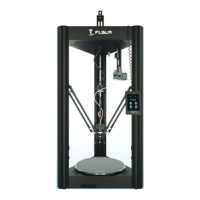
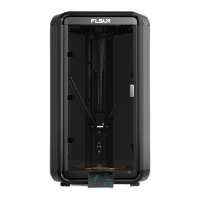
Flsun V400 , Amazing Speed!
①. Place the "flsun_v400" folder to the "resources\quality" directory under the Cura 4.13.1 installation path.
②. Place the "flsun_v400.def.json" file to "resources\definitions" directory in the installation path.
③. Place the "flsun_v400_extruder_0.def.json" file in the "resources\extruders" directory in the installation path.
④. Place the "flsun_v400.stl" file under the "resources\meshes" directory in the installation path.
1.Take cura4.13.1 as an example:Follow the steps below to replace the original configuration file in cura with that of the
V400.
23
If you already have Cura installed, follow the steps below to add the V400's configuration file to your Cura. The file
has been saved to a U Disk drive.
2. After the replacement is complete, open Cura and follow the steps on page 24 of the installation manual to add the V400
printer.


 To Next Page