• This device may only be operated by persons who are authorized and trained by the
operator of the facility. All instructions in this manual are to be observed.
• Take careful notice of the "Safety rules, instructions and precautionary measures" in the
front of this manual.
2.3 OPERATOR INFORMATION AND FUNCTIONS
In general, the F116-P will always function at Operator level. The information displayed is dependent
upon the SETUP-settings. The signal from the connected sensor is processed by the F116-P in the
background, whichever screen refresh rate setting is chosen. After pressing a key, the display will be
updated very quickly during a 30 second period, after which it will slow-down again.
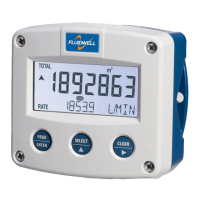
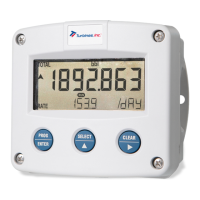
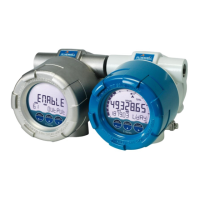
Fig. 3: Example of display information during process.
For the Operator, the following functions are available:
▪ Display differential or summed flow rate / total
This is the main display information of the F116-P. After the selection of any other information, it
will always return to this main display automatically. Total is shown on the upper line of the
display and flow rate on the bottom line. When selected in the setup menu, the display shows the
flow rate only. When you press the select key, the total shows momentarily.
When "-------" is shown, then the flow rate value is too high to be shown. The arrows indicate
the increase/decrease of the flow rate trend.



 To Next Page