Fluke 19xC-2x5C
Users Manual
8
Resetting the Test Tool
If you want to reset the test tool to the factory settings, do
the following:
1
Turn the test tool off.
2
Press and hold the USER key.
3
Press and release.
The test tool turns on, and you should hear a double beep,
indicating the reset was successful.
4
Release the USER key.
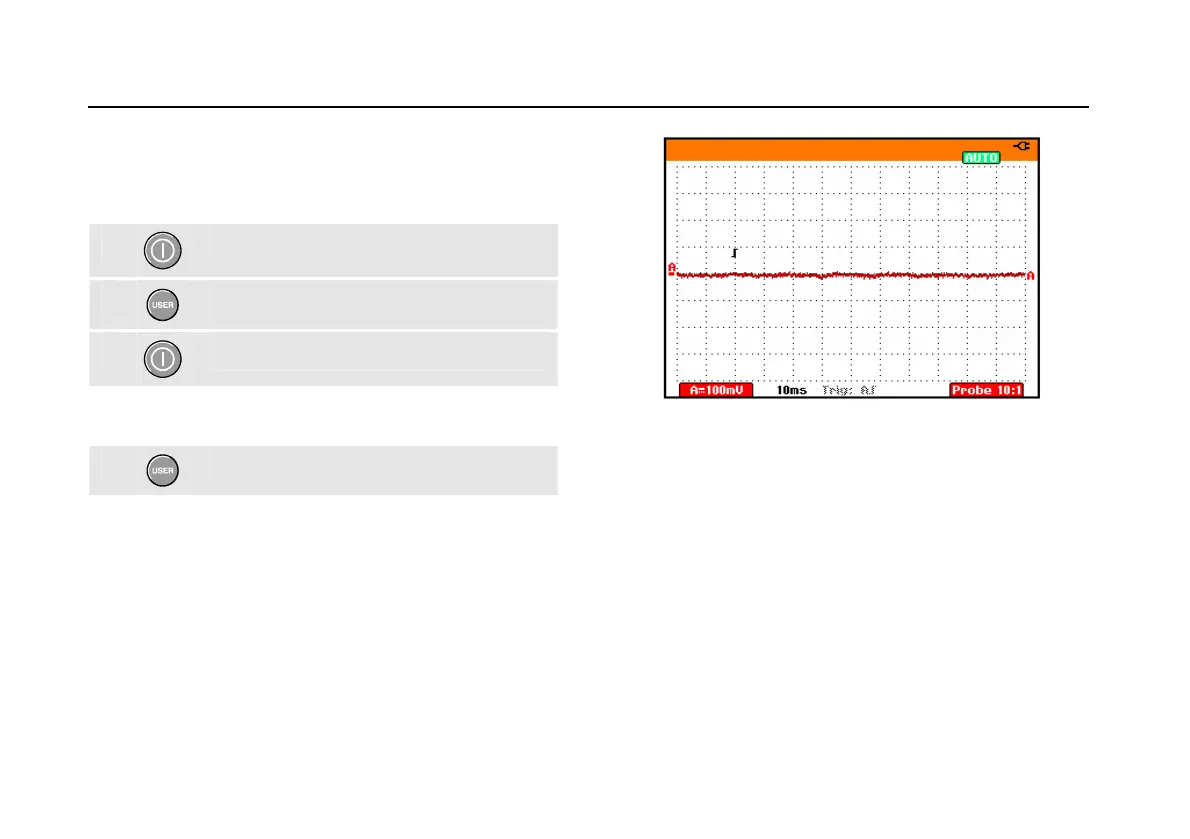
Now look at the display; you will see a screen that looks
like
Figure 3.
Figure 3. The Screen After Reset






 To Next Page