Controller Operation
9.3 Temperature Set-point 9
9-5
9.3.2 Set-point Value
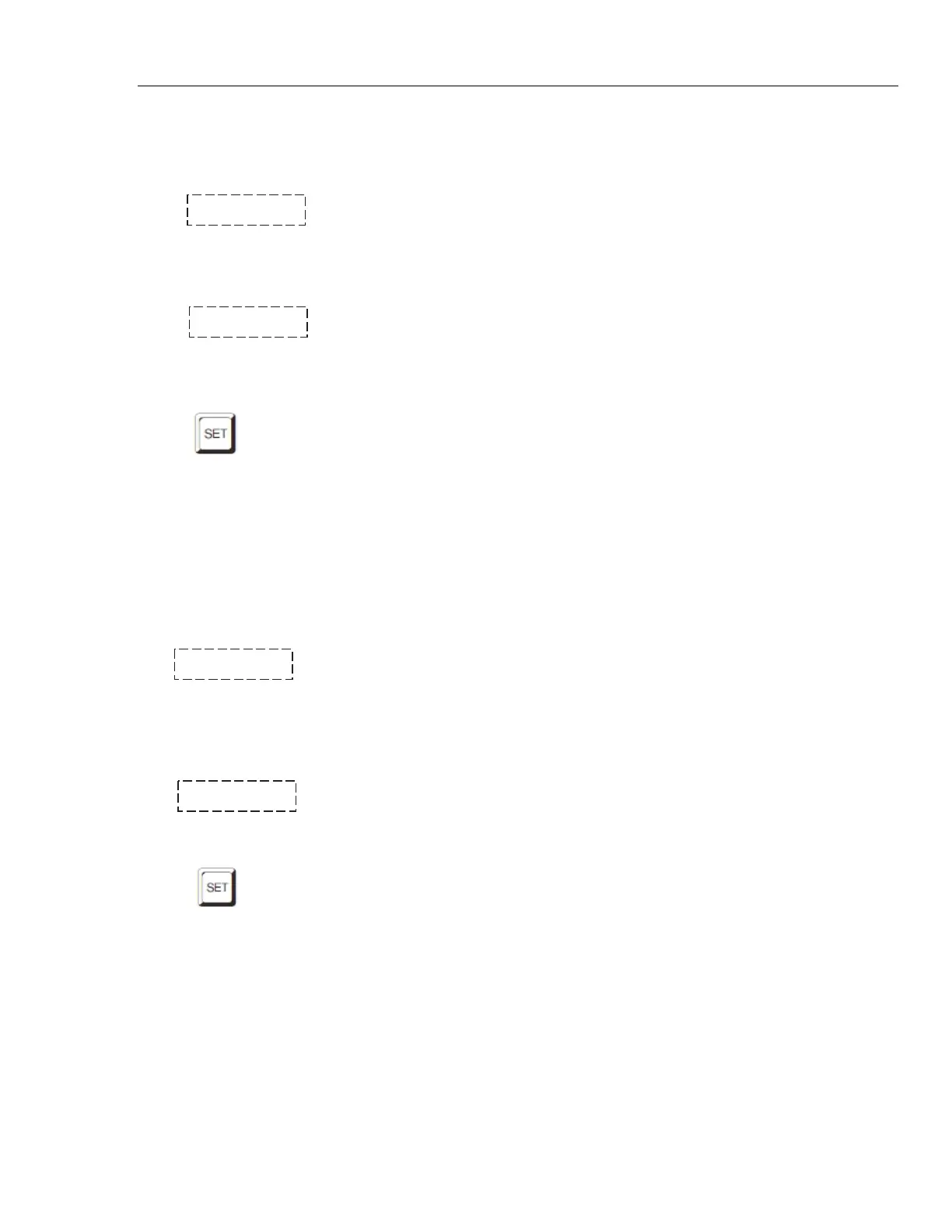
The set-point value may be adjusted after selecting the set-point memory and
pressing “SET”. The set-point value is displayed with the units, C or F, at the left.
C 40.00 Set-point 4 value in °C
If the set-point value need not be changed then press “EXIT” to resume
displaying the bath temperature. Press “UP” or “DOWN” to adjust the set-point
value.
C 42.50 New set-point value
When the desired set-point value is reached press “SET” to accept the new value
and access the set-point vernier. If “EXIT” is pressed instead then any changes
made to the set-point will be ignored.
Accept new set-point value
9.3.3 Set-point Vernier
The set-point value can only be set with a resolution of 0.01 °C. The user may
want to adjust the set-point slightly to achieve a precise bath temperature. The
set-point vernier allows one to adjust the temperature below or above the set-
point by a small amount with very high resolution. Each of the 8 stored set-points
has an associated vernier setting. The vernier is accessed from the set-point by
pressing “SET”. The vernier setting is displayed as a 6 digit number with five
digits after the decimal point. This is a temperature offset in degrees of the
selected units, C or F.
0.00000 Current vernier value in °C
To adjust the vernier press “UP” or “DOWN”. Unlike most functions the vernier
setting has immediate effect as the vernier is adjusted. “SET” need not be
pressed. This allows one to continually adjust the bath temperature with the
vernier as it is displayed.
0.00090 New vernier setting
Next press “EXIT” to return to the temperature display or “SET” to access the
temperature scale unit’s selection.
Access scale units



 To Next Page