7008
Users Guide
9-14
9.12.4 Linefeed
The final parameter in the serial interface menu is the linefeed mode. This
parameter enables (on) or disables (off) transmission of a linefeed character (LF,
ASCII 10) after transmission of any carriage-return. The linefeed parameter is
indicated by,
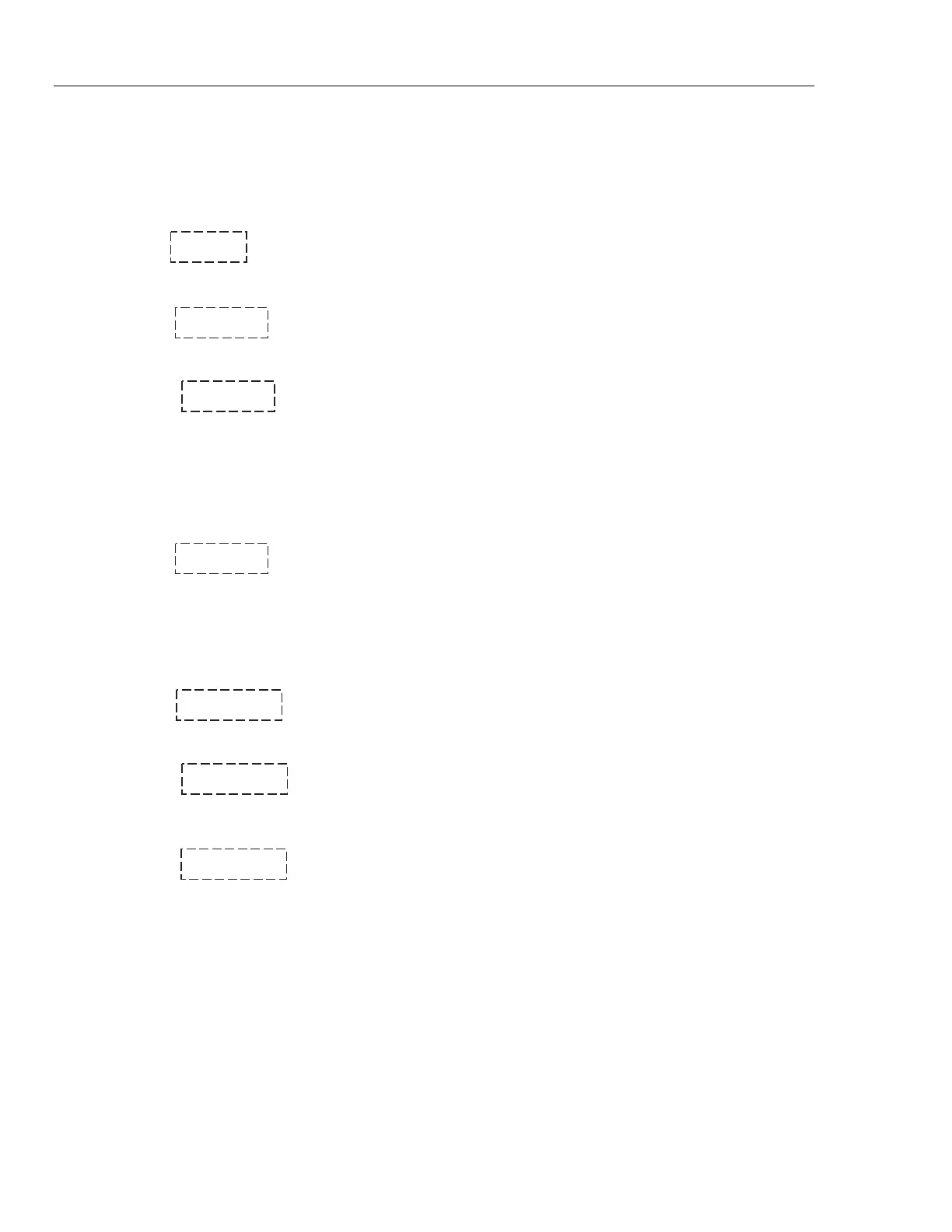
LF Serial linefeed parameter
Press “SET” to access the linefeed parameter.
LF= On Current linefeed setting
The mode may be changed using “UP” or “DOWN” and pressing “SET”.
LF= OFF New linefeed setting
9.13 IEEE-488 Parameters Menu
Baths may optionally be fitted with an IEEE-488 GPIB interface. In this case the
user may set the interface address within the IEEE-488 parameter menu. This
menu does not appear on baths not fitted with the interface. The menu is
indicated by,
IEEE IEEE-488 parameters menu
Press “SET” to enter the menu.
9.13.1 IEEE-488 Address
The IEEE-488 interface must be configured to use the same address as the
external communicating device. The address is indicated by,
AddrESS IEEE-488 interface address
Press “SET” to access the address setting.
Add= 22 Current IEEE-488 interface address
Adjust the value with “UP” or “DOWN” and then use “SET” to set the address to
the displayed value.
Add= 15 New IEEE-488 interface address



 To Next Page