7008
Users Guide
10-6
Digital Communications Summary continued
To enter the IEEE-488 parameter programming menu first press “EXIT” while
pressing “SET” and release to enter the secondary menu. Press “SET”
repeatedly until the display reaches “PrObE”. This is the menu selection. Press
“UP” repeatedly until the IEEE-488 interface menu is indicated with “IEEE”. Press
“SET” to enter the IEEE-488 parameter menu. The IEEE-488 menu contains the
IEEE-488 address parameter.
10.2.1.1 IEEE-488 Interface Address
The IEEE-488 address is prompted with “AddrESS”. Press “SET” to program the
address. The default address is 22. Change the device address of the bath if
necessary to match the address used by the communication equipment by
pressing “UP” or “DOWN” and then “SET”.
10.2.2 IEEE-488 Operation
Commands may now be sent via the IEEE-488 interface to read or set the
temperature or access other controller functions. All commands are ASCII
character strings and are terminated with a carriage-return (CR, ASCII 13).
Interface commands are listed below.
10.3 Interface Commands
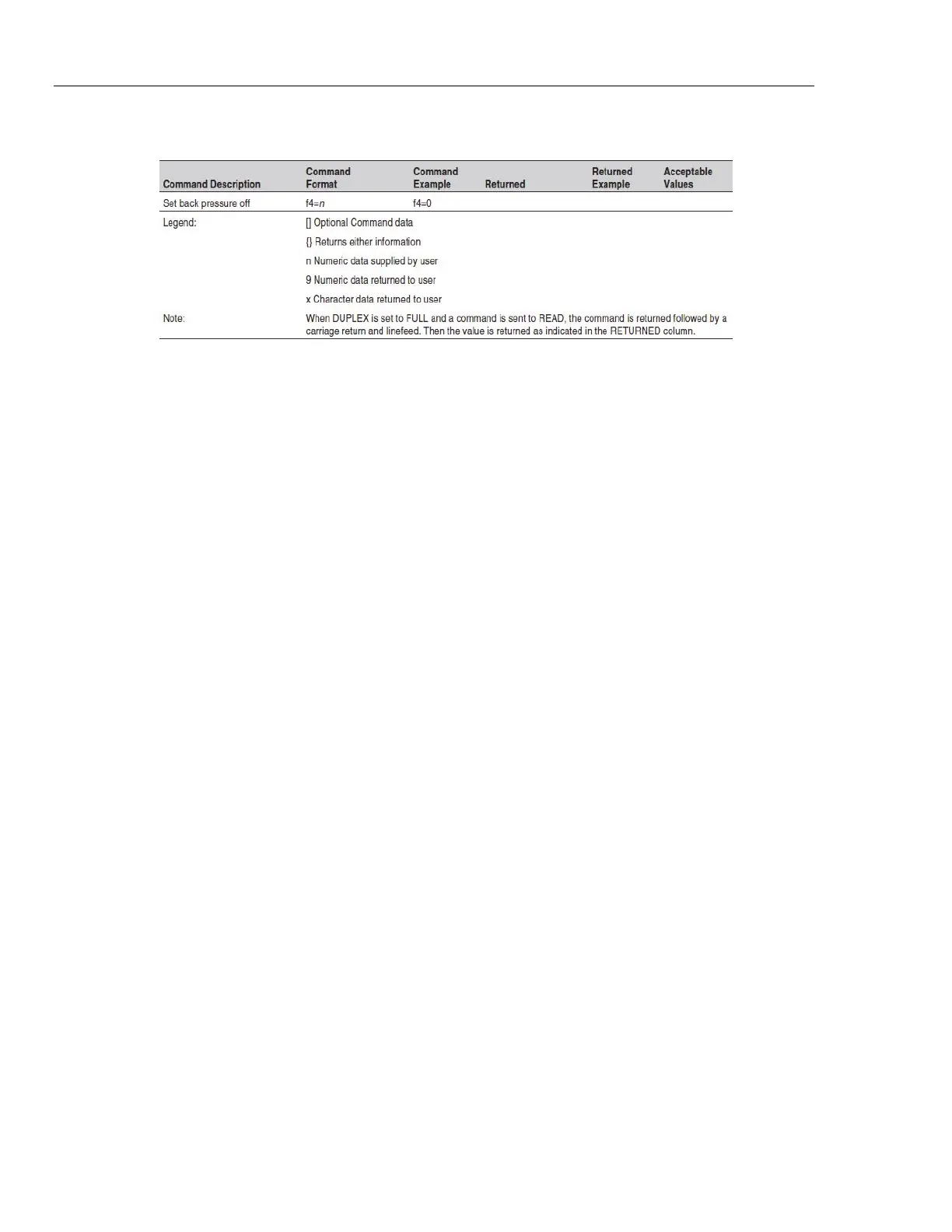
The various commands for accessing the bath controller functions via the digital
interfaces are listed in this section (see Table 5). These commands are used with
both the RS-232 serial interface and the IEEE-488 GPIB interface. In either case
the commands are terminated with a carriage-return character. The interface
makes no distinction between upper and lower case letters, hence either may be
used. Commands may be abbreviated to the minimum number of letters which
determines a unique command. A command may be used to either set a
parameter or display a parameter depending on whether or not a value is sent
with the command following a “=” character. For example “s” < CR > will return
the current set-point and “s =50.00” < CR > will set the set-point to 50.00
degrees.



 To Next Page