Figure 46. InsideIR Splash Screen
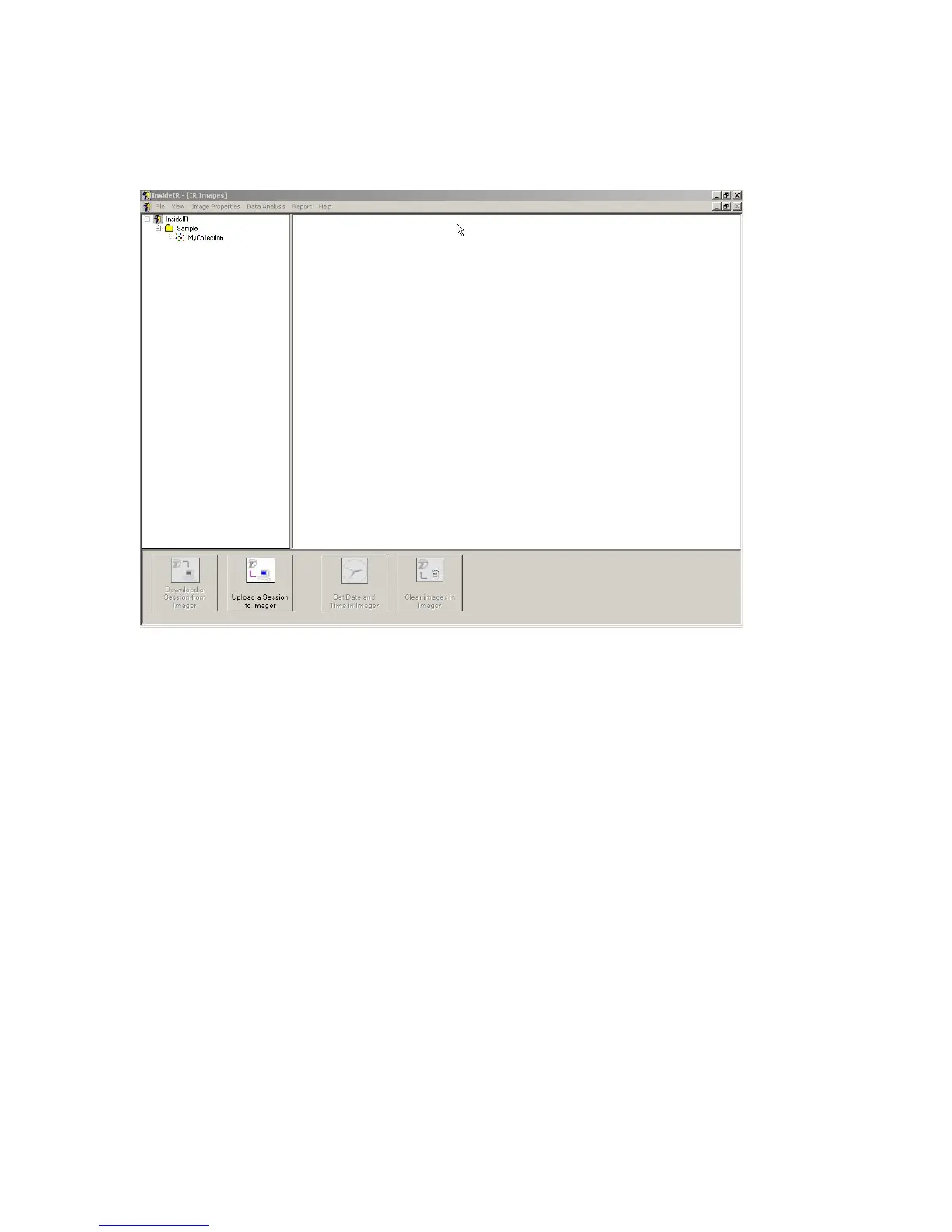
The screen appears momentarily and then the following screen appears:
Figure 47. InsideIR Main Screen at Program Launch
If you wish to view the sample images now, click the plus sign to the right of the Samples
folder to open it. Then double-click on the session name (My collection, in our example
below).
Jan 31st, 2005 - 48 -


 To Next Page