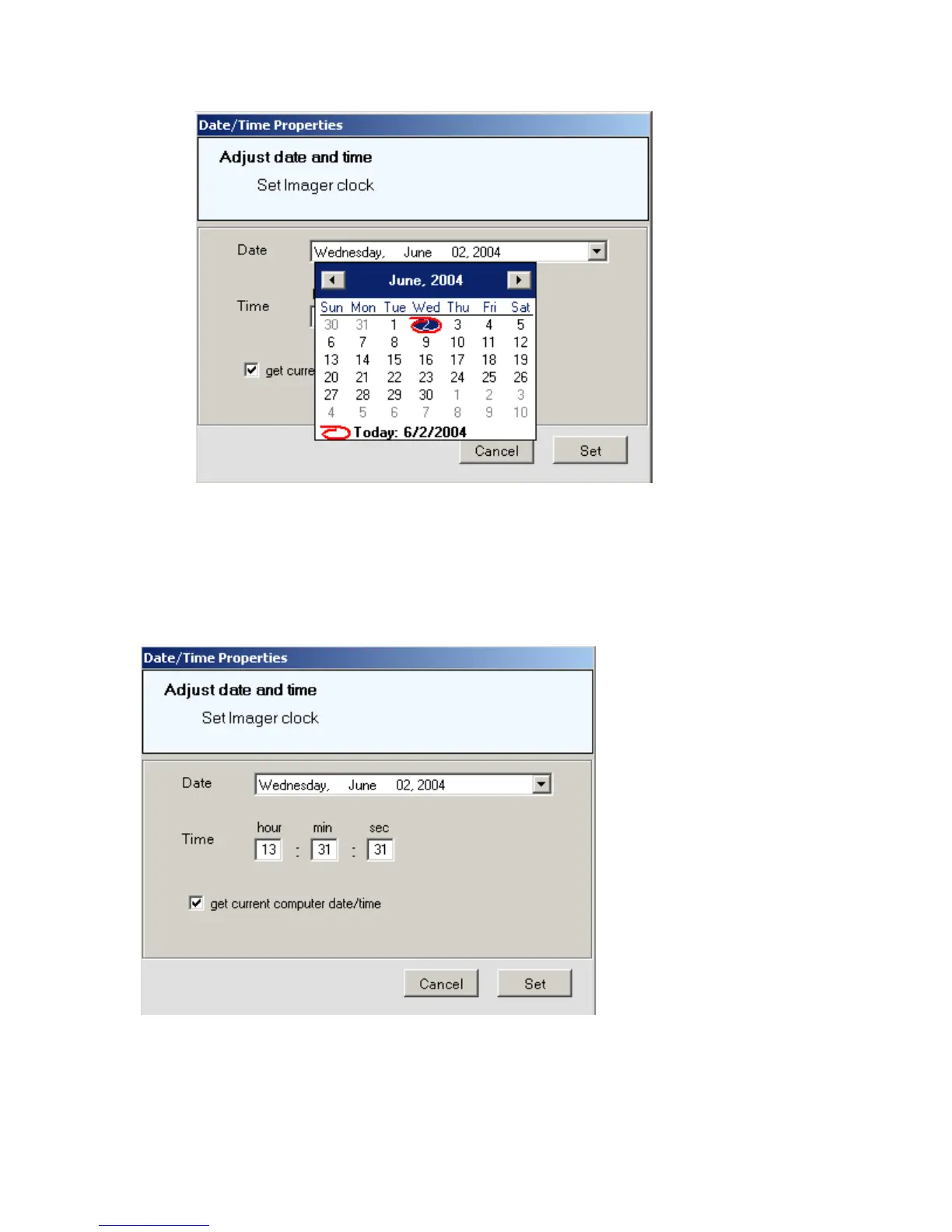
Click on the side arrow buttons to change the current year / month
Click to select the day of the month.
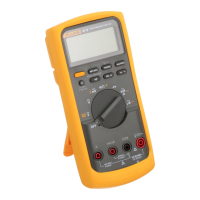
The following windows appears:
To set the current time, click on the hour and min (minute) boxes to enter time
information. Use the 24-hour time format only.
Press the Set button to upload the information to the imager.
Jan 31st, 2005 - 54 -



 To Next Page