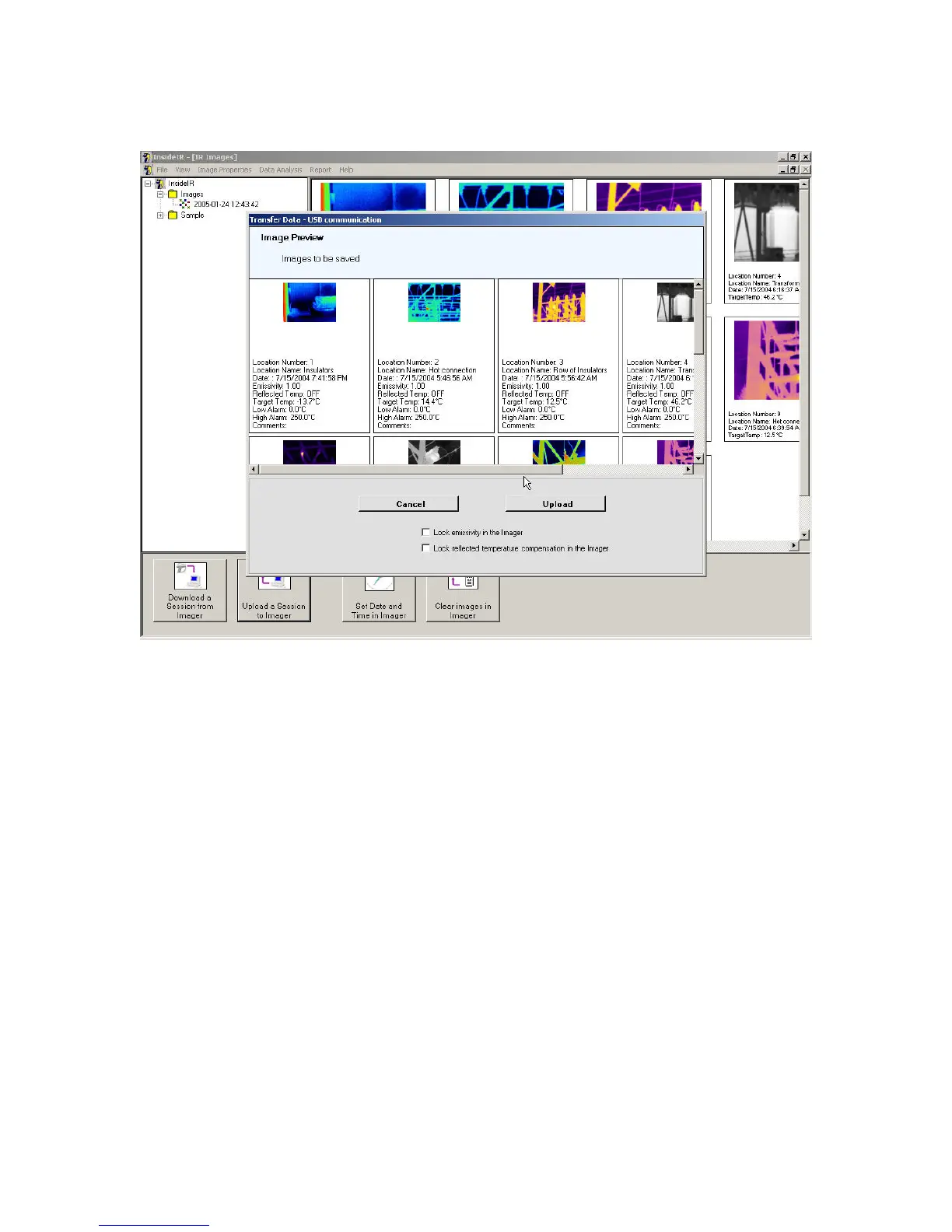
Select the folder and session you want to upload and press Next.
Figure 60. Uploading Data to Your Ti30 Imager
If you wish to change parameters for different locations such as location name, emissivity,
reflected temperature compensation, low and high alarms, and comments, you can do so by
right-clicking the thumbnail of the image you wish to edit, clicking Edit data in the pop-up
menu, and changing the desired field(s).
Jan 31st, 2005 - 69 -


 To Next Page