Change the coolant
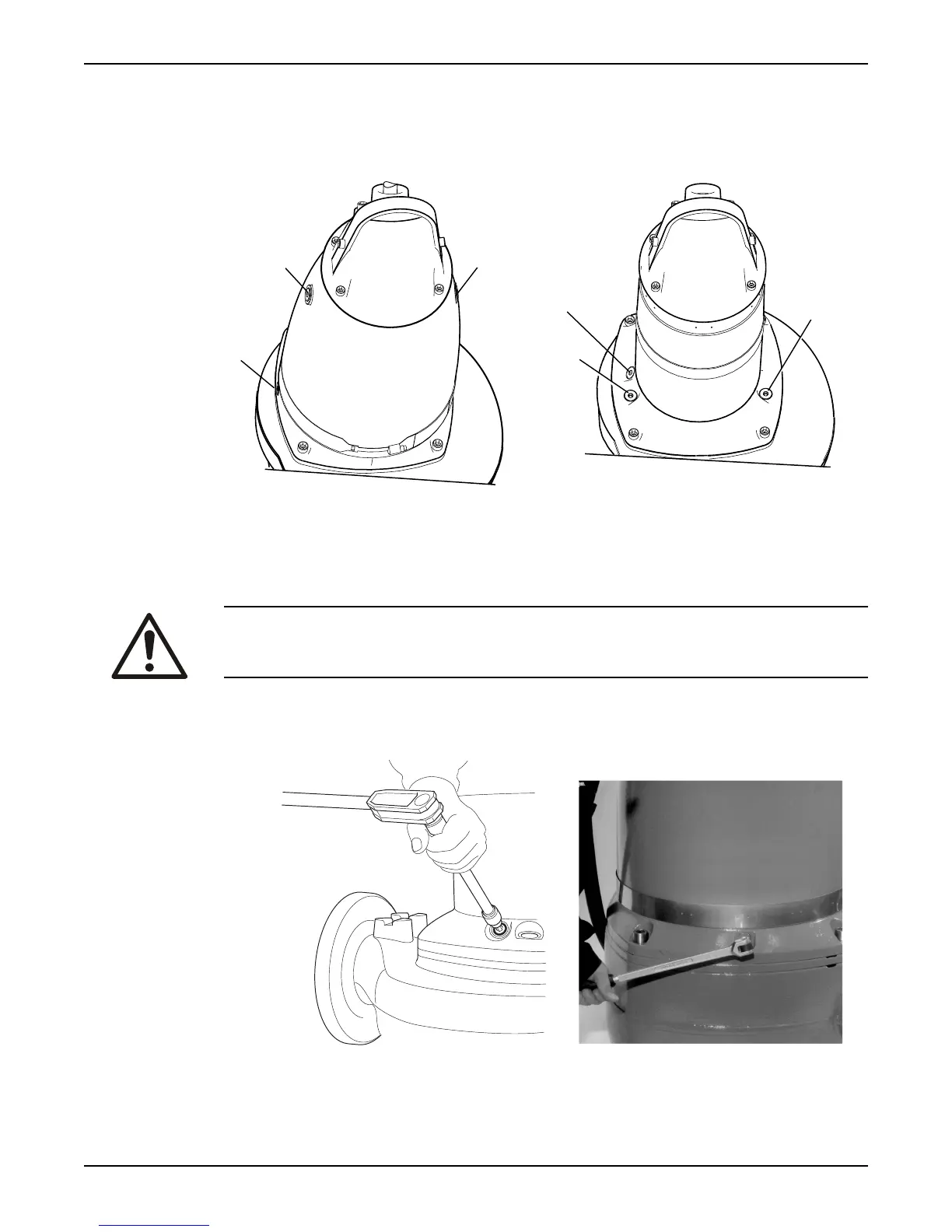
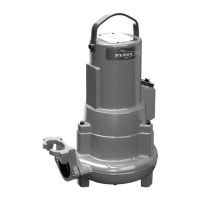
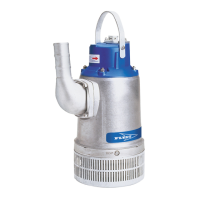
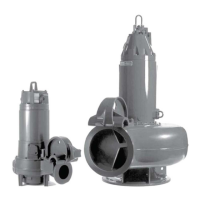
This image shows the plugs that are used to change the coolant.
Figure 20: With a cooling jacket
Figure 21: Without a cooling jacket
1. Inspection plug
2. Coolant plugs
Empty the coolant
WARNING:
The seal housing may be pressurized. Hold a rag over the inspection/ filling plugs to
prevent splatter.
1. Empty the coolant in the inspection chamber:
a)
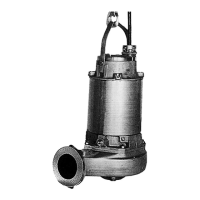
Remove the inspection plug.
Figure 22: Without a cooling jacket
Figure 23: With a cooling jacket
b) Pump out any coolant from the inspection chamber, as shown here.
Maintenance
Flygt 3153 Installation, Operation, and Maintenance Manual 39


 To Next Page