Quick Start
- FS-T1001 Media Recorder
10
Timecode / User Bit Display Options
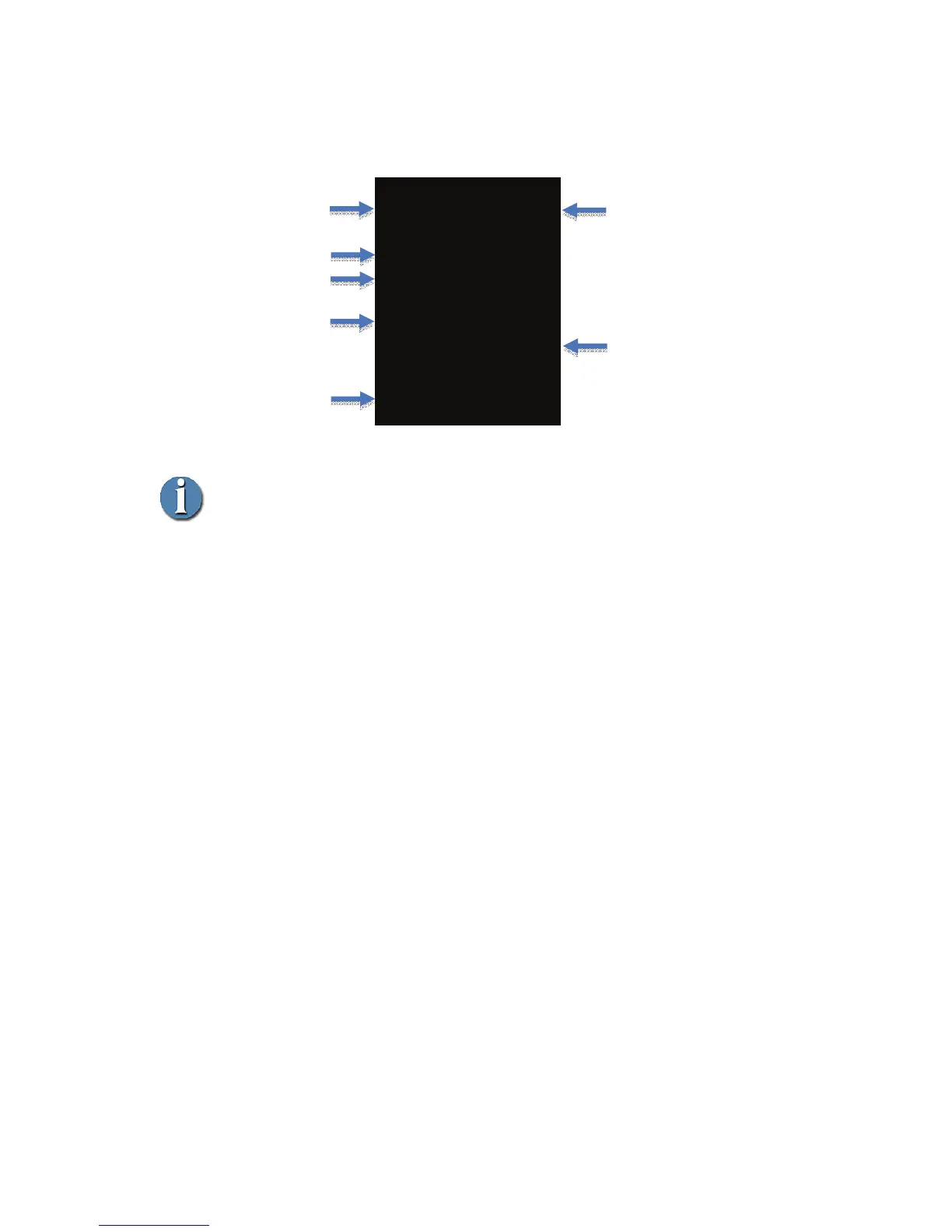
By pressing the OK button during record, it is possible to cycle through the
different timecode / user bit modes. These are:
- COUNTER: Displays current clip duration starting from 00:00:00:00.
Detected stream type is displayed above the TC counter
- USER BIT: Displays current user bit setting in the stream. Detected
stream type is displayed above the TC counter
- TC: Displays source TC being recorded in the stream (EXT TC timecode
mode must be selected). Detected stream type is displayed
above the TC counter
J STOP 1- ____
HQ - 35Mb/s
MP4
TC 1920x1080i/60
00:00:00:00
Media 50 min
Timecode/Counter
Record time
remaining on media
Status symbol and short
description
Record Mode
Record File Type
Volume and
Track Number
TC Mode / Stream



 To Next Page