Quick Start
- FS-T1001 Media Recorder
18
Utilizing FS-T1001 clips on a computer
Once a recording is complete, it is possible to remove the SxS card from
the FS-T1001 and mount it to a Mac or Windows computer system by
inserting it into an ExpressCard 34 slot/reader or external SxS card
reader.
Using XDCAM EX Content on a Computer
It may be necessary to install SxS device drivers and applications that
support XDCAM EX import/playback on your computer system. Consult
XDCAM EX documentation for information on using XDCAM EX content
on your computer system.
When the SxS card is inserted into a reader, the card mounts to the
computer as an external volume. An SxS card that has been formatted
and recorded by FS-T1001 is compatible with applications that support
XDCAM EX.
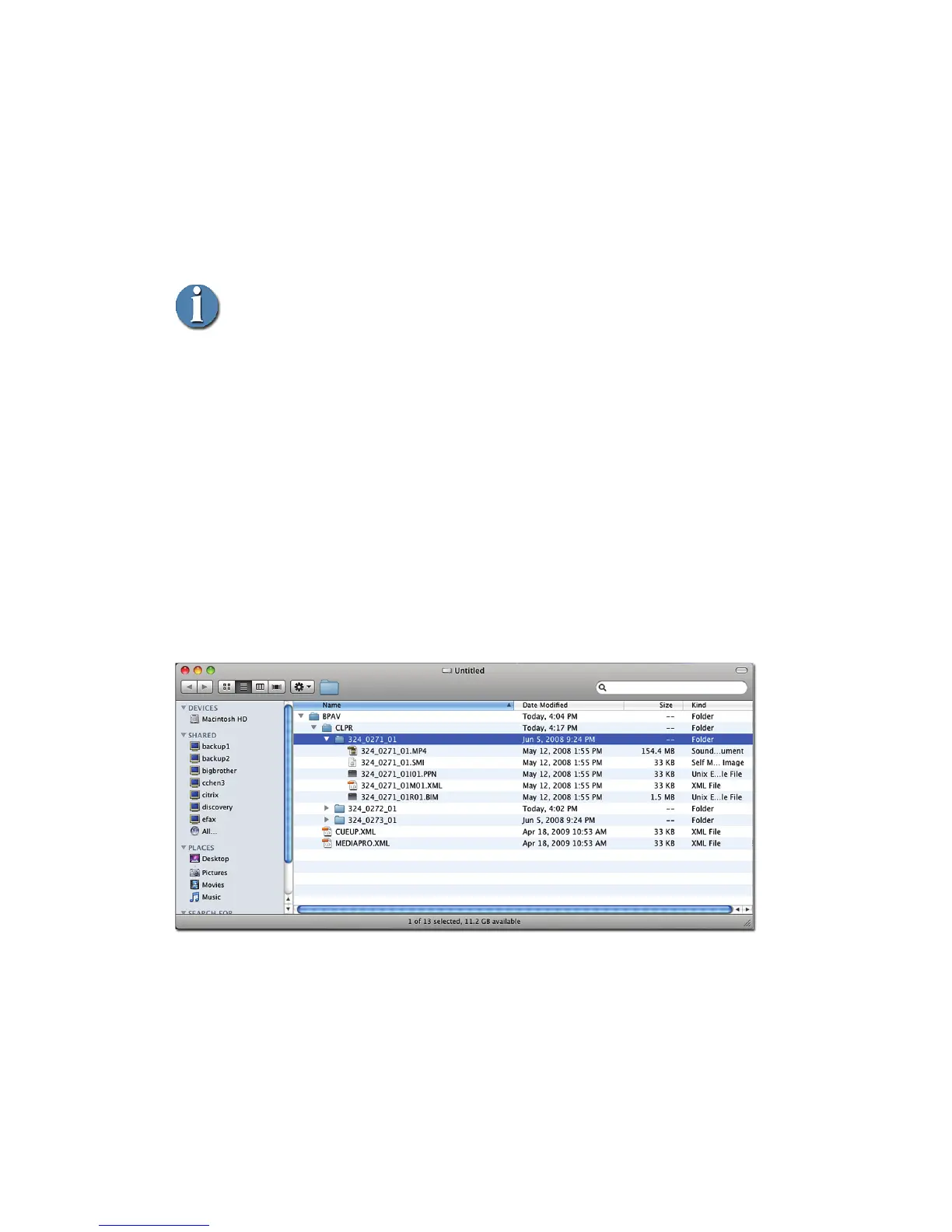
FS-T1001's directory is identical in structure to SxS cards used with
other XDCAM EX devices. When mounted to a computer, the FS-
T1001 directory appears as:
MAC



 To Next Page