Quick Start
- FS-T1001 Media Recorder
12
Basic FS-T1001 Setup
Settings
FS-T1001's menu settings are saved on FS-T1001 through power
cycles. Many FS-T1001 settings are set-and-forget.
Set Date and Time
Prior to utilizing FS-T1001, enter the menu and navigate to the
SETUP menu. From the SETUP menu, set FS-T1001's Date
and Time (as well as Time Zone and DST Adjust if desired).
For more information on setting date/time, see page 22.
Operation Menu Setup
Set Control Mode
There are three CONTROL modes available:
•
NORMAL - Control the FS-T1001 from its front panel.
Ancillary record data and timecode start/stop
in the HD-SDI input stream is ignored.
•
EXT TRIG - The FS-T1001 receives Record and Stop
triggers from ancillary data in the HD-SDI input stream.
This assumes a source that supports ancillary data is
being used.
•
EXT TC - The FS-T1001 monitor's embedded timecode
in the HD-SDI input stream. When a camera is set to
REC-RUN TC mode, recording will begin on FS-T1001
when timecode is incrementing.
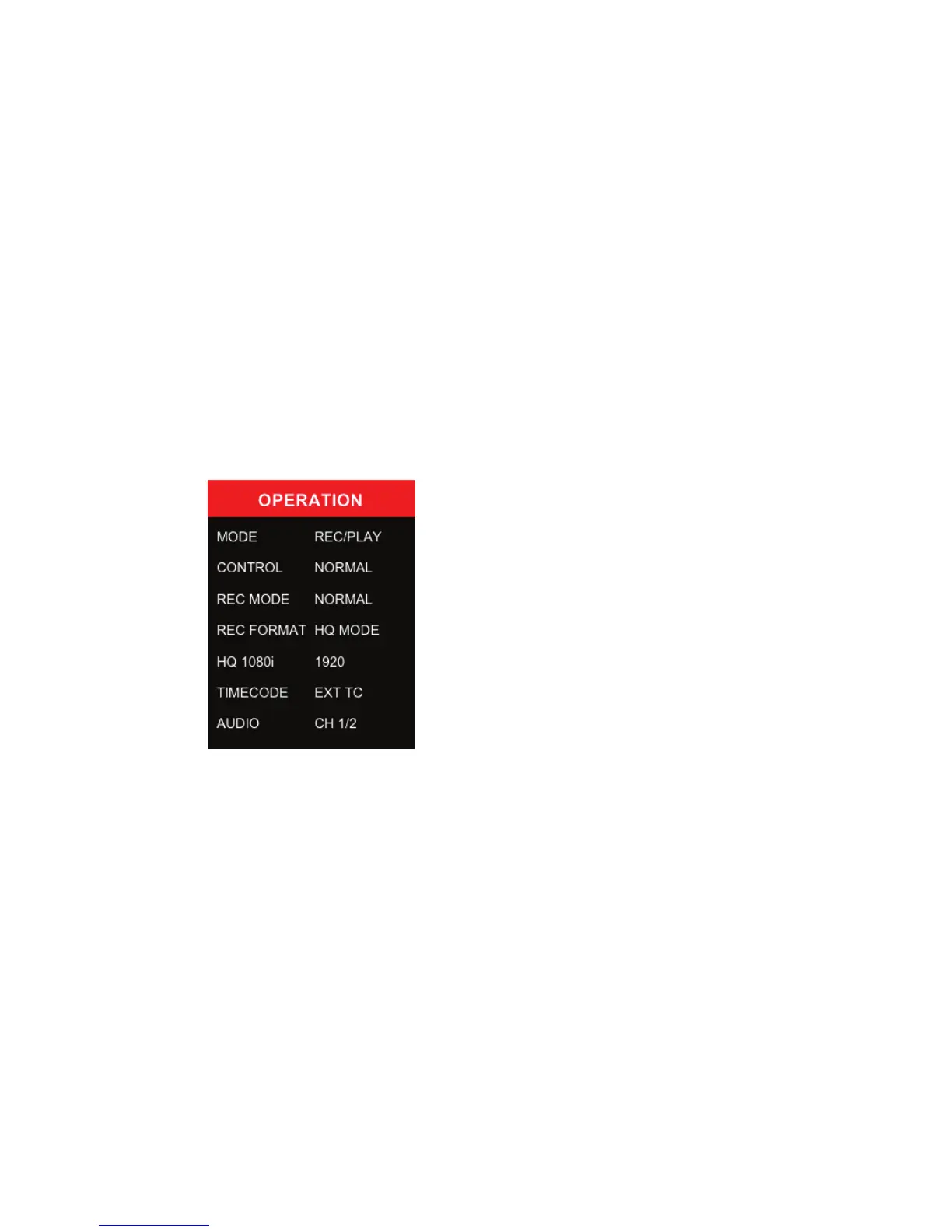
The FS-T1001
OPERATION menu
provides the basic settings for unit
operation. The most common unit
settings are found in this menu.
Use the scroll-wheel to move in the
Operations menu.



 To Next Page