C SERIES USER’S MANUAL
14
Chapter Five Cutter Installation
5.1 Installation and Connection
5.1.1 Cutting Environment
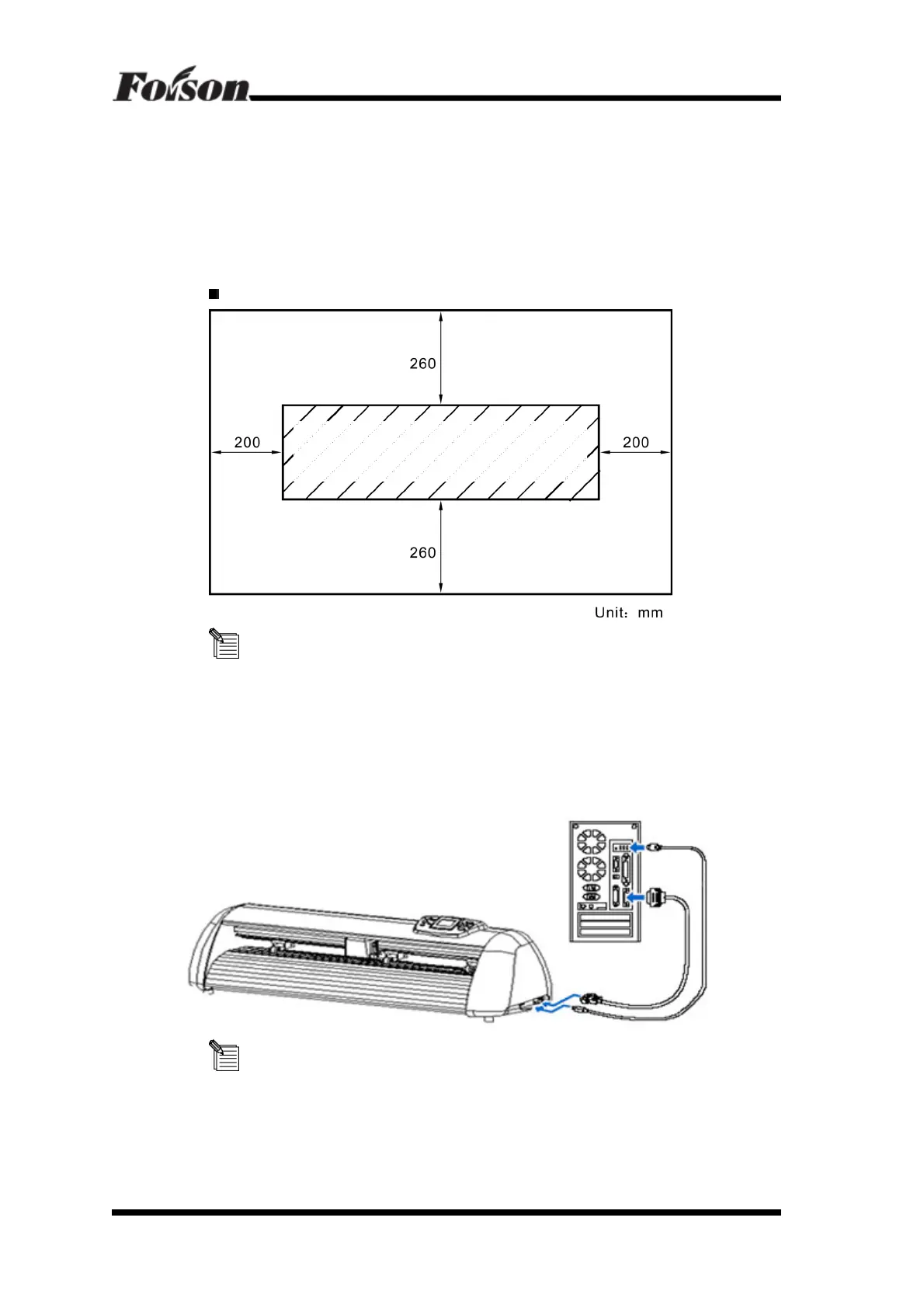
Place the cutter in adequate space in case to replace some parts, output the media and
make sure ventilation.
The place for installing the cutter shown as below
Don’t install your cutter in the following place
- The place where is direct sunlight
- The place where is vibration
- The place where is full dust
- The place where is draught
5.1.2 Connect signal cable to the PC
To make the connection between the cutter and the computer, you are offered two
possibilities: RS232 and USB interface. For USB connection, you need to install the driver
equipped with the cutter first. (Please refer to 5.1.3)
Vinyl Cutter



 To Next Page