C SERIES USER’S MANUAL
30
6.4.11 Laser contour cut setting
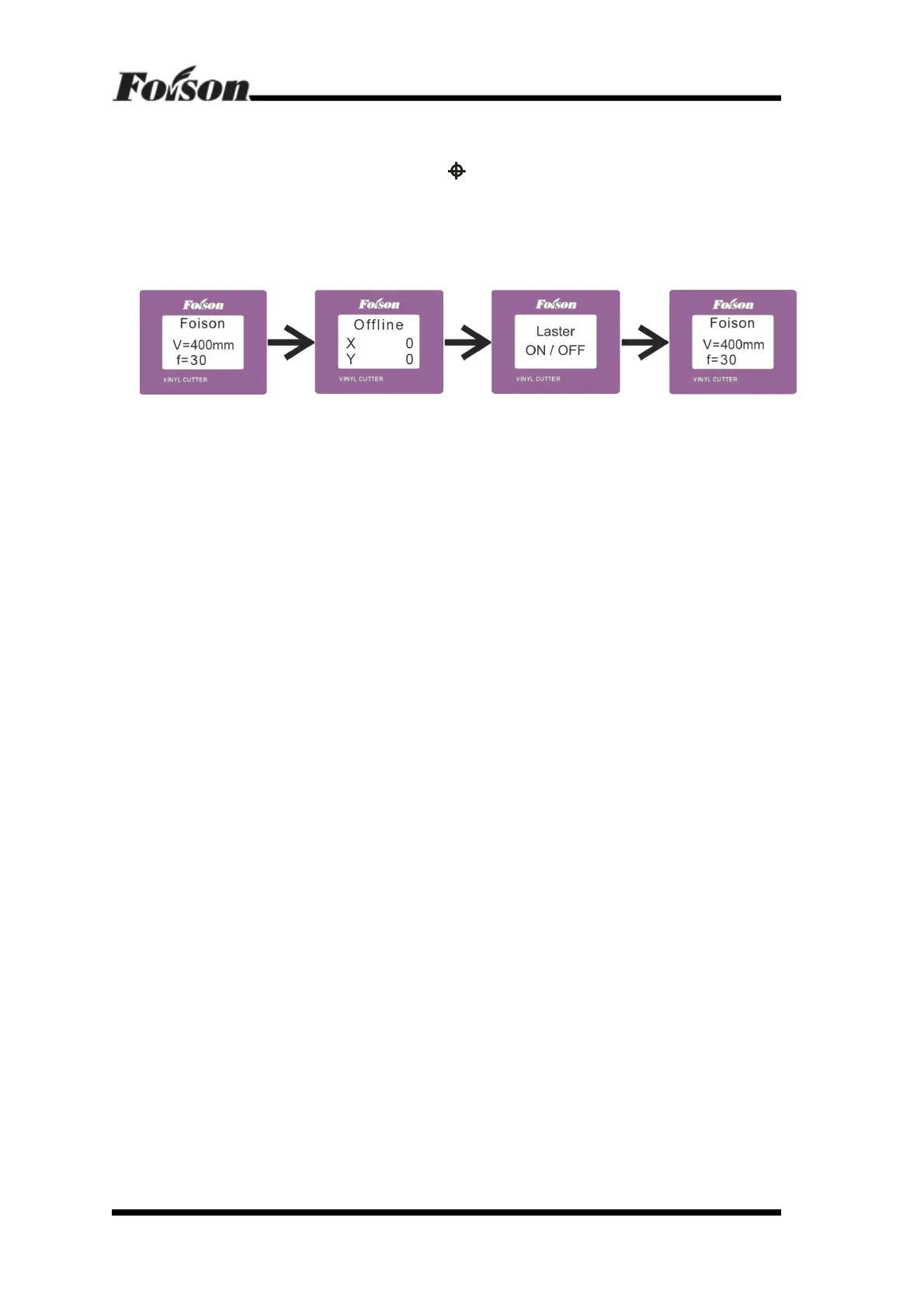
In Online mode, press “ ONLINE” to set machine in OFFLINE mode, then press “Menu” ,
it will now display LED LASER , then click “
”, the laser will activate and show the RED
LED light.
Repeat the same process to turn laser OFF .
LCD show as following :



 To Next Page