C SERIES USER’S MANUAL
29
6.4.10 X, Y Scale Setting
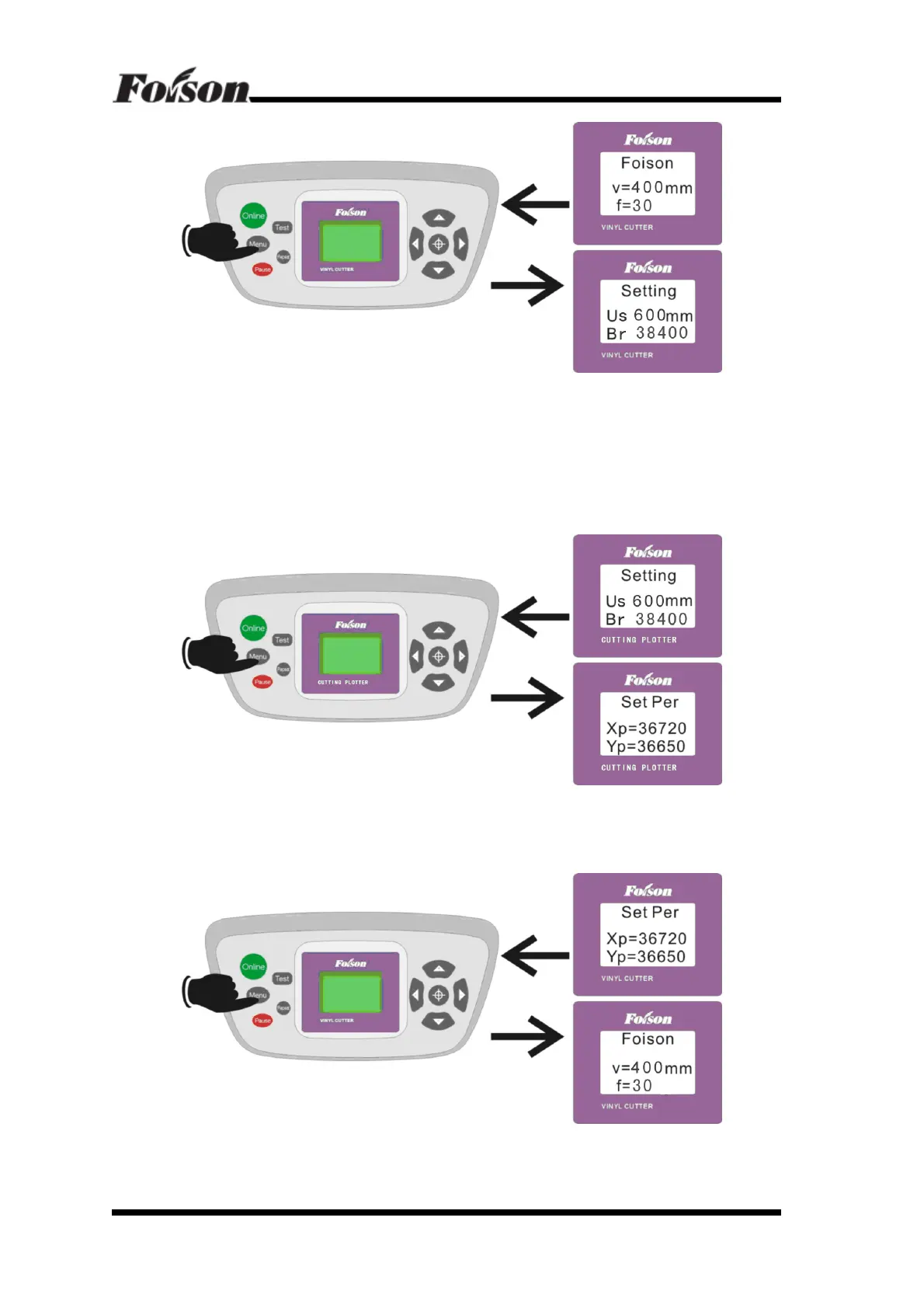
Press Menu once again and enter into Set Per setting. Xp and Yp refer to cutting scale. The
purpose is to set the scale from PC and output file into 1:1 (If there’s any error between the
actual output and the software setting, please adjust Xp and Yp. The default values are
Xp=36720, YP=36650) Shown as following:
After the parameters are set, press Menu, the LCD will return to original screen display. Shown
as followings:



 To Next Page