C SERIES USER’S MANUAL
22
Setting Mode Menu Definition
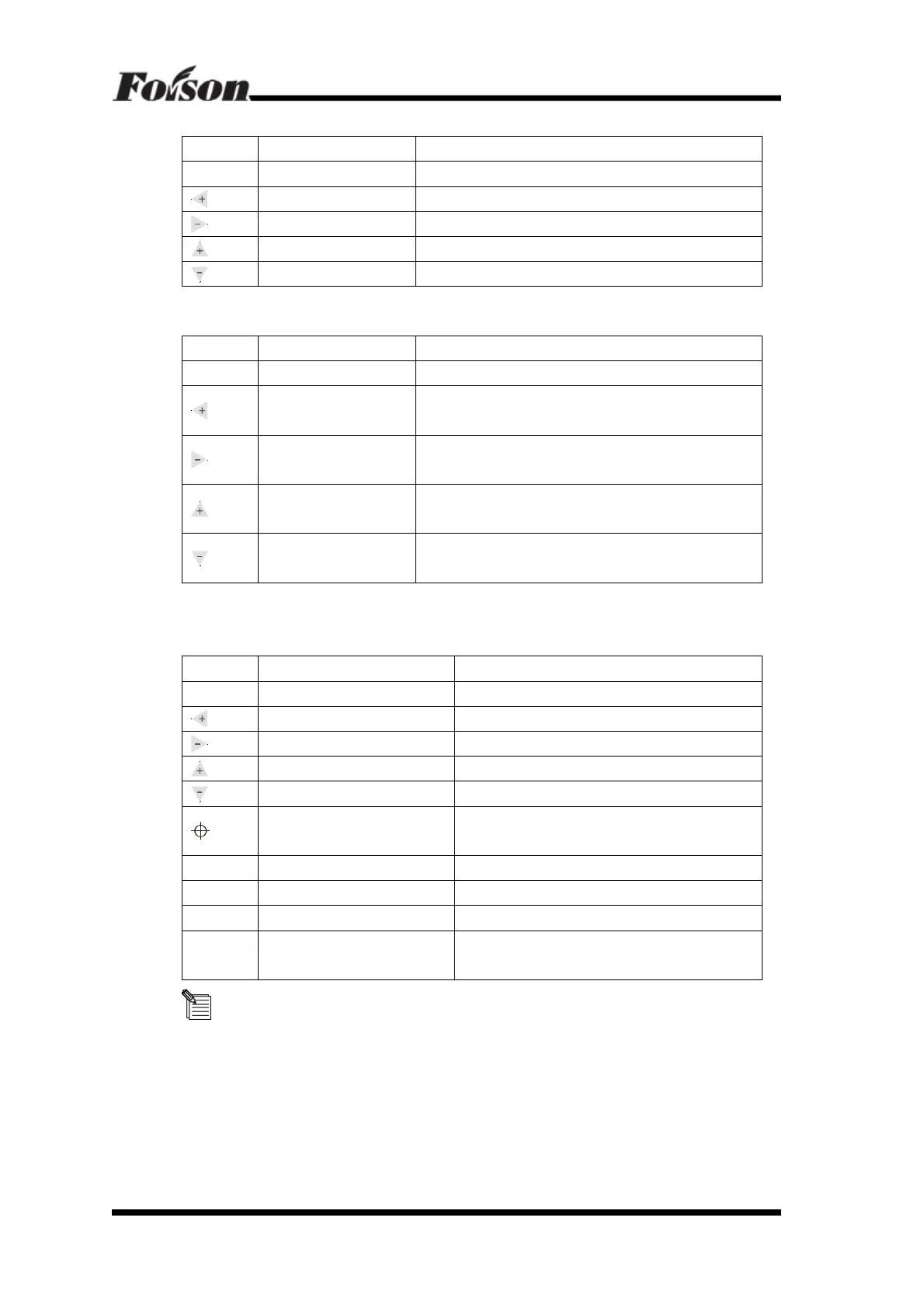
Button Function Description
Menu Menu Switch
Press once and enter into Set Per menu
Baud Rate Increase Press once and increase to a defined baud rate
Baud Rate Decrease Press once and decrease to a defined baud rate
Idle Speed Increase Press once the Idle Speed will increase by 50mm/s
Idle Speed Decrease Press once the Idle Speed will decrease by 50mm/s
Set Per Menu Definition
Button Function Description
Menu Menu Switch Press once and enter into Foison status
Increase Yp Scale
If the actual cutting scale is smaller than the image size
from Y position, press this button will increase the size.
Decrease Yp Scale
If the actual cutting scale is larger than the image size
from Y position, press this button will decrease the size
Increase Xp Scale
If actual cutting size is smaller than the image size, press
this button will increase the size.
Decrease Xp Scale
If actual cutting size is larger than the image size, press
this button will decrease the size.
6.3 Offline Status Description
Offline Keyboard Function Definition
Button Function Description
Online Online/Offline Press once to switch to Foison status
Y+, Left Direction Key Press and realize carriage move to left position
Y-, Right Direction Key Press and realize carriage move to right position
X+, Backwards Direction Key Press and realize main bearing move backwards
X-, Forwards Direction Key Press and realize main bearing move forwards
Original Position Setting Key
Press once will reset X,Y to “0”, the current
position will be the original position
Test
Press for One Second
Draw/cut a tiny square
Test
Press for Two Seconds
Draw/cut a test pattern
Pause Pause/Resume
Repeat Repeat Last Time Work
When the cutter finish working, press this key on
offline status will repeat the same job
The left and right herein refer to the person stands in front of the
cutter. The object is subject to the person’s direction.



 To Next Page