C SERIES USER’S MANUAL
38
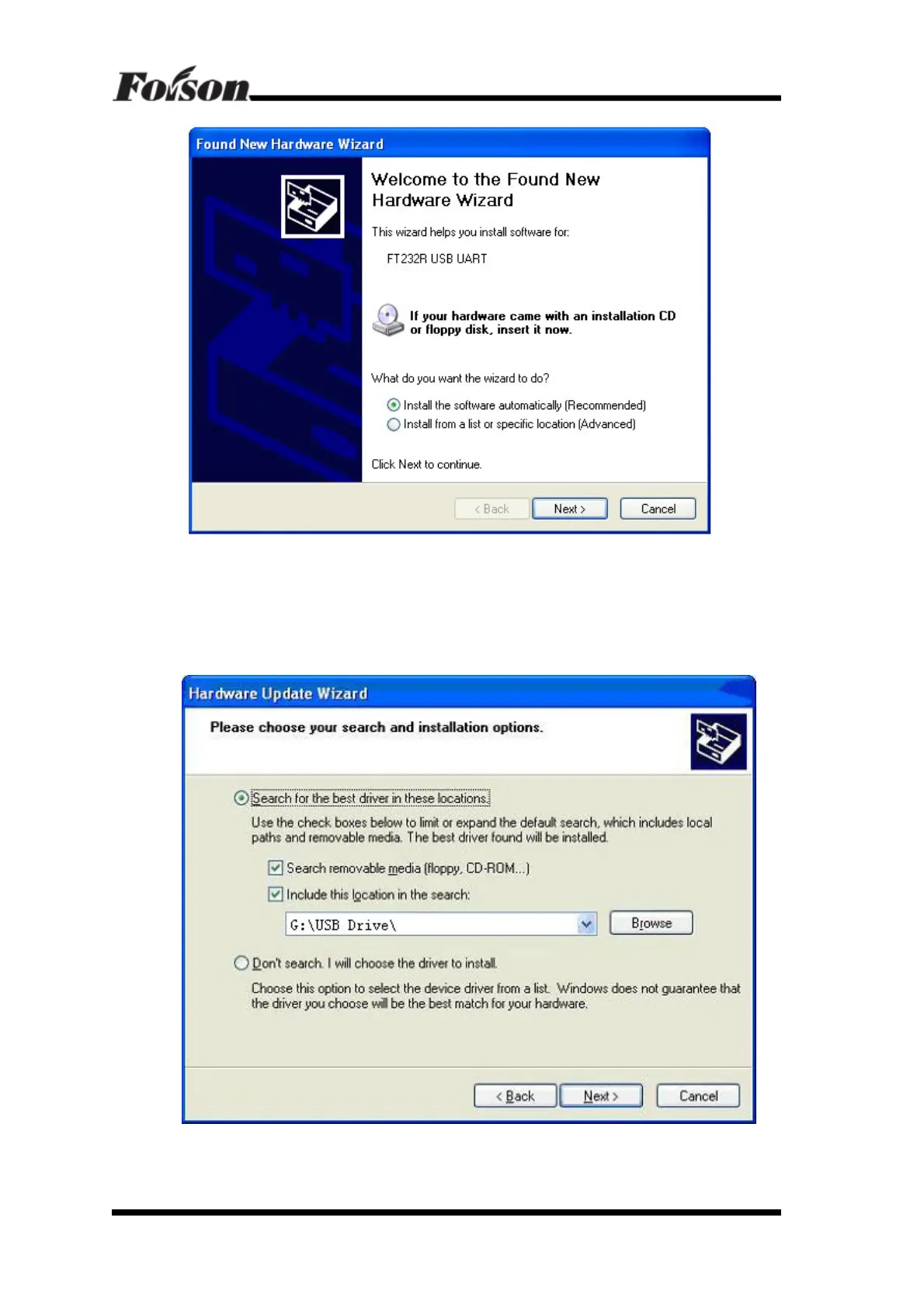
Please select the second one “Install from a list or specific location (Advanced)”:
Click ‘Next’, find CD-ROM drive letter, and find out in USB Driver folder (for
example: G: / USB Driver /), click Next, show as follow
Click install, will pop out follow dialog box



 To Next Page