1. Press and hold SET and UP arrows simultaneously until L1 is displayed.
2. Press and hold SET and UP arrows simultaneously again until L2 is displayed.
3. Use the UP and DOWN arrows to navigate the parameters. When the desired parameter is displayed,
press SET.
4. Use the UP and DOWN arrows to navigate the sub menu of the parameter. Press SET to accept and
the display will return to the parameter list (after 30 seconds the display will return to the temperature
display).
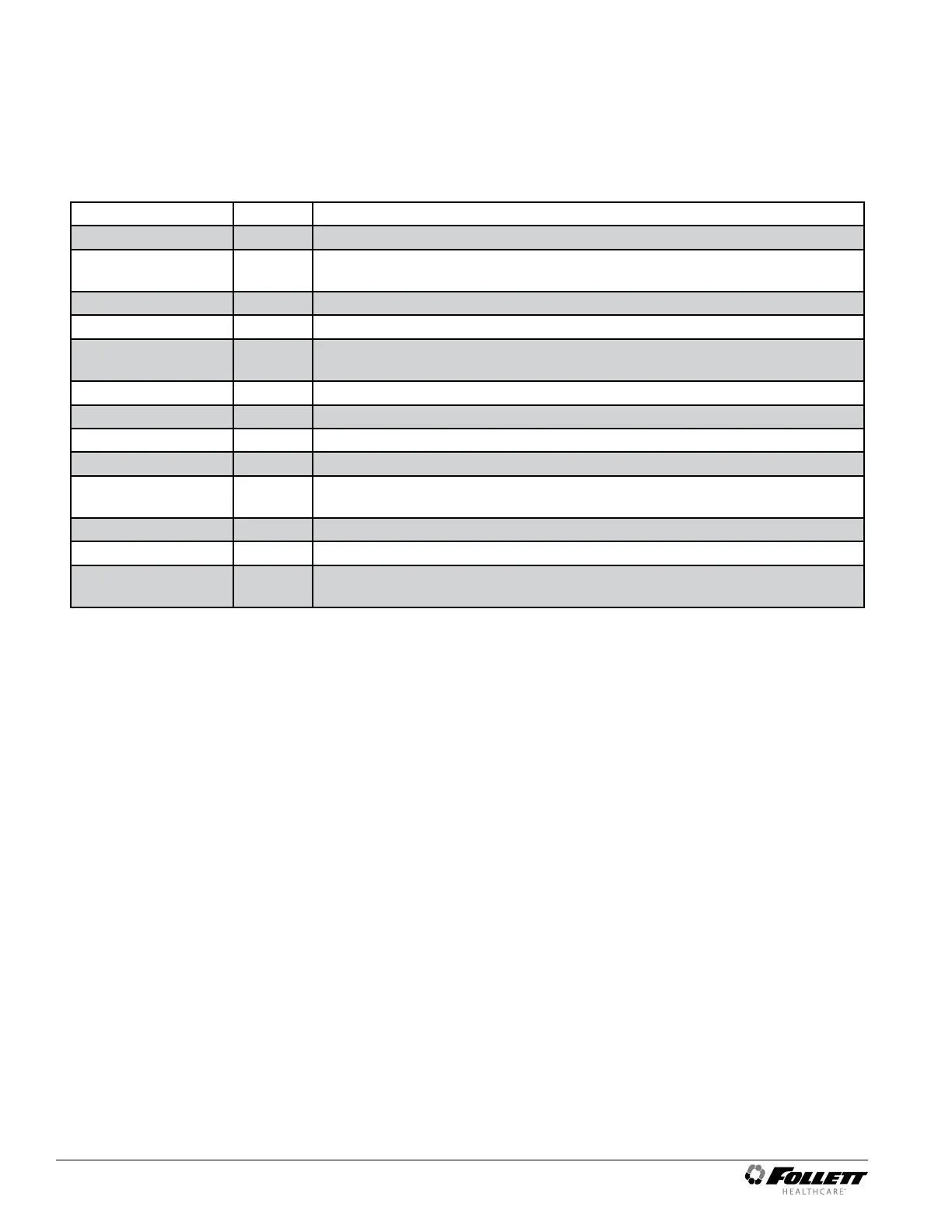
Parameter Display Description
Alarm1 Delay A1d Alarm1 delay before sounding. 0 to 60 minutes
Alarm1 Function A1F Denes the action taken when Alarm2 is activated. NO (normally open), NC
(normally closed), R1 (activate relay), R2 (not used), DIS (disable).
Alarm1 Reset A2r Temperature difference to reset alarm1. 0 to 10 degrees.
Alarm2 Delay A2d Alarm1 delay before sounding. 0 to 60 minutes.
Alarm2 Function A2F Denes the action taken when Alarm2 is activated. NO (normally open), NC
(normally closed), R1 (activate relay), R2 (not used), DIS (disable).
Alarm2 Reset A2r Temperature difference to reset alarm1. 0 to 10 degrees.
Alarm Ring back Arb Denes the time delay until the alarm will resound. 0 to 120 minutes
Alarm Startup Delay ASd Denes the alarm delay during startup. 0 to 180 minutes.
Alarm Silencing ASL Determines if the alarms can be silenced or not. Yes, No.
Maintain Alarm nAL Determines if the alarm (1-3) should be maintained if the temperatures fall
back into range. Yes, No.
Probe 1 Calibration P1C Offset value for probe 1 calibration. –9.9 to 9.9.
Probe 3 Calibration P3C Offset value for probe 3 calibration. –9.9 to 9.9.
Controller Parameter
Reset
rSt Reset to restore factory parameters.
14 REFVAC4P, REFVAC5P Undercounter Refrigerators




 To Next Page