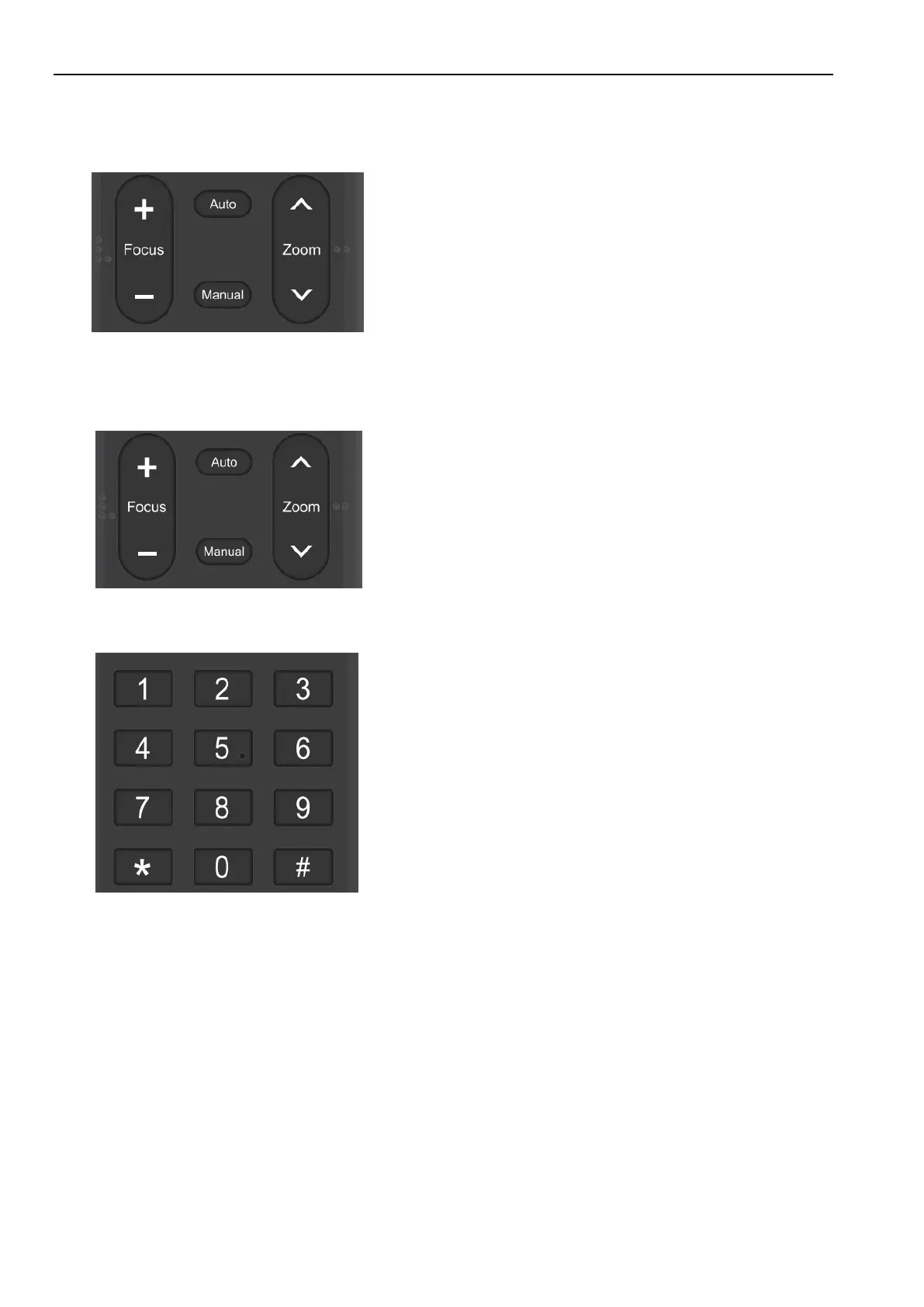
Auto: auto focus mode
Manual: manual focus mode
Focus + (near):Press【FOCUS +】 key (Valid only in
manual focus mode)
Focus - (far): Press 【FOCUS -】 key (Valid only
in manual focus mode)
Press and hold the keys, the action of focus will keep
continue and stop as soon as the key is released.
ZOOM +: press【ZOOM ︿】key to zoom in
ZOOM - : press【ZOOM ﹀】key to zoom out
Press and hold the keys, the action of focus will keep
continue and stop as soon as the key is released.
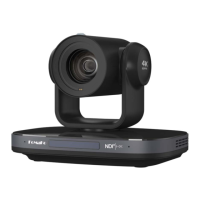
Set Preset: press 【 PRESET】 button, and then press
the number key 0-9 to set preset positions.
Note: 10 presets via remote control.
Call Preset: Press a number key 0-9 directly to call a
preset position.
Note: If the number key is not preset, it is invalid.
Clear Preset: press 【CLEAR】 button, and then press
the number key 0-9 to clear preset positions.
Note : press the【#】 key three times continually to


 To Next Page