FoMaKo -
Focus Your Streaming www.fomako.net
3. Remote Control
3.1
Keys Introduction for IR Remote Control
After camera starts normally, it receives and executes the infrared command, press the button of the remote control,
the remote control receiving indicator light flashes green, release the button, the indicator light stops flashing. You
can use the infrared remote control to perform operations such as preset position setting, positioning, leveling, and
tilting.
1).
In this manual, “press the key” means a click rather than a long-press, and a special note will be given if a long-
press for more than one second is required.
2).
When a key-combination is required, do it in sequence. For example,“ 【*】+【#】+【F1】”means press
“【*】”first and then press“【#】” and last press“【F1】”.
1.
Standby Key
The camera enters standby mode if long press 3s on standby key;
Long press 3s again on the standby key, the camera will self-check again and return to HOME position (If preset 0
position is set, the camera will return to preset 0 position without operation within 12s).
2.
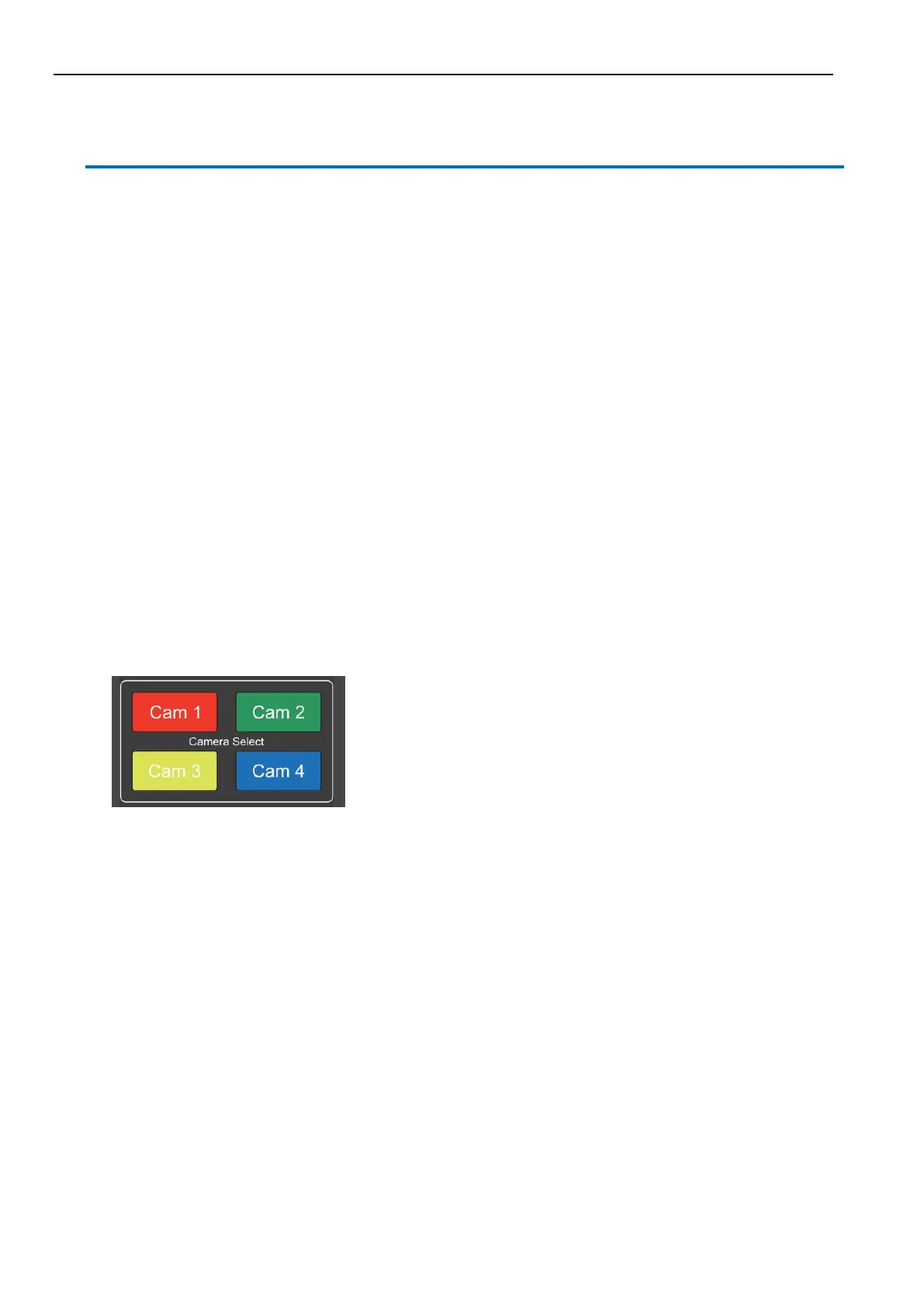
Camera Selection
Select the camera address to control.


 To Next Page