FoMaKo -
Focus Your Streaming www.fomako.net
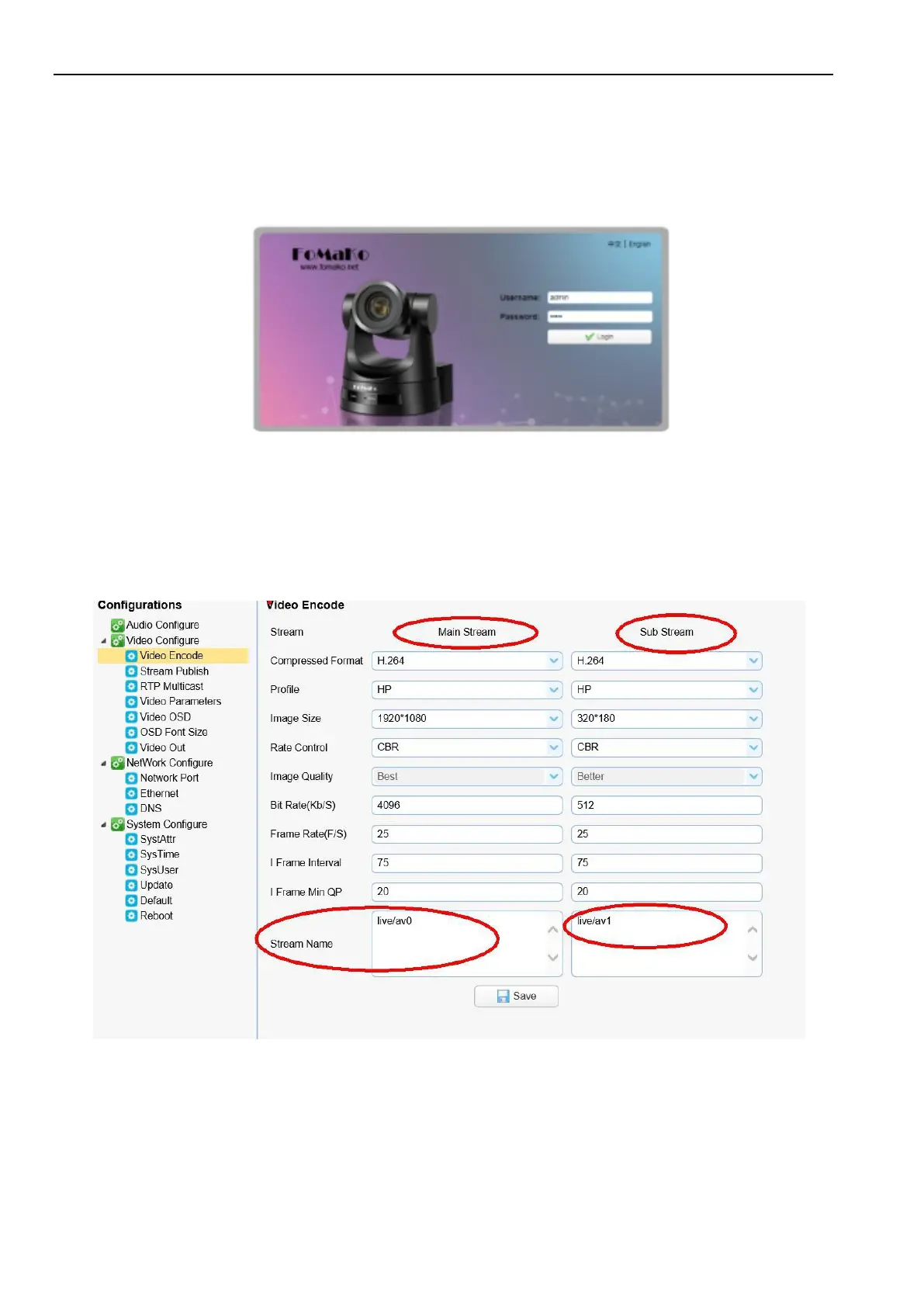
Client; If login in as normal user (Default User name/Password: user1 or user2), users can only preview, playback
and logout, no option for configuration.
Language Selection: click Chinese/English in the upper right corner of the login page to select the language type of
the web interface.
4.3
Streaming
1.
Video Stream Capture
1)
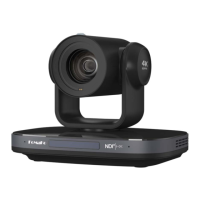
Configurations -> Video Configure-> Video Encode
Configure the parameters according to the network environment. Note: stream name live/av0 (live/ XXX)
For example:
Camera’s example IP is 192.168.0.100. The way to obtain the RTSP video stream is as below
rtsp://192.168.0.100:554/live/av0
(
av0 main stream
)
rtsp://192.168.0.100:554/live/av1(av1 sub stream)
Camera’s example IP is 192.168.0.100. the way to obtain RTMP video stream is as below
rtmp://192.168.0.100:1935/live/av0(av0 main stream)


 To Next Page