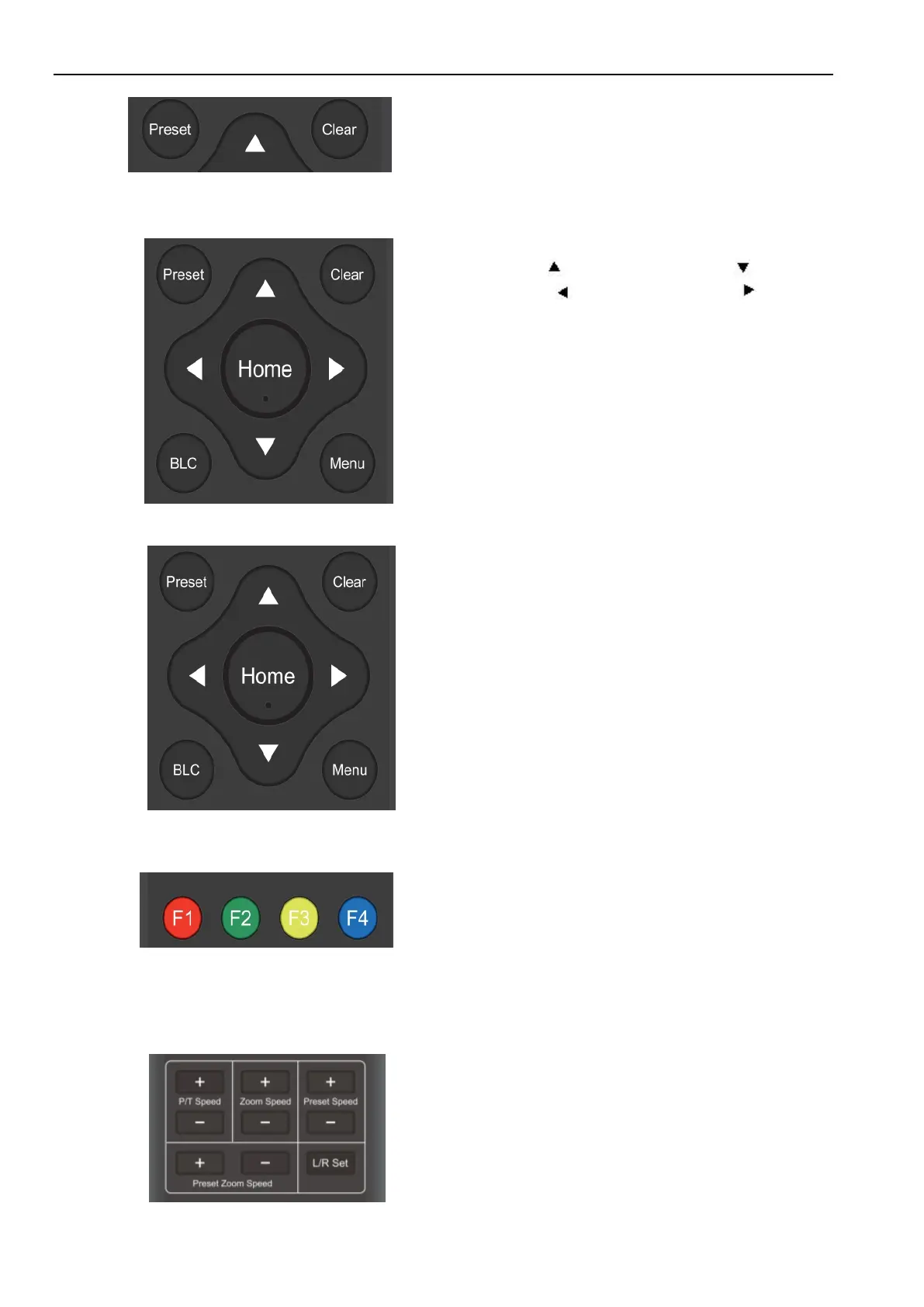
clear all presets.
Up: press Down: press
Left: press Right: press
Back to middle position: press“【HOME】”
Press and hold the up/down/left/right key, the pan/tilt
movements will keep running, from slow to fast, until it
runs to the endpoint; stop as soon as the key is released.
【MENU】: Open / close the OSD menu
【HOME】: Camera lens back to the middle position;
Confirm button; Enter next menu
【↑】【↓】:Choose item
【←】【→】:Modify values
【BLC】:Turn on or off the back light compensation
【*】+【#】+【F1】:Camera Address No.1
【*】+【#】+【F2】:Camera Address No. 2
【*】+【#】+【F3】:Camera Address No. 3
【*】+【#】+【F4】:Camera Address No. 4
P/T Speed + :Remote Control Pan/Tilt Speed +
P/T Speed - :Remote Control Pan/Tilt Speed -
Zoom Speed + :Remote Control Zoom Speed +
Zoom Speed - :Remote Control Zoom Speed -
Preset Speed + :Remote Control Preset Speed +
Preset Speed - :Remote Control Preset Speed -
Preset Zoom Speed + :Remote Control Preset Zoom Speed +
Preset Zoom Speed - :Remote Control Preset Zoom Speed -
L/R Set: Control the forward and reverse rotation of P/T


 To Next Page