7
7
.
.
4
4
S
S
t
t
e
e
p
p
s
s
f
f
o
o
r
r
R
R
e
e
c
c
e
e
i
i
v
v
i
i
n
n
g
g
R
R
F
F
M
M
o
o
d
d
u
u
l
l
e
e
t
t
o
o
P
P
a
a
i
i
r
r
w
w
i
i
t
t
h
h
T
T
r
r
a
a
n
n
s
s
m
m
i
i
t
t
t
t
e
e
r
r
* The pairing is for one transmitter to one receiving RF module only. No 2 transmitters or more than
2 enter pairing mode at the same time. Please refer to the pairing steps as below:
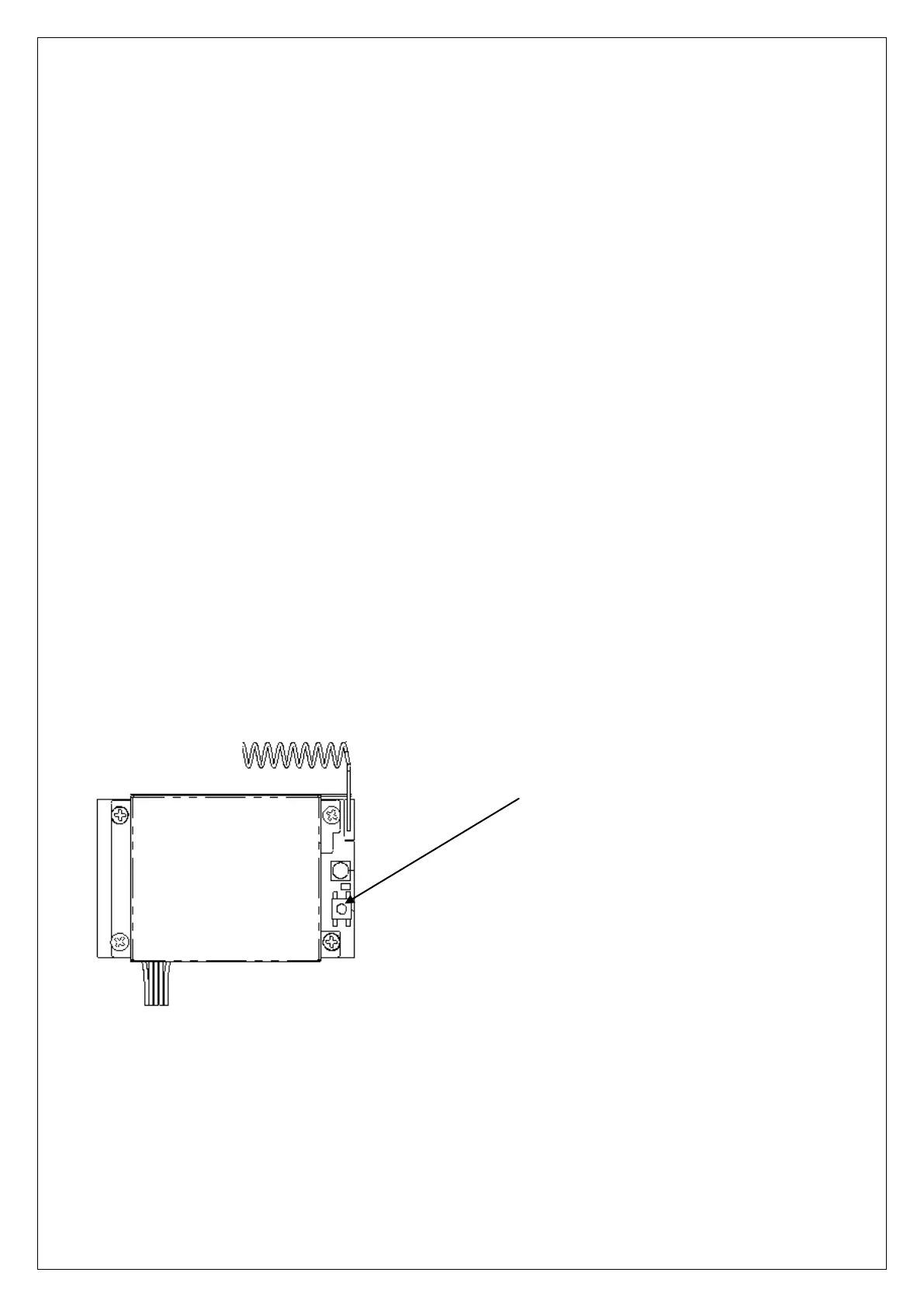
1. Receiving RF module_Press and hold PAIR button until the pairing is successful. (Red status
light is off, receiving RF module enters pairing mode.)
2. Transmitter_Rotate the transmitter power switch to OFF position and close it to the receiving RF
module.
3. Transmitter_Press and hold Up/Down button at the same time, then rotate the power switch to
ON position.
4. Transmitter_After the power switch is turned on, release Up/Down button and press WEST
button (the 4
th
button). (The green status light flashes slowly => transmitter enters pairing mode)
5. Receiving RF module_Wait until the red status light blinks (0.1 sec On/0.1 sec Off).
5-1 Receiving RF module: Blinks -> transmitter pairing successfully and the receiving RF
module will memorize the pairing transmitter ID.
5-2 Receiving RF module: If the blink status light is not appeared after 1 minutes, then turn
off the transmitter and receiver power and start the pairing from step 1 again.
6. After pairing is successful:
6-1 Receiving RF module: Release the transmitter PAIR button to end the pairing mode. (At this
time, the red status light of the receiving RF module flashes slowly => It means the pairing
with the transmitter is successful and can be operated normally.)
6-2 Transmitter: Turn off the transmitter power to end the pairing mode and then turn on the
transmitter again to operate normally.
Receiving RF module LED:
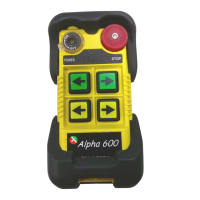
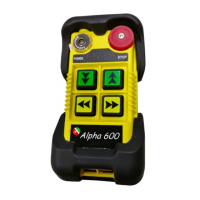
α604 refer to 4.1.2 (11) transmitter pairing button
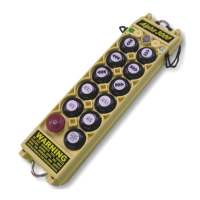
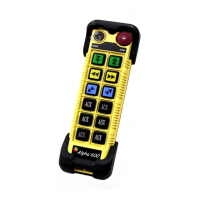
α607/8 refer to 4.1.3 (13) transmitter pairing button
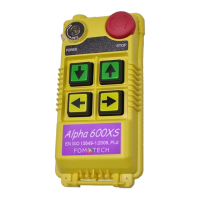
α612 refer to 4.2.2 (17) transmitter pairing button



 To Next Page