102
10-3-3. [CHR KEY - FORGND] Menu
CHR KEY :>AUTO CK >ADJUST >MATT >FORGRND
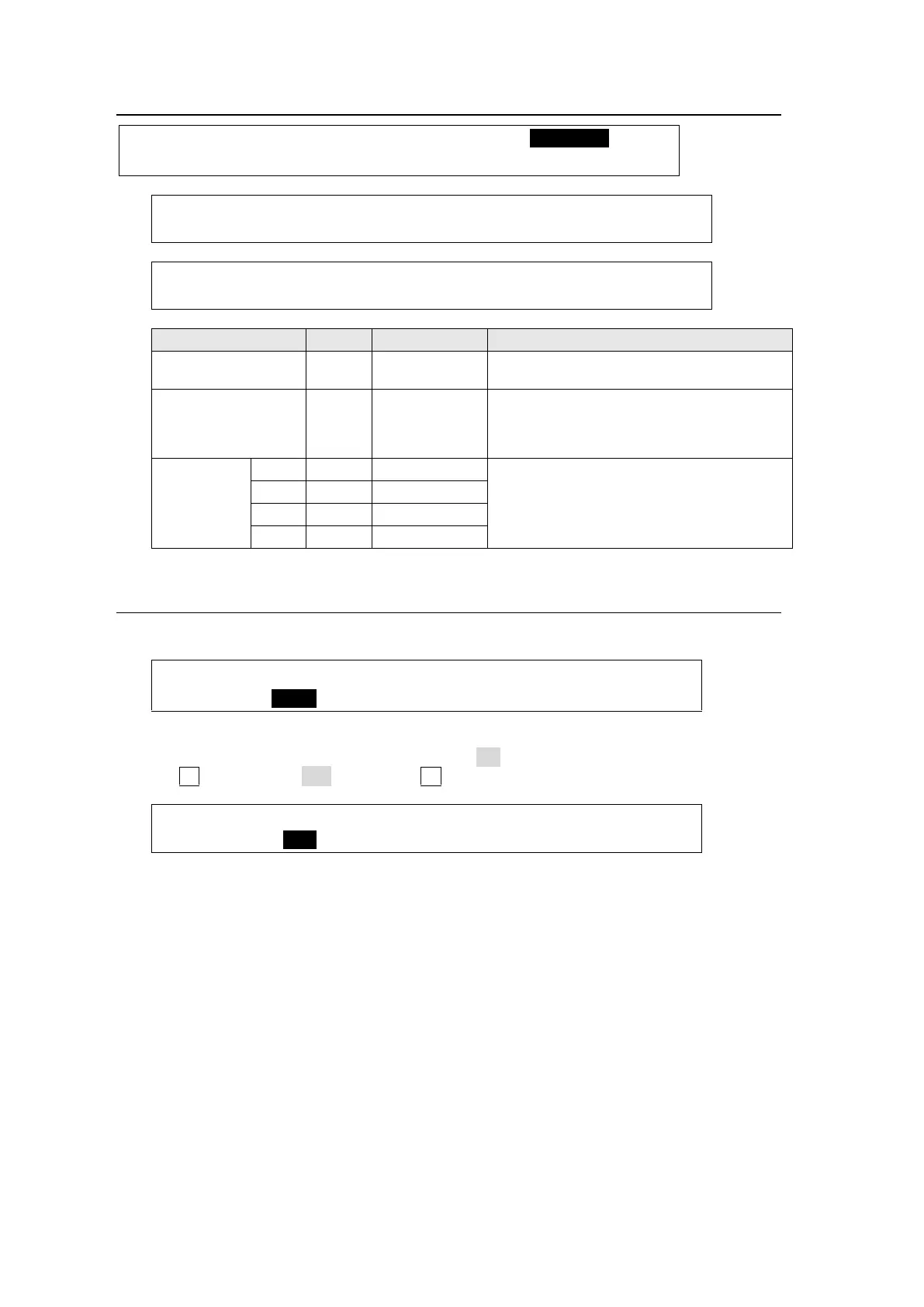
CHR KEY :RSV FLT:L&D EMP: : 1/2
FOREGND : =0 : =0 : :
CHR KEY : EDGE REPLACE : 2/2
FOREGND :T=OFF B=OFF L=OFF R=OFF :
Enables/disables the filter, which reduces
flicker noise.
Setting ON increases the contrast ratio:
bright parts become brigher and dark parts
become darker based on the back color
luminance level.
Setting ON change edge colors to the
foreground object color.
10-3-4. Resetting Chromakey Settings
(1) Display the [CHR KEY - INIT] submenu.
CHR KEY :>AUTO CK >ADJUST >MATT >FORGRND
(2) If you want to keep the SIGNAL setting in the [CHR KEY - AUTO CK] (1/2) menu
(Chromakey source signal), set XPT HOLD to ON.
(3) Turn F1 to set INIT to ALL, then press F1.
CHR KEY :INIT :XP HOLD: : 1/1
INIT : =ALL : =OFF : :



 To Next Page