128
13-5. Saving / Loading Screen Layouts
Up to eight screen layout patterns can be saved to / loaded from the [SETUP - OUTPUT - MV]
menu.
13-5-1. Saving a Screen Layout
(1) Open PAGE 1 in the [SETUP - OUTPUT - MV] menu.
(2) Turn F3 to select the memory number.
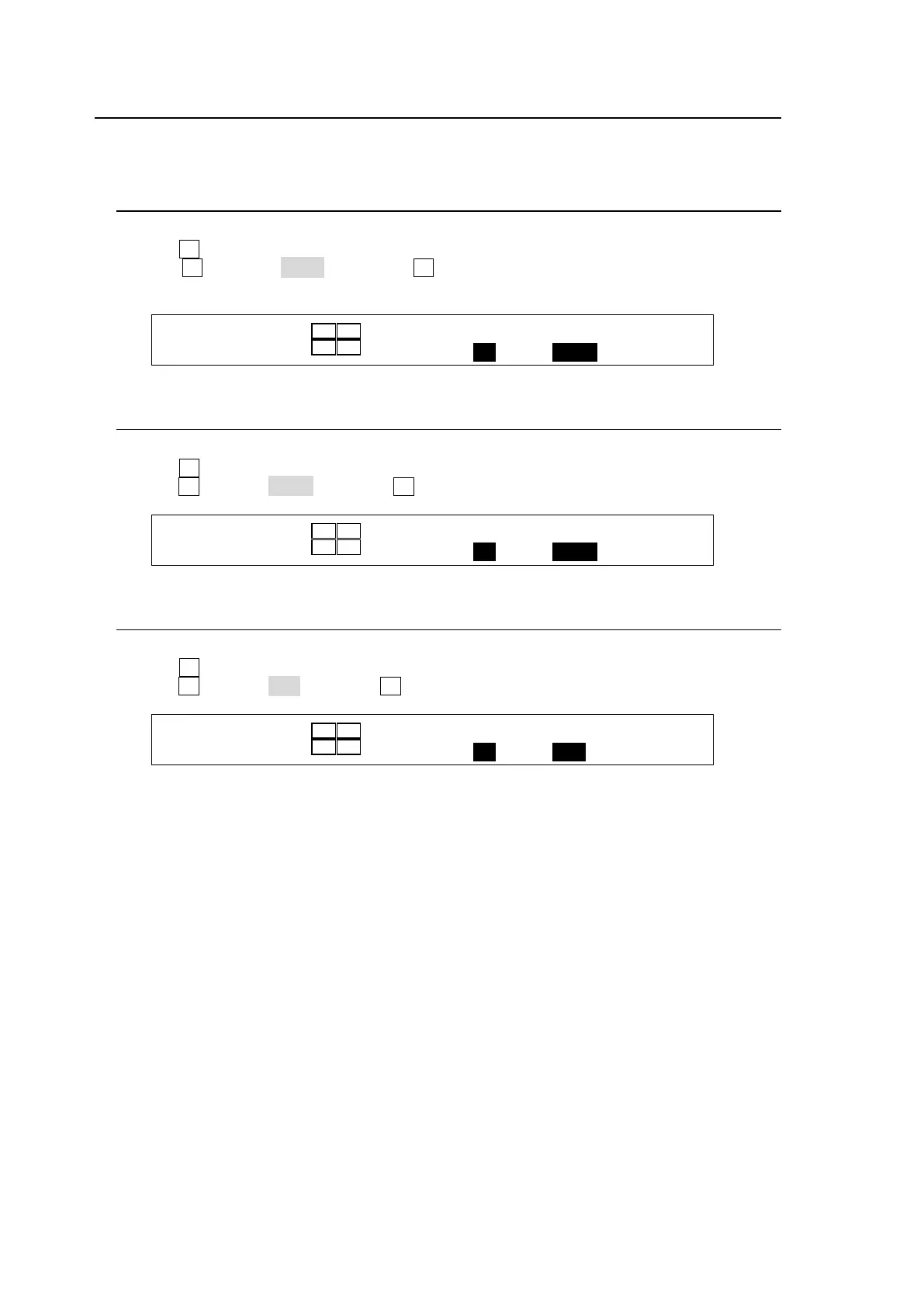
(3) Turn F4 to select SAVE and press F4. The current layout settings are saved to the
selected memory number.
OUTPUT : DIV : : USER PRESET : 1/7
13-5-2. Loading a Screen Layout
(1) Open PAGE 1 in the [SETUP - OUTPUT - MV] menu.
(2) Turn F3 to select the memory number.
(3) Turn F4 to select LOAD and press F4. The screen layout will be loaded.
OUTPUT : DIV : : USER PRESET : 1/7
13-5-3. Deleting Screen Layout Data
(1) Open PAGE 1 in the [SETUP - OUTPUT - MV] menu.
(2) Turn F3 to select the memory number.
(3) Turn F4 to select DEL and press F4. The memory data will be deleted.
OUTPUT : DIV : : USER PRESET : 1/7



 To Next Page